


12 Facebook Marketing Strategy for Restaurants: More Orders
Facebook still has nearly 3 billion monthly active users, and a huge chunk of them are searching for places to eat. If you run a restaurant and you're not using a facebook marketing strategy for restaurants, you're leaving orders on the table, literally. The platform gives you tools to reach local diners, showcase your menu, and drive direct orders without spending a fortune.
But posting a food photo once a week and hoping for the best won't cut it. The restaurants that win on Facebook are the ones with a clear plan: optimized pages, consistent content, smart ad targeting, and a direct path from "that looks amazing" to a completed order. That last part matters more than most owners realize. Sending Facebook traffic to a third-party delivery app means giving up 30% of every sale in commissions.
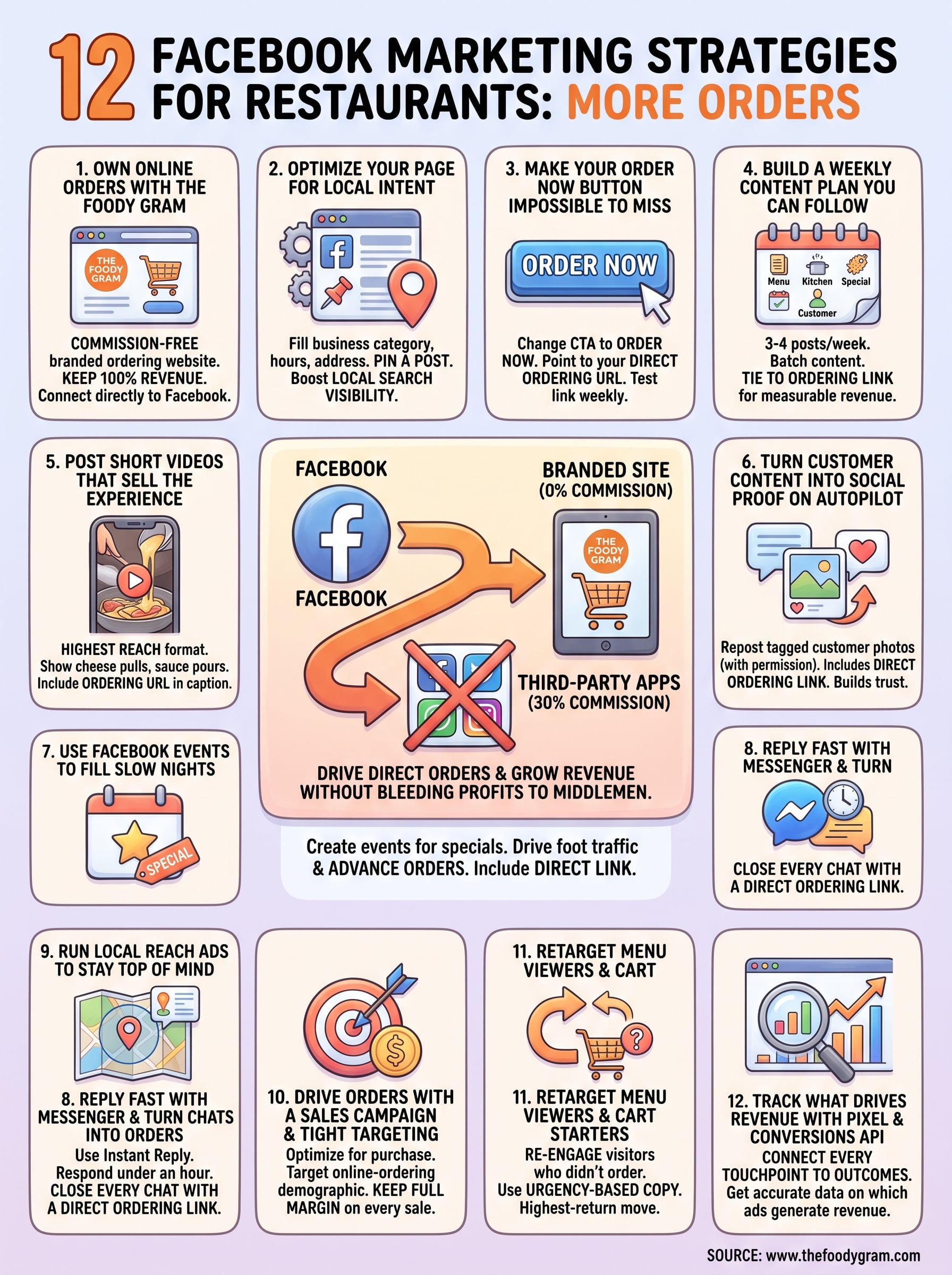
That's exactly why we built The Foody Gram, a commission-free online ordering platform that gives restaurants their own branded website where every Facebook click can turn into a direct, full-margin order. In this guide, we're breaking down 12 proven Facebook marketing strategies that restaurant owners are using right now to fill more seats, move more takeout, and grow revenue without bleeding profits to middlemen.
1. Own online orders with The Foody Gram
Every facebook marketing strategy for restaurants needs a destination, and that destination should never be a third-party app that takes 30% of every order you work hard to generate. The Foody Gram gives you a commission-free branded ordering website you own outright, so every customer Facebook sends your way pays you in full, not a platform that treats your diners as its own asset.
Goal
Your goal here is straightforward: make The Foody Gram your restaurant's primary ordering hub and connect it directly to your Facebook presence. When a customer clicks through from a Facebook post or ad, they land on your branded site, not a marketplace packed with competitors offering discounts. You keep 100% of the order revenue and collect customer data that third-party apps typically hold back from you.
Sending Facebook traffic to Uber Eats or DoorDash is like paying for an ad campaign that sends customers straight to your competition.
Setup
Getting started takes far less time than most restaurant owners expect. The Foody Gram team builds your custom branded website within 48 to 72 hours, uploads your full menu, and handles all the technical configuration so you never need to touch a line of code. Once your site is live, connecting it to Facebook takes three focused steps:
- Add your Foody Gram URL as your Facebook Page's primary website link
- Set that URL as the destination for your Order Now call-to-action button
- Drop the link into every promotional post, event, and story you publish
Pro tips
Pin a post to the top of your Facebook Page that leads with your direct ordering link and gives people a clear reason to click, such as a limited-time special or a first-order perk. Pair that pinned post with a Facebook ad pointing to the same URL so both organic visitors and paid audiences arrive at your own site rather than a third-party platform. Consistency across every Facebook touchpoint builds the habit of ordering directly from you.
Metrics to track
Check these numbers every week to confirm your Facebook traffic is converting into real revenue:
- Direct order revenue inside your Foody Gram dashboard
- Website clicks pulled from Facebook Page Insights
- Cost per order from any paid campaigns pointing to your ordering site
- Repeat customer rate tracked through your customer data dashboard
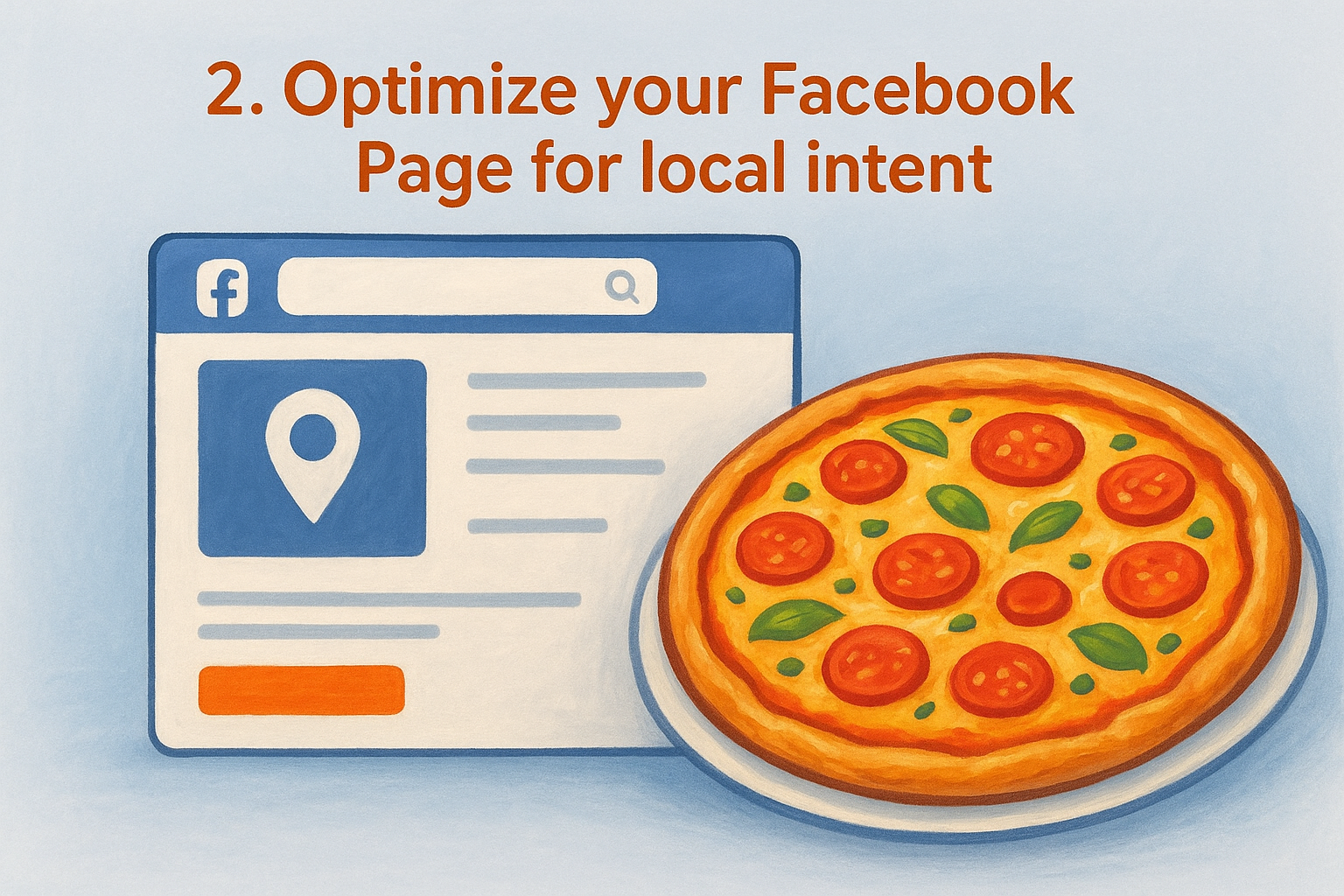
2. Optimize your Facebook Page for local intent
Your Facebook Page is often the first impression a nearby diner gets before they ever walk through your door. Most restaurants leave critical fields half-filled or outdated, which hurts their local search visibility inside Facebook and on Google, where Pages frequently appear in local results.
Goal
The goal is to make your Page appear when someone nearby searches for your type of food. A fully optimized Facebook Page signals to the algorithm that your business is active and relevant to local users. This foundation supports every other element of a strong facebook marketing strategy for restaurants you build on top of it.
Setup
Fill out every field Facebook provides. Leaving any of these blank weakens your local ranking.
- Business category: Choose the most specific option, such as "Pizza Restaurant" over "Restaurant"
- Address and hours: Keep these accurate, including any holiday changes
- About section: Include your city or neighborhood name and a brief description of your food
- Website link: Point directly to your commission-free ordering site, not a third-party app
An incomplete Page tells potential customers you might not be open before they ever place an order.
Pro tips
Add your city and neighborhood name naturally into your About section. Facebook scans this text to surface your Page in local searches, so specific language consistently outperforms generic descriptions.
Pin a recent photo or post featuring your current menu or a popular dish. Active Pages rank higher in local results than dormant ones.
Metrics to track
Check "How people find your Page" inside Facebook Insights weekly. Rising search discovery numbers confirm your local optimization is gaining traction.
Track your local reach metric to see how many users within your delivery or pickup radius are seeing your content each week.
3. Make your Order now button impossible to miss
Facebook gives every business Page a customizable call-to-action button that sits prominently at the top of your profile. Most restaurant owners leave it set to "Learn More" and point it nowhere useful. Changing this one setting takes under two minutes and can meaningfully increase the number of visitors who click through to place an order.
Goal
Your goal is to turn passive Page visitors into active customers by removing any friction between "I found your restaurant" and "I just ordered." The Order Now button is the most direct conversion tool Facebook gives you for free, and pointing it to your own commission-free ordering site keeps every dollar of that revenue in your pocket.
Setup
Navigate to your Facebook Page, click Edit Action on the existing button, and select "Order Food" or "Order Now" from the available options. Paste your direct ordering URL from The Foody Gram into the destination field. Confirm the button works by clicking it yourself on both desktop and mobile before you call it done.
A button that goes nowhere costs you orders every single day it stays broken.
Pro tips
Test the button link every time you update your website URL or menu. Facebook does not alert you when a destination link breaks, so a weekly check takes 30 seconds and prevents lost orders.
Referencing the button in your caption copy on posts also helps. Phrases like "tap Order Now at the top of our Page" remind followers the shortcut exists and push attention directly toward it as part of your overall facebook marketing strategy for restaurants.
Metrics to track
Pull button click data from Facebook Page Insights weekly. A low click rate signals your audience needs more prompting toward that button inside your content.
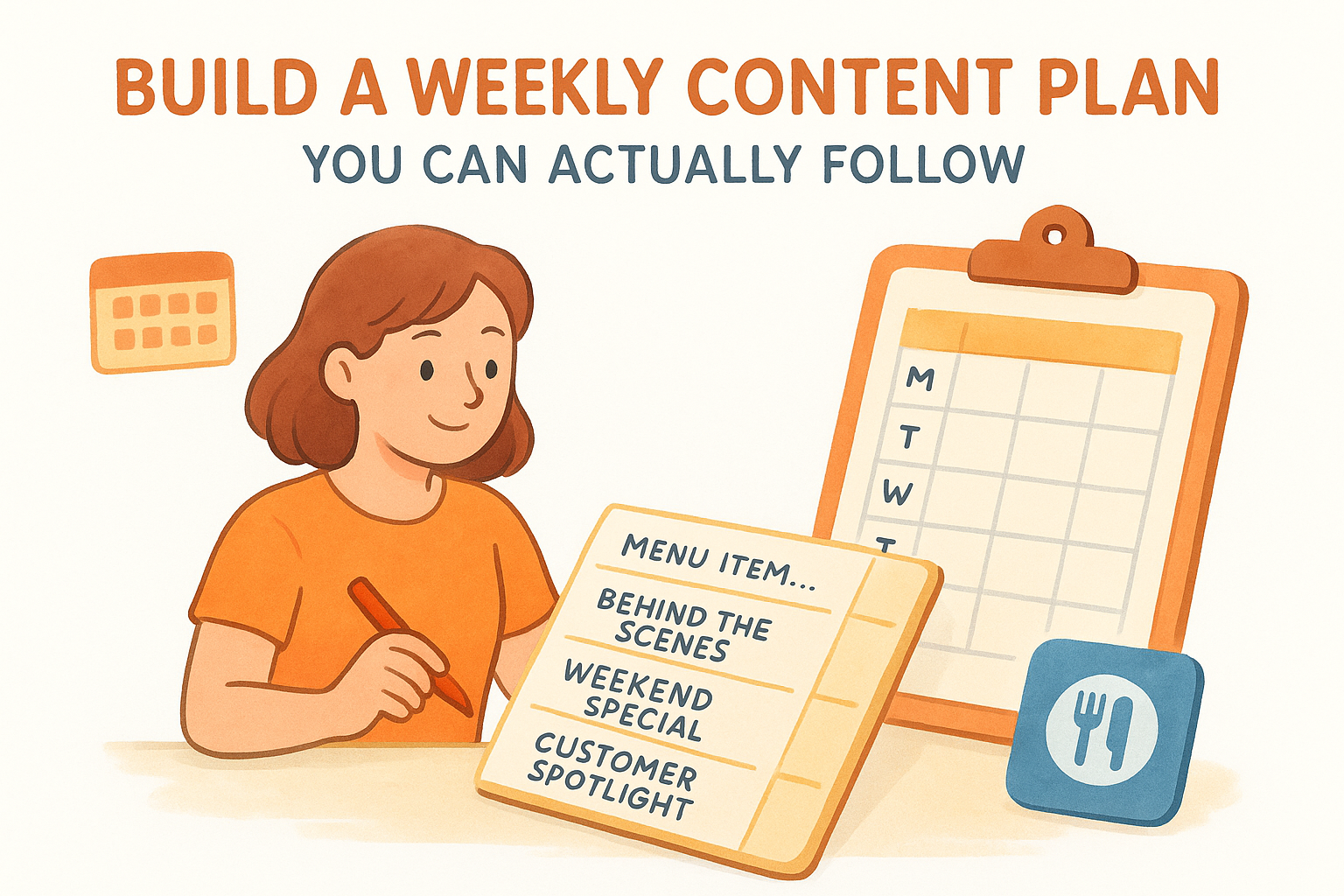
4. Build a weekly content plan you can actually follow
Inconsistent posting kills your organic reach faster than almost anything else on Facebook. Restaurants that post sporadically train the algorithm to deprioritize their content, and followers stop expecting anything from them. A simple weekly content calendar solves this problem without requiring a dedicated social media team.
Goal
Your goal is to show up consistently enough that Facebook's algorithm keeps pushing your content to local feed placements and that your followers develop a habit of engaging with your Page. Consistency compounds over time, and a modest posting schedule you actually maintain will outperform an ambitious one you abandon after two weeks. This is a foundational piece of any solid facebook marketing strategy for restaurants.
Setup
Plan for three to four posts per week and assign each day a content type so you never stare at a blank screen wondering what to post.
| Day | Content Type |
|---|---|
| Monday | Menu item spotlight with ordering link |
| Wednesday | Behind-the-scenes kitchen or staff moment |
| Friday | Weekend special or limited offer |
| Sunday | Customer photo or community moment |
Batch-create your content on one day each week so posting takes under five minutes per day.
A content calendar you can follow every week beats a perfect strategy you abandon after one month.
Pro tips
Keep a running photo folder on your phone with 10 to 15 usable images at all times. A buffer of ready content removes the biggest excuse for skipping a post. Tie at least two posts per week back to your direct ordering link so your calendar drives measurable revenue, not just engagement.
Metrics to track
Monitor post reach and engagement rate inside Facebook Insights weekly. Track which content types generate the most link clicks to your ordering site, then shift your calendar toward more of what converts.
5. Post short videos that sell the experience
Short-form video is the highest-reach content format on Facebook right now. The algorithm consistently pushes video to more feeds than static images, which means a 30-second clip of your kitchen in action can reach far more local diners than any photo you post, without spending a dollar on ads. Incorporating video into your facebook marketing strategy for restaurants is one of the fastest ways to grow organic visibility.
Goal
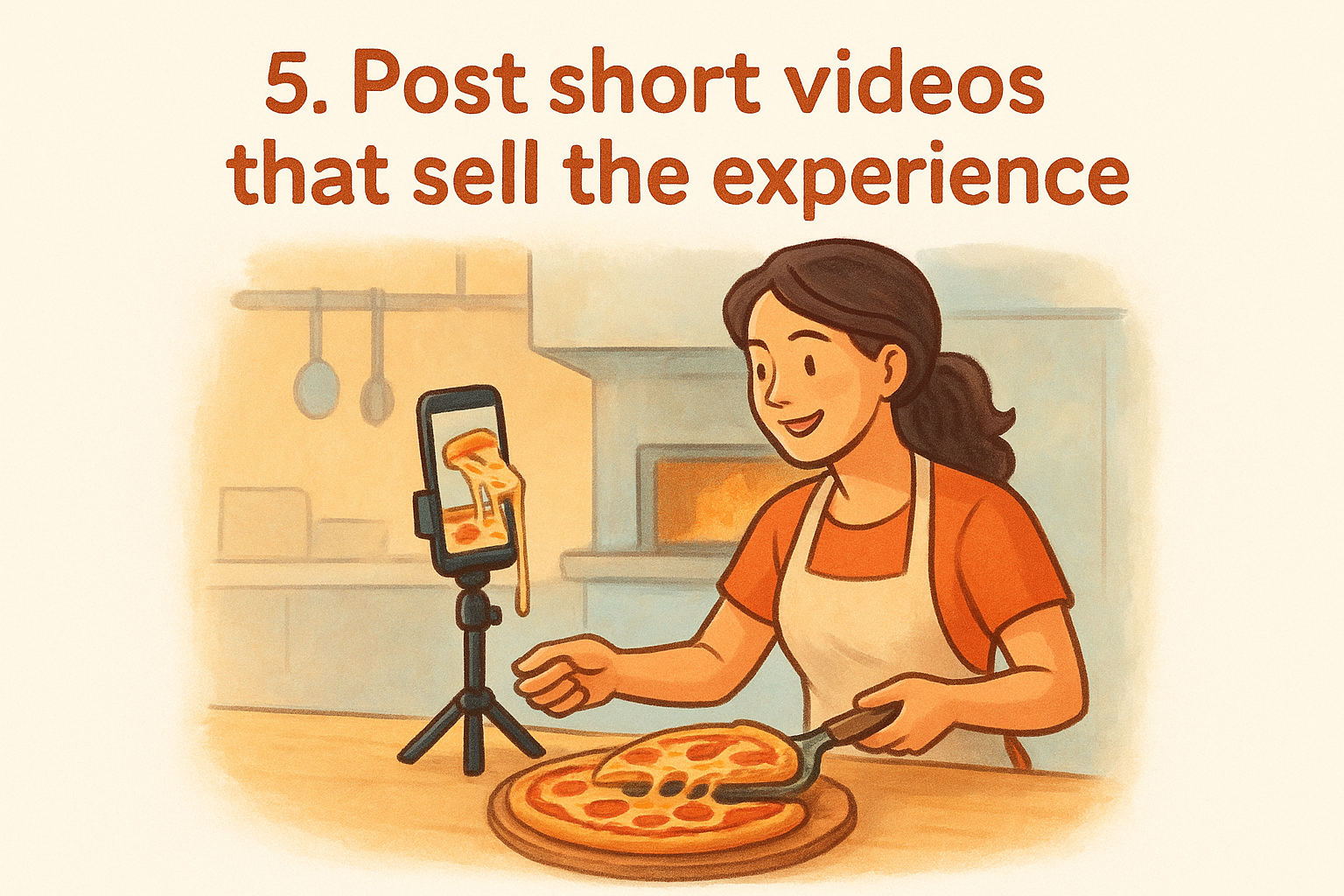
Your goal is to use video to make potential customers feel hungry and curious before they ever walk through your door or open a delivery app. Video communicates texture, heat, and atmosphere in ways a photo simply cannot. When someone watches your cook pull a fresh pizza from the oven, they are far more likely to click your ordering link than someone who scrolled past a flat image.
Setup
You do not need professional equipment. A steady smartphone, good natural lighting, and a clean surface are enough to produce compelling content. Focus on these video types:
- A 20 to 30-second cheese pull, sauce pour, or plate build
- A quick look at a daily special with your ordering URL in the caption
- A 15-second behind-the-scenes clip showing your kitchen or prep process
Pro tips
Post your video natively to Facebook rather than sharing a link from another platform. Native uploads receive significantly higher reach from Facebook's algorithm than external links. Keep captions short and end every one with a direct call to action pointing to your ordering site.
Facebook native video averages three times more reach than a link post to the same content hosted elsewhere.
Metrics to track
Watch video reach and average watch time inside Facebook Insights. Higher watch time signals the algorithm to push your video to more feeds. Track link clicks on video posts separately to confirm your content actually converts viewers into paying customers.
6. Turn customer content into social proof on autopilot
When a real customer posts a photo of your food, that image carries more credibility than anything you create yourself. Reposting that content onto your Page costs you nothing, builds trust with new visitors, and keeps your feed active even on days when you have nothing new to shoot.
Goal
Your goal is to build a steady stream of customer-generated content that acts as word-of-mouth advertising on Facebook. A single shared photo from a satisfied diner tells potential customers that real people chose your restaurant and enjoyed it, which is one of the most powerful signals in any facebook marketing strategy for restaurants.
Setup
Start by asking customers to tag your Page when they post. A small card at the table or a line in your order confirmation email is enough to plant the habit. When tagged content appears, follow these steps:
- Ask the customer's permission before reposting to your Page
- Share the original post with a short caption that highlights the dish or experience
- Include your direct ordering link so the social proof moment connects to a clear next step
Pro tips
Create a simple message template you send to customers who tag you, thanking them and asking permission to reshare their photo. Most people say yes, and the act of asking itself reinforces a positive relationship with your brand.
Customers who see their own content featured on your Page are far more likely to order again and bring someone new.
Metrics to track
Track engagement rate on reposted customer content versus your original posts. Higher engagement on shared content confirms that social proof posts resonate with your audience and justifies making them a regular part of your weekly calendar.
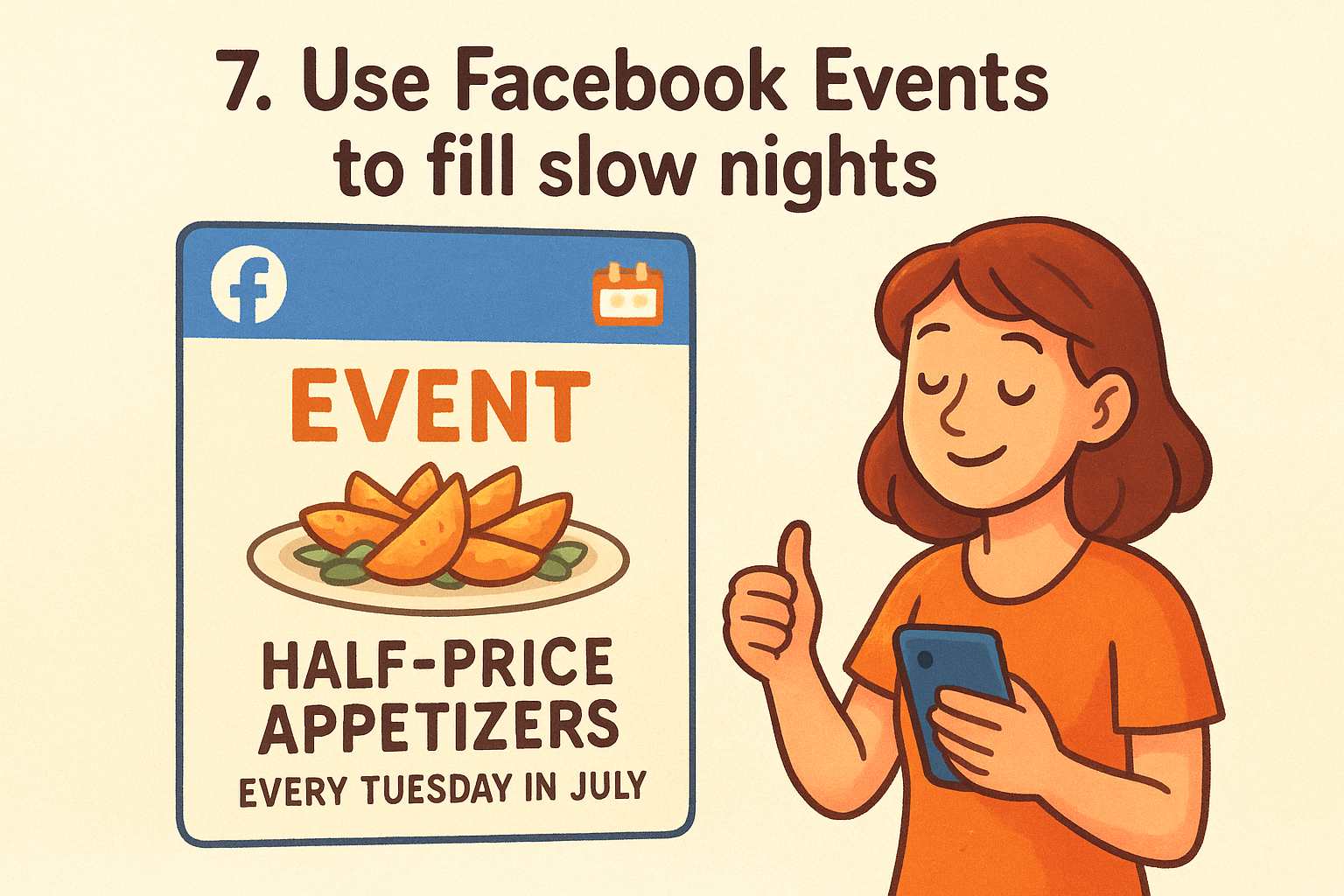
7. Use Facebook Events to fill slow nights
Facebook Events give your restaurant a free promotional tool that most owners overlook entirely. When you create an event, Facebook surfaces it to local users who match your audience profile, giving you organic reach that a standard post rarely generates on its own.
Goal
Your goal is to drive foot traffic and advance online orders during your slowest days by giving people a specific reason to show up. Events create urgency that a regular menu post cannot replicate, and they fit naturally into any facebook marketing strategy for restaurants that targets local diners.
Setup
Create your event directly from your Facebook Page rather than your personal profile so the reach connects to your business audience. Build each event with these elements in mind:
- A clear, specific title such as "Half-Price Appetizers Every Tuesday in July"
- Your direct ordering link from The Foody Gram in the event description for anyone who wants to pre-order
- A high-quality photo of the featured dish or promotion
- Accurate date, time, and address fields so Facebook can surface the event in local searches
Events with a linked ordering option convert casual interest into confirmed orders before the night even starts.
Pro tips
Invite your existing Page followers to the event manually during the first 24 hours. Early RSVPs signal Facebook to push the event to a wider local audience organically. Post an update inside the event itself two days before the date to re-engage anyone who clicked "Interested" but has not committed.
Metrics to track
Track event responses (Going and Interested) alongside ordering link clicks directly from the event description. Rising responses with low link clicks tells you the offer needs a stronger call to action.
8. Reply fast with Messenger and turn chats into orders
Facebook Messenger is a direct line between your restaurant and hungry customers who are one question away from placing an order. Most restaurants treat Messenger as an afterthought and lose those customers to a competitor who responds faster. Building Messenger into your facebook marketing strategy for restaurants closes that gap and converts curiosity into confirmed sales.
Goal
Your goal is to cut response time down so that no incoming question goes unanswered for more than an hour during business hours. A fast reply keeps the customer's appetite alive and their attention on you. Slow replies break momentum, and most people simply order somewhere else rather than wait.
Setup
Turn on Facebook's Instant Reply feature inside your Page settings to send an automatic first response the moment someone messages you. Customize that message to confirm you received their question and include your direct ordering link from The Foody Gram so a motivated customer can place an order immediately without waiting for your full reply.
An automatic reply with your ordering link can generate a sale even before you read the original message.
Pro tips
Create a short list of saved replies inside Messenger for the questions you receive most often, such as hours, delivery radius, and daily specials. Saved replies let you respond in seconds rather than typing the same answer repeatedly. Always close each conversation with a direct ordering link and a specific reason to use it, such as a same-day special or a popular item running low.
Metrics to track
Monitor your Page response rate and average response time inside Facebook Insights weekly. A response rate above 90% and a reply time under one hour unlocks Facebook's "Very Responsive" badge, which increases visitor trust on first contact.
9. Run local reach ads to stay top of mind
Organic content keeps your existing followers engaged, but local reach ads push your restaurant in front of people who have never heard of you. Even a small daily budget, say five to ten dollars, can put your food in front of thousands of nearby diners on a consistent basis. This is where a paid facebook marketing strategy for restaurants starts working alongside your organic effort to build real brand familiarity in your area.
Goal
Your goal is sustained local visibility, not a single spike in traffic. Reach campaigns optimize for the number of unique people who see your ad rather than for clicks or conversions. When someone sees your food three or four times over two weeks, they are far more likely to order from you the next time hunger strikes.
Setup
Build your campaign inside Facebook Ads Manager using the Reach objective. Set your geographic targeting to a one-to-five mile radius around your restaurant depending on your delivery area. Use a single strong food image or short video paired with a caption that includes your direct ordering link.
Tight geographic targeting keeps your ad spend focused on people who can actually become paying customers.
Pro tips
Run your ads on a dayparting schedule so they appear during peak decision windows, typically late morning and late afternoon when people are thinking about lunch or dinner. Refresh your creative every two to three weeks to prevent ad fatigue, which causes your reach and engagement to drop even if your budget stays the same.
Metrics to track
Watch reach, frequency, and cost per thousand impressions inside Ads Manager weekly. A frequency above four within a single week signals your audience is oversaturated and needs either a larger targeting radius or fresh creative.
10. Drive orders with a Sales campaign and tight targeting
A Reach campaign builds awareness, but a Sales campaign pushes people to act right now. When you combine the right campaign objective with precise local targeting, Facebook stops showing your ad to casual scrollers and starts showing it to people who are most likely to place an order today. That shift in intent makes a meaningful difference in your return on ad spend.
Goal
Your goal is to generate direct, trackable orders from Facebook ads by using the Sales objective, which tells Facebook's algorithm to find users in your area who have a demonstrated history of purchasing online. This is the point in your facebook marketing strategy for restaurants where your ad budget works hardest, because every dollar targets behavior rather than location alone.
Setup
Inside Facebook Ads Manager, create a new campaign and select the Sales objective. Set your conversion event to a purchase or a key action on your ordering site, such as a confirmed order submission. Point your ad destination directly to your Foody Gram ordering page and layer your targeting with the following:
- Geographic radius of one to five miles from your restaurant
- Age range of 21 to 54, which covers the core online-ordering demographic
- Interest targeting around food delivery, dining out, or cuisines similar to yours
Sending paid traffic to your own ordering site instead of a third-party app means you keep the full margin on every sale the ad generates.
Pro tips
Keep your ad creative food-focused and pair it with a time-sensitive offer to push fence-sitters into action. Test two ad variations simultaneously so you always know which image or copy drives lower cost per purchase.
Metrics to track
Monitor cost per purchase and return on ad spend inside Ads Manager weekly. A rising cost per purchase signals that your creative or targeting needs a refresh before you increase your daily budget.
11. Retarget menu viewers and cart starters
Most people who visit your ordering site do not place an order on their first visit. They browse your menu, get distracted, and forget about it. Retargeting ads bring those warm leads back to your site at the exact moment they are most likely to convert, making this one of the highest-return moves in any facebook marketing strategy for restaurants.
Goal
Your goal is to re-engage visitors who already showed interest in your restaurant but left without completing a purchase. These people are far closer to ordering than a cold audience, which means your ad spend goes further and your cost per order drops significantly compared to a standard awareness campaign.
Setup
To run retargeting ads, you need the Facebook Pixel installed on your Foody Gram ordering site. Once the Pixel is active and collecting data, build a custom audience inside Ads Manager using website visitors from the last 14 to 30 days. Segment that audience by behavior:
- Visitors who viewed your menu page but did not start an order
- Visitors who began checkout but did not complete it
Create separate ads for each segment so your messaging matches where they dropped off.
A visitor who reached your checkout page is one targeted nudge away from becoming a paying customer.
Pro tips
Use urgency-based copy in your retargeting ads, such as a limited daily special or a reminder that a popular item sells out early. Keep the ad creative different from what the visitor originally saw so the experience feels fresh rather than repetitive.
Metrics to track
Track cost per purchase and return on ad spend for each retargeting segment inside Ads Manager weekly. Compare these numbers against your cold-audience campaigns to confirm retargeting is delivering stronger results per dollar spent.
12. Track what drives revenue with Pixel and Conversions API
Guessing which Facebook posts and ads actually drive orders is a fast way to waste your budget. The Facebook Pixel combined with the Conversions API gives you hard data on exactly which campaigns, posts, and audiences generate revenue on your ordering site, so every decision you make is backed by numbers rather than intuition. This tracking layer is the final piece that ties your entire facebook marketing strategy for restaurants together.
Goal
Your goal is to connect every Facebook touchpoint to a measurable outcome on your Foody Gram ordering site. When your tracking is set up correctly, you can see which ad, which audience, and which creative generated each completed order, giving you the information you need to double down on what works and cut what does not.
Setup
Install the Facebook Pixel on your Foody Gram site by adding your Pixel ID inside the platform's integration settings. Then activate the Conversions API through your site's server-side settings to capture purchase events that browser-based tracking misses due to ad blockers. Together, these two tools give you a complete and accurate picture of how Facebook traffic converts into actual orders.
Relying on the Pixel alone can miss a significant share of conversion events that the Conversions API captures on the server side.
Pro tips
Set up custom events for key actions beyond the final purchase, such as menu page views and checkout starts. These mid-funnel signals help Facebook's algorithm find more customers who behave like your best buyers.
Metrics to track
Review purchase conversion value and event match quality score inside Facebook Events Manager weekly. A low match quality score signals a tracking gap that is costing you accurate data and weakening your overall ad performance.
Put it into action this week
You now have a complete facebook marketing strategy for restaurants that covers everything from page optimization to retargeting ads. The gap between restaurants that grow on Facebook and those that stay stuck is not knowledge, it is execution. Pick two or three strategies from this list and implement them fully this week before adding more.
Start with your foundation: optimize your Facebook Page, set your Order Now button to point to your own ordering site, and publish your first weekly content plan. Every click you send to a third-party app costs you real margin. Owning your orders changes that equation immediately, and the compound effect of consistent action will show up in your revenue within 30 days.
If you want a commission-free ordering site that connects directly to your Facebook presence, check out our pricing and plans and see how quickly you can get your branded ordering site live and working for you.