


How To Upsell In A Restaurant: 5 Scripts & Tips That Work
A single well-timed suggestion from your server can add $3–$5 to a check. Multiply that across every table, every shift, and every week, and you're looking at thousands in extra revenue without spending a dime on marketing. That's the power of knowing how to upsell in a restaurant. The problem? Most staff either skip it entirely or come across so pushy that guests shut down and order less.
Good upselling isn't about pressure. It's about reading the moment and offering something genuinely worth ordering. When your team gets this right, guests leave happier, checks grow bigger, and your margins stop depending on volume alone. Pair that with tools like The Foody Gram's commission-free online ordering system, where every dollar of revenue stays yours, and those upsells hit even harder.
Below, you'll find five proven scripts and practical tips that your staff can start using tonight. No awkward sales tactics, no memorized monologues, just real phrases that fit natural conversations and actually move the needle.
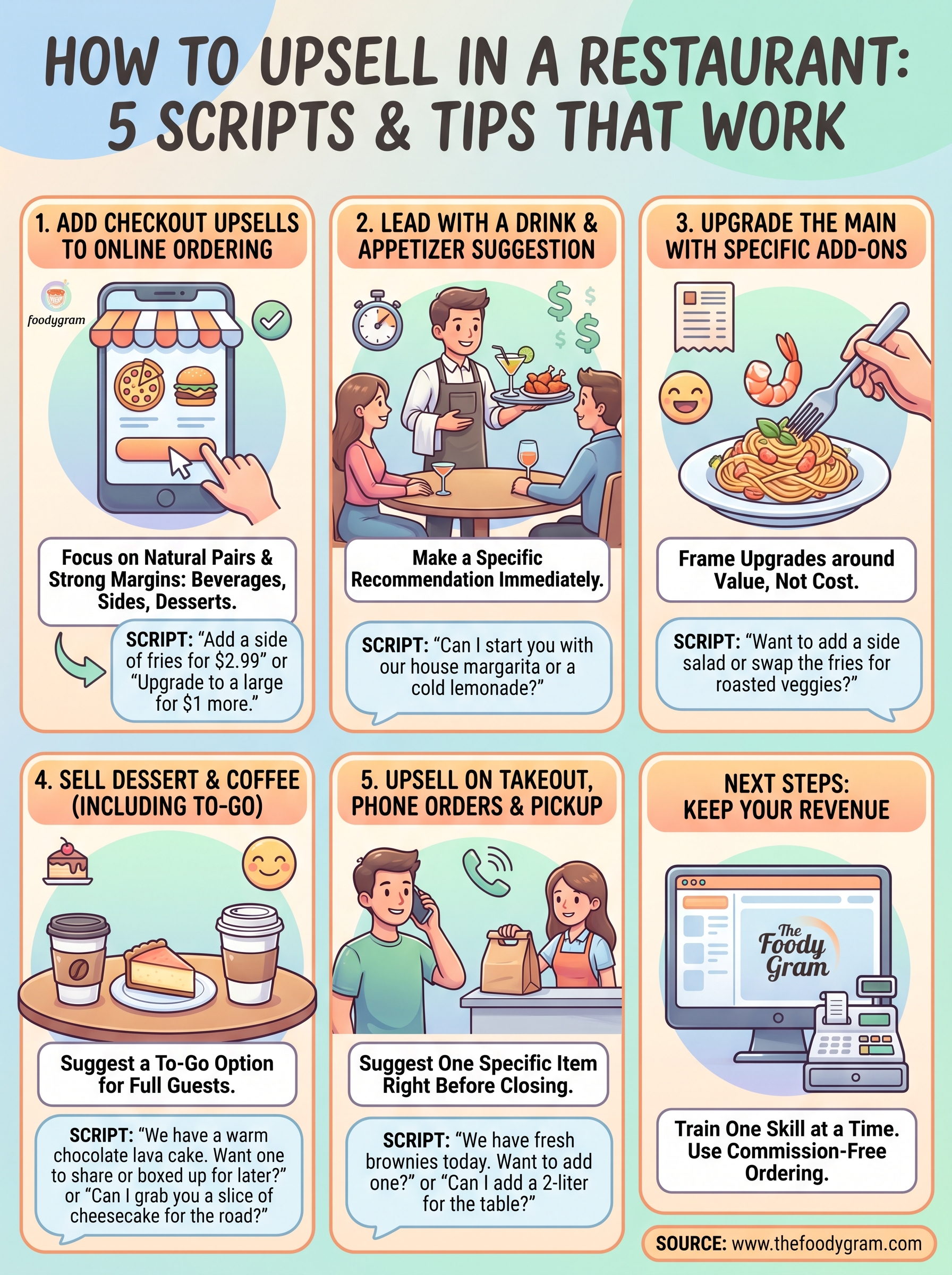
1. Add checkout upsells to online ordering
Online ordering is one of the highest-converting places to upsell because the guest is already in buying mode. Unlike a table interaction, a well-placed prompt in the cart doesn't interrupt anyone or feel forced.
Why online upsells convert without feeling pushy
When a guest orders online, they're focused on their meal and open to suggestions that enhance it. A prompt that appears at the right moment, like "add garlic knots for $3," reads as helpful rather than salesy. That framing is key to understanding how to upsell in a restaurant without creating friction in the ordering process.
The best online upsells feel like a reminder, not a sales pitch.
What to upsell in the cart
Focus on items that pair naturally with what's already in the cart and carry strong margins. Good candidates include:
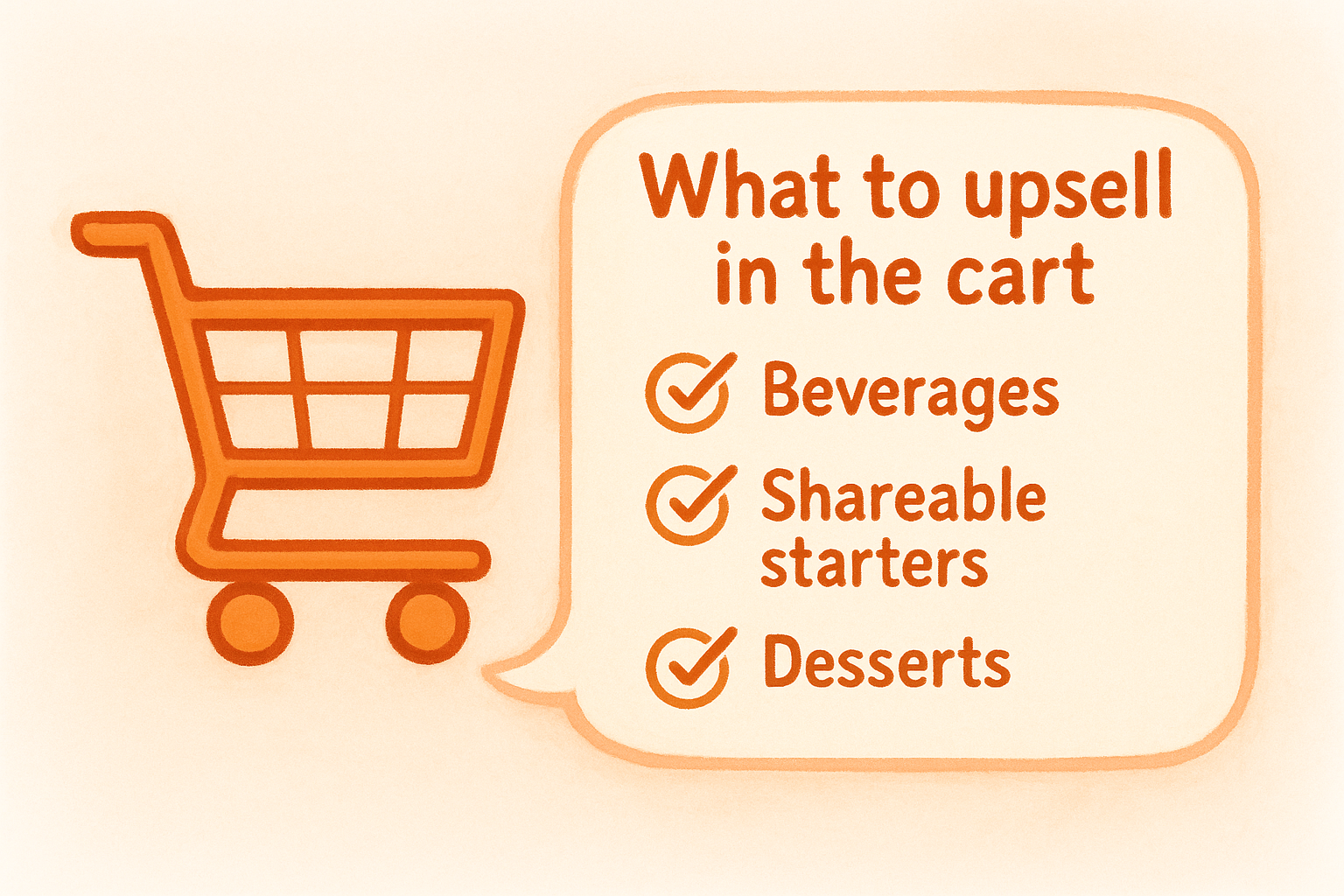
- Beverages (sodas, lemonade, bottled water)
- Shareable starters (fries, breadsticks, wings)
- Individual dessert portions
- Premium protein swaps or size upgrades
- Dipping sauces or add-ons under $4
Script for add-ons and upgrades in online ordering
Your on-screen copy does the selling here, so keep it short and specific. Avoid vague prompts like "Would you like to add something?" Instead, use language like:
- "Add a side of fries for $2.99"
- "Upgrade to a large for just $1 more"
- "Guests who ordered this also added: chocolate lava cake"
Specific, item-level prompts consistently outperform generic ones because they cut down the mental work for the customer.
How to set up upsell prompts in The Foody Gram
The Foody Gram's online ordering system lets you attach modifiers and suggested add-ons directly to individual menu items. You can configure prompts to appear at the item level or at checkout. Work with the support team to map your highest-margin add-ons to your most popular dishes so the right suggestions always surface at the right time.
Common mistakes that lower add-on rate
The biggest mistake is showing too many options at once. When guests see five or more add-on suggestions, they often skip all of them. Keep it to one or two targeted prompts per item, and refresh them seasonally so returning customers don't start ignoring them.
2. Lead with a drink and appetizer suggestion
The moment your server reaches a table is your best window to add revenue. A natural drink and starter recommendation sets the tone for the meal and increases the average check before the main order even happens.
The goal of the first 60 seconds at the table
Your server's opening move shapes what guests order for the rest of the meal. Leading with a specific suggestion rather than a yes/no question dramatically improves the chance guests say yes. This is one of the simplest ways to practice how to upsell in a restaurant in real time.
What to recommend based on party type and pacing
Match your suggestion to the table. Groups on a casual night out respond well to shareable starters, while couples or business diners often prefer individual drinks and lighter apps. Read the energy before you suggest anything.
Script for drinks and starters that sounds natural
Skip vague openers. Use specific item names: "Can I start you with our house margarita or a cold lemonade?" outperforms "Can I get you something to drink?" every time.
Naming the item does half the selling for you.
Timing cues to watch for and when to back off
Watch for guests scanning the menu or mid-conversation. If they seem rushed or distracted, offer one quick suggestion and move on. Pushing past a polite no damages the guest experience fast.
Quick training drill for new servers
Pair new servers with a senior staff member for two full shifts focused only on opening suggestions. Have them track how many tables accepted a drink or starter. Reviewing those numbers weekly turns the habit into a skill.
3. Upgrade the main with specific add-ons
Once a guest picks their entree, your server has a second window to grow the check. Suggesting the right upgrade at this moment is one of the most effective ways to practice how to upsell in a restaurant without slowing down service.
Pick the high-margin upgrades worth suggesting
Not every add-on is worth mentioning. Focus on items with strong margins and easy kitchen execution. Build a short list of go-to suggestions so servers never have to guess:
- Premium protein swaps (shrimp, steak upgrades)
- Shareable or individual sides
- House-made sauces and finishing toppings
How to make the upgrade feel like a better experience
Frame the upgrade around what it adds to the meal, not what it costs. Saying "the shrimp really completes that dish" lands better than "would you like to add shrimp for $4."
The more specific your suggestion, the more it sounds like a recommendation rather than a sales pitch.
Script for upgrades, sides, and premium swaps
Keep the language direct and give guests one or two clear choices:
- "Want to add a side salad or swap the fries for roasted veggies?"
- "Most people who order that steak add the garlic butter. It's worth it."
How to use menu language that sells without pressure
Your menu descriptions do heavy lifting before the server even speaks. Specific, sensory words like "crispy," "house-made," or "slow-roasted" prime guests to spend more. Review your menu copy regularly to keep those descriptions sharp and accurate.
What to do when guests mention price or allergies
When a guest flags price, acknowledge it briefly and shift to a lower-cost add-on rather than dropping the subject entirely. For allergies, move quickly to a safe alternative and present it with the same enthusiasm.
4. Sell dessert and coffee, including to-go
Dessert is often the most skipped upsell in service because servers assume full guests won't order more. That assumption costs you real money. A well-timed dessert suggestion regularly adds $8–$15 to the check, especially when you frame it around convenience rather than appetite.
Why dessert upsells work even with full guests
Guests skip dessert out of habit, not desire. The trick is to reframe the offer before they mentally close the meal. Suggesting a to-go option removes the "I'm too full" objection and opens the door without any pressure.
What to highlight so dessert feels irresistible
Lead with your most visual or shareable item and describe it with specific, sensory language. "Our warm brownie comes out of the oven fresh" works harder than "would you like dessert?"
Script for dessert, coffee, and dessert to-go
Give guests a specific, direct choice and keep the to-go option in the mix:
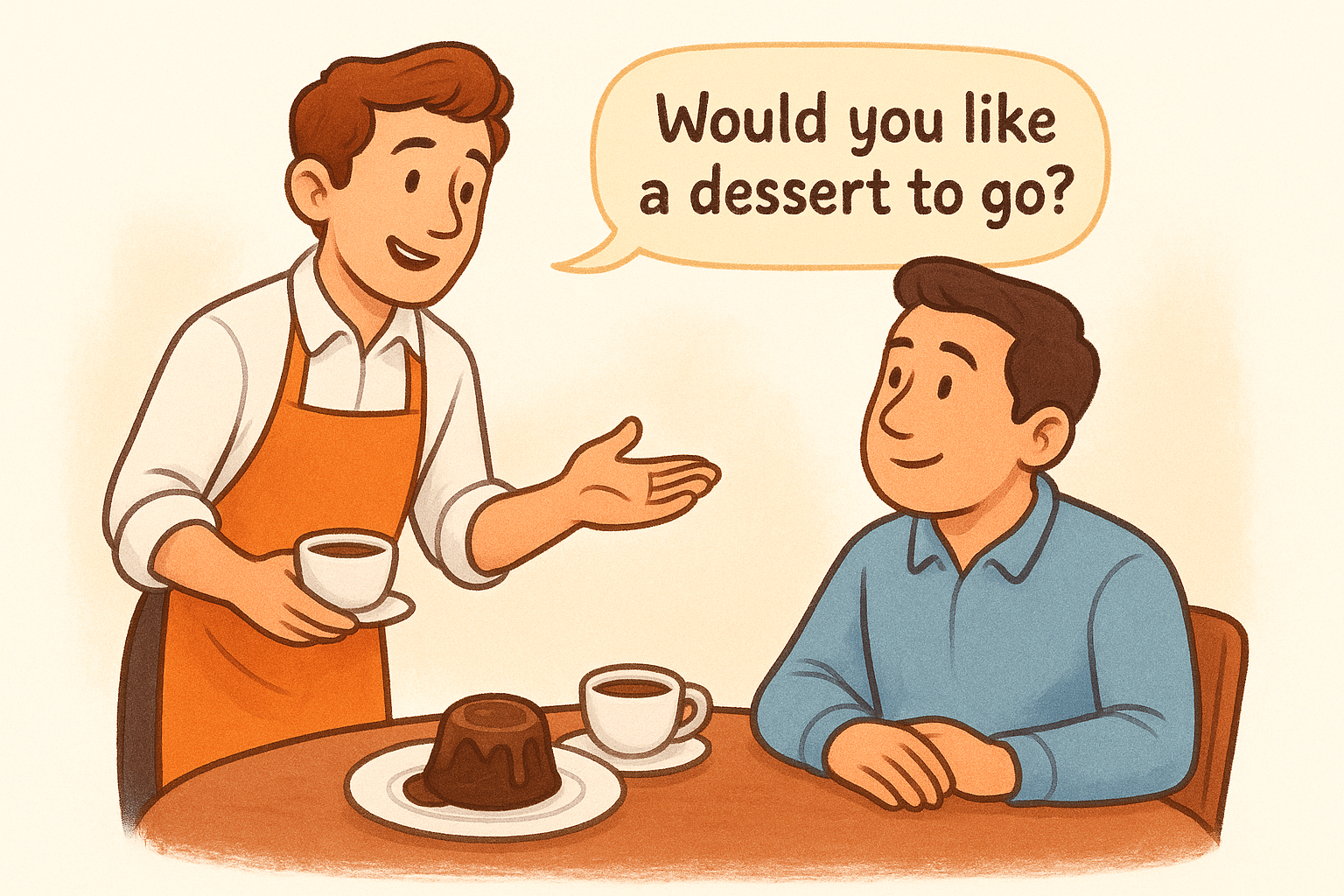
- "We have a warm chocolate lava cake. Want one to share or boxed up for later?"
- "Can I grab you a slice of cheesecake for the road?"
The to-go option converts guests who are tempted but too full to eat at the table.
How to bundle dessert with after-dinner drinks
Pairing dessert with a coffee or liqueur suggestion increases the ticket more than either item alone. "Our espresso pairs really well with that" is a natural way to add both without sounding like a script.
How to handle a no without making it awkward
Accept the no quickly and warmly, then move straight to the check. Lingering after a refusal makes guests uncomfortable and damages the experience. Knowing when to step back is a core part of learning how to upsell in a restaurant without pushing guests away.
5. Upsell on takeout, phone orders, and pickup
Takeout is where many restaurants leave the easiest money uncaptured. Whether an order comes through a phone call, your counter, or an online pickup flow, you have a clear moment to suggest one more item before the transaction closes. This is one of the most overlooked areas when learning how to upsell in a restaurant, and fixing it requires almost no extra effort from your team.
Where upsells fit in the takeout flow
The best window is right after the guest confirms their main items. At the counter, that's before you read the order back. On a phone call, it's the 10 seconds immediately after they finish ordering. Any later and the transaction feels closed to the customer.
What add-ons work best for takeout and delivery
Focus on items that travel well and add value without complicating the bag: drinks, dipping sauces, desserts, and sides. Avoid suggesting anything fragile or temperature-sensitive that won't hold up by the time it reaches the table at home.
Script for phone, counter, and pickup upsells
Keep the ask tight and name a specific item rather than leaving it open-ended:
- "We have fresh brownies today. Want to add one?"
- "Can I add a 2-liter for the table?"
One direct suggestion lands far better than a generic "anything else?"
How to use regulars and order history for smarter asks
When you recognize a regular or can see their order history, tailor the suggestion to what they've skipped before. "You usually get the wings. Want to add blue cheese this time?" feels personal and lands without any awkwardness.
Metrics to track so upselling actually improves profit
Track add-on rate per order channel every week. Compare phone, counter, and online pickup orders separately so you can pinpoint exactly where your team or prompts need the most attention.
Next steps
You now have five concrete methods for how to upsell in a restaurant, along with scripts your team can use today. The most important move is to pick one area, train your staff on it this week, and track the results before adding the next technique. Small, consistent execution beats trying to overhaul everything at once.
Keep in mind that every upsell you land through your own online ordering system goes straight to your bottom line. When you rely on third-party apps, those platforms take 20-30% of every order before you even count the upsell. Owning your ordering channel means every extra dollar your staff earns actually stays with your restaurant. If you want to stop giving away a cut of each transaction and start keeping more of what your team works to earn, check out The Foody Gram's commission-free pricing plans and see what fits your restaurant.