


12 Best POS Systems for Small Restaurants (2026 Guide)
A best POS system for small restaurants does more than process payments, it tracks inventory, manages your menu, speeds up table turns, and gives you data you can actually use. But picking the wrong one locks you into clunky hardware, hidden fees, and contracts that drain the margins you're working so hard to protect.
The challenge is that there are dozens of options out there, each claiming to be built for restaurants like yours. Some are genuinely great. Others are generic retail systems with a restaurant skin slapped on top. Sorting through them takes time most restaurant owners don't have.
That's exactly why we put this guide together. At The Foody Gram, we help restaurants take control of their online ordering with commission-free websites and direct ordering tools, so we understand how critical it is for every piece of your tech stack to earn its keep. Your POS is the hub that everything else connects to, including your online ordering platform, and getting that choice right has a direct impact on your bottom line.
Below, we break down 12 POS systems worth considering in 2026, covering pricing, standout features, ease of use, and where each one falls short. Whether you're opening your first location or replacing a system that's not cutting it anymore, this guide will help you make a confident, informed decision.
1. The Foody Gram
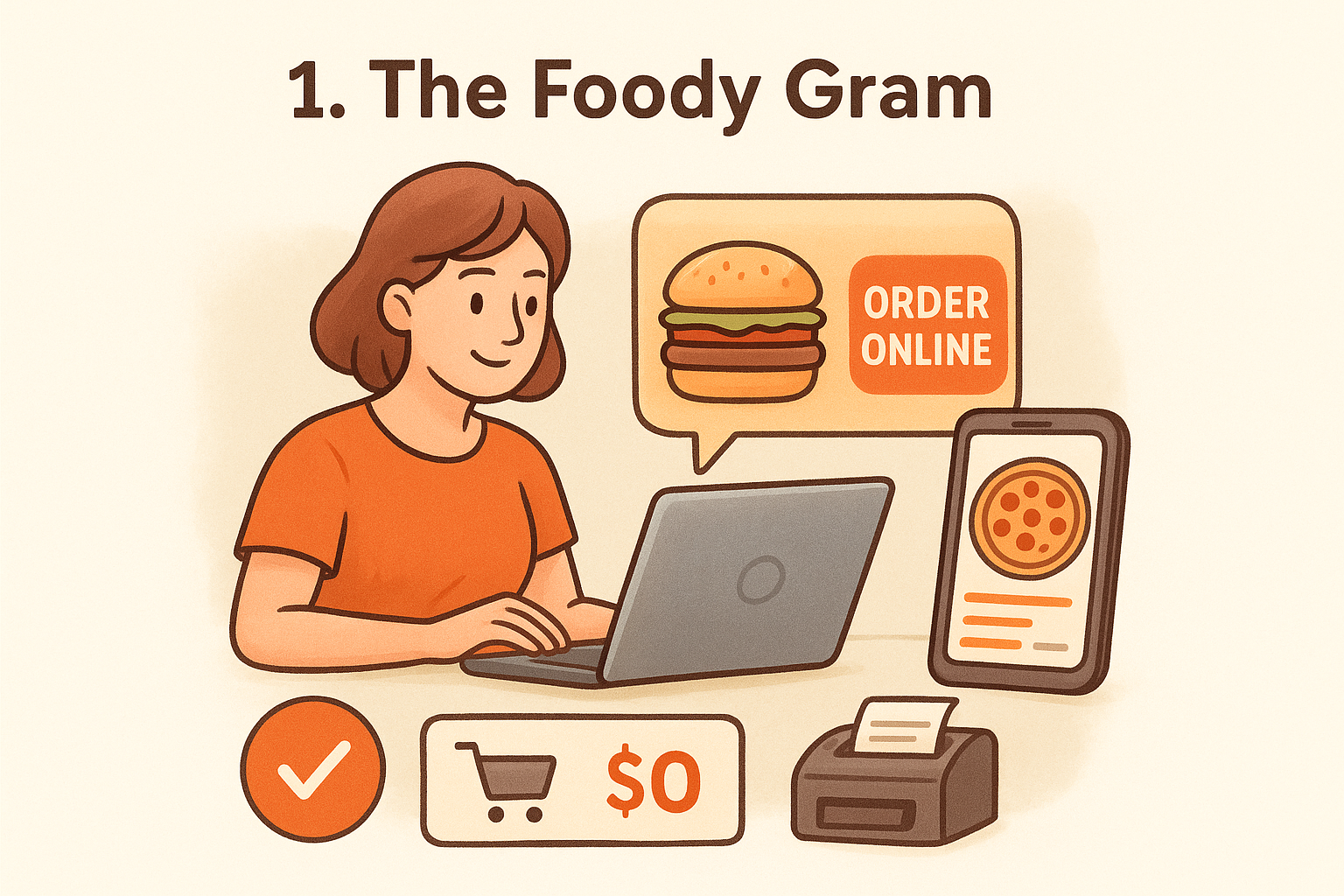
The Foody Gram is not a traditional POS system in the sense of hardware sitting on your counter. It is an online ordering and restaurant website platform built to replace your dependency on third-party delivery apps like Uber Eats and DoorDash. If you are evaluating what the best POS system for small restaurants looks like in 2026, you need to think beyond just in-house order processing and consider what handles your digital storefront and online revenue.
Best for
The Foody Gram is best for independent restaurant owners who are losing a significant chunk of revenue to commission fees and want a direct, branded way to accept online orders. It works particularly well for pizzerias, fast-casual spots, and ethnic cuisine restaurants that already have a loyal customer base but are handing 30% of each order to a third-party app.
If your restaurant is doing $10,000 a month in delivery orders through third-party apps, you are paying roughly $3,000 in commissions every single month.
Key features small restaurants care about
The platform gives you a custom-branded restaurant website optimized for mobile, which is where most of your customers are placing orders. It handles pickup, delivery, pre-orders, and reservations in one place. You also get real-time order dashboards and kitchen ticket printing so your back-of-house workflow stays tight.
Here are the features that directly impact your daily operations:
- Commission-free ordering with direct deposit payment processing
- Managed menu uploads and menu updates handled by their support team
- 24/7 customer support included in every plan
- Pre-orders and reservations built into the system
- Multi-location management available on Growth and Enterprise plans
- 48-72 hour website turnaround from signup to live
Pricing and fees to expect
The Foody Gram uses a flat monthly subscription model instead of charging you per order. Standard tiers run between $159 and $199 per month, and there are no setup fees, no contracts, and no per-transaction commissions. They also back the platform with a 45-day money-back guarantee, which is longer than most competitors offer.
Trade-offs
The Foody Gram is focused on online ordering rather than in-restaurant table management or dine-in POS features. If you need tableside ordering, floor plan management, or split-check functionality for a full-service dining room, this platform will not cover those needs on its own. You would likely use it alongside a traditional POS rather than as a complete replacement. For restaurants where online and pickup orders drive most of the revenue, though, that trade-off rarely matters.
2. Square for Restaurants
Square for Restaurants is one of the most recognized names in the POS space, and for good reason. It was built specifically for food service, so menu management, order routing, and floor plan tools are native to the platform rather than bolted on as afterthoughts. If you are shopping for a system that is easy to set up and backed by a well-known brand, Square deserves a close look.
Best for
Square for Restaurants works best for small to mid-sized restaurants that want a reliable, easy-to-use system without a steep learning curve. It suits cafes, counter-service spots, and fast-casual restaurants that need to get up and running quickly without a lengthy onboarding process.
Key features small restaurants care about
When you are evaluating the best POS system for small restaurants, Square stands out for its intuitive interface and broad integration ecosystem. The platform handles table management, course firing, and real-time reporting without requiring technical expertise from you or your staff.
Key features include:
- Free plan available for basic counter-service setups
- Online ordering built directly into the system
- Kitchen display system (KDS) support
- Menu syncing across in-person and online channels
- Offline mode so orders keep processing without internet
Pricing and fees to expect
Square for Restaurants offers a free plan for single-location counter service, with paid tiers starting at $60 per month per location for the Plus plan. Processing fees run at 2.6% + $0.10 per in-person transaction. Hardware ranges from a free card reader to several hundred dollars for a full terminal setup, sold separately.
If you run multiple locations, costs stack per location, so your monthly bill grows faster than the base price suggests.
Trade-offs
Square works well for straightforward setups, but full-service restaurants with complex floor plans can run into limitations fairly quickly. Advanced features like detailed labor cost reporting and loyalty programs require paid add-ons, which push your actual monthly spend well above what the base pricing advertises.
3. Toast
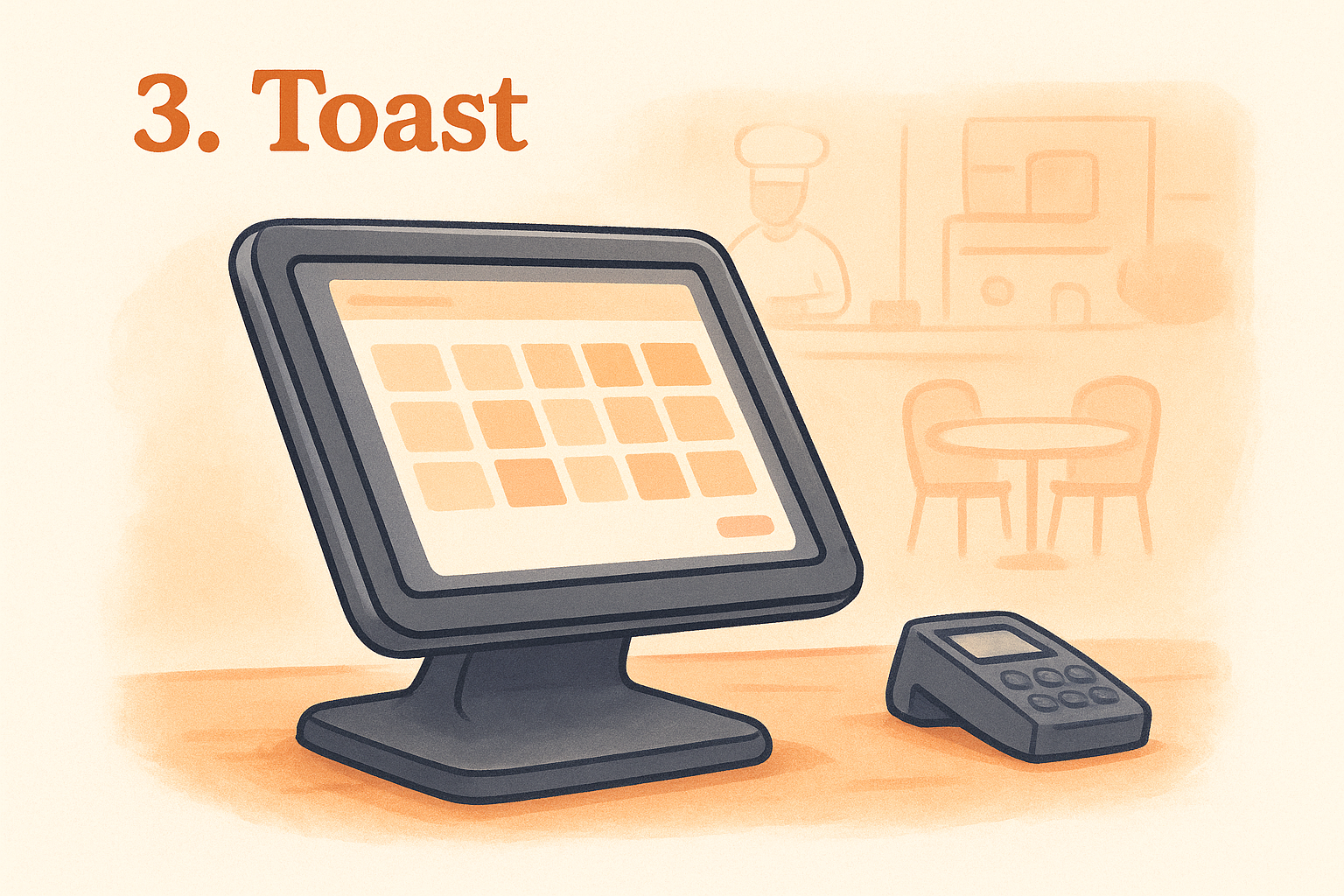
Toast is a restaurant-specific POS platform built from the ground up for food service operations. Every feature Toast ships is designed around how restaurants actually run, from table management to kitchen display routing. It has grown into one of the most widely adopted platforms in the industry, and it is a serious contender for any small restaurant owner who wants a deeply integrated, all-in-one system rather than a collection of loosely connected tools.
Best for
This platform works best for full-service and fast-casual restaurants that want a system covering everything from front-of-house operations to staff scheduling. It also suits small restaurant owners who plan to scale, since Toast supports multiple locations under one account without requiring a full system replacement down the line.
Key features small restaurants care about
When you are searching for the best POS system for small restaurants that goes deep on daily operations, Toast covers a lot of ground without leaning heavily on third-party integrations. The platform handles order management, kitchen display routing, and built-in online ordering natively.
Key features include:
- Kitchen display system (KDS) with routing by station
- Built-in payroll and staff scheduling tools
- Loyalty program and gift card management
- Real-time sales reporting and labor cost tracking
- Commission-free direct online ordering option
Toast's built-in online ordering lets you collect direct orders without routing customers through a third-party marketplace or paying per-order fees.
Pricing and fees to expect
Toast offers a free starter plan for simple setups, with paid plans beginning at $69 per month. Hardware is proprietary, so you purchase Toast-specific terminals and handhelds. Processing fees vary based on your chosen plan, and hardware costs can add several hundred to several thousand dollars upfront depending on your configuration.
Trade-offs
The most significant friction point is Toast's proprietary hardware requirement. You cannot use your own devices, which locks your upfront investment to their pricing and product lineup. Paid plans often include contracts, and early termination typically carries fees, so review the full agreement carefully before you commit.
4. Clover
Clover is a hardware-forward POS platform owned by Fiserv that gives small restaurant owners a polished, purpose-built device ecosystem. If you want a system where the hardware looks professional on your counter and the software handles daily restaurant tasks without heavy configuration, Clover is worth evaluating as a contender for the best POS system for small restaurants.
Best for
Clover works best for counter-service and quick-service restaurants that want clean, reliable hardware paired with a straightforward software setup. It suits coffee shops, fast-casual spots, and small diners where speed at the point of sale matters more than deep back-of-house complexity.
Key features small restaurants care about
The platform gives you flexible hardware options, ranging from the compact Clover Go card reader to the full Clover Station for a complete countertop setup. You get table management, tabs, and tipping built into the restaurant-tier plans.
Key features include:
- App market with hundreds of add-ons for loyalty, scheduling, and accounting
- Online ordering through Clover's built-in tools
- Floor plan and table management for dine-in service
- Real-time reporting accessible from any device
- Offline mode to keep processing without an internet connection
Pricing and fees to expect
Clover's restaurant plans start at $84.95 per month, and hardware runs from roughly $49 for the Clover Go up to $1,699 for the full Clover Station. Processing fees depend on your Fiserv merchant account and vary based on how you acquire the system, since many banks and resellers bundle Clover into merchant services packages.
Buying Clover through a bank or reseller rather than directly can lock you into processing rates you did not negotiate upfront, so read the merchant agreement carefully.
Trade-offs
Clover's biggest limitation is that hardware is proprietary, meaning you are locked into their device lineup for the life of the system. Software features like advanced inventory tracking and staff management often require paid third-party apps from their marketplace, which adds to your monthly cost faster than the base plan price implies.
5. TouchBistro
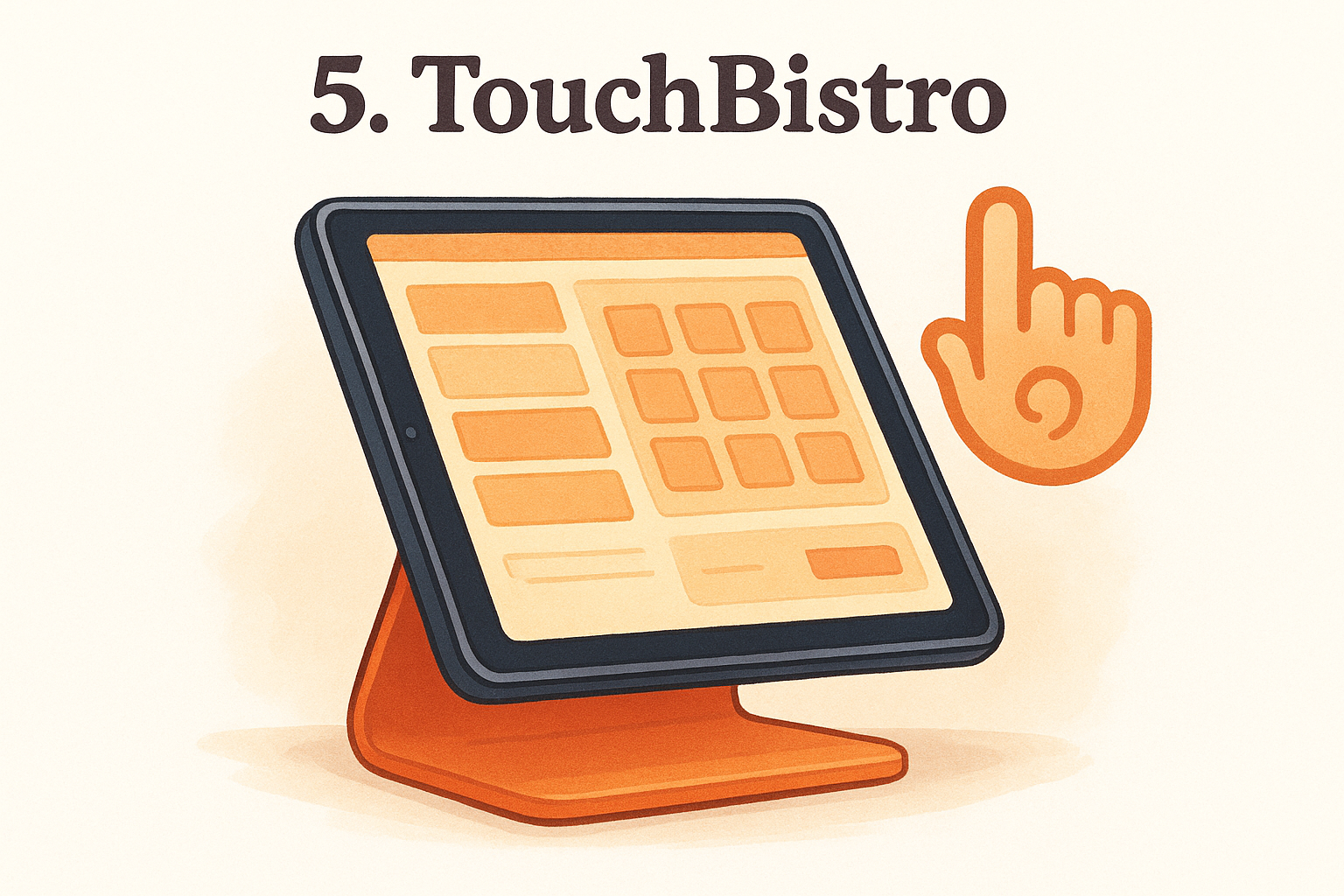
TouchBistro is a restaurant-specific POS system built on an iPad-based platform, designed to give small restaurant owners reliable performance even when the internet goes down. It operates on a local network architecture, which means your system keeps running on local hardware rather than depending entirely on cloud connectivity. If you are weighing options for the best POS system for small restaurants, TouchBistro offers a solid combination of tableside ordering tools and back-of-house management in one package.
Best for
TouchBistro fits best for full-service and casual dining restaurants that rely on tableside ordering and floor plan management as part of their daily workflow. It also suits small restaurant owners who want a purpose-built iPad system with familiar hardware rather than proprietary terminals.
Key features small restaurants care about
The platform gives you tableside ordering directly from an iPad, which cuts down on ticket errors and speeds up service. Built-in reporting gives you visibility into your best-selling menu items, busiest hours, and staff performance metrics without exporting data to a separate tool.
Key features include:
- Tableside ordering with offline functionality
- Floor plan and table management with real-time status updates
- Menu management with modifier and combo support
- Staff scheduling and labor cost reporting
- Integration with third-party online ordering platforms
Pricing and fees to expect
TouchBistro starts at $69 per month for a single license. Add-ons like online ordering, reservations, and gift cards each carry separate monthly fees, so your total cost increases based on which modules you activate. Hardware is iPad-based, which you purchase independently.
Your actual monthly spend with TouchBistro depends heavily on which add-on modules you need, so price out the full bundle before committing.
Trade-offs
The add-on pricing model is the most common complaint from TouchBistro users. Features that come bundled in competing platforms, like reservations and loyalty programs, require separate paid modules here, which makes cost comparisons harder than they should be upfront.
6. Lightspeed Restaurant
Lightspeed Restaurant is a cloud-based POS platform designed for restaurants that need robust reporting and inventory management alongside their daily order flow. It targets operators who want detailed analytics and multi-location oversight without juggling separate software for each function. If you are evaluating the best POS system for small restaurants that can grow with you, Lightspeed is a credible option.
Best for
This platform fits best for full-service and upscale casual dining restaurants that prioritize deep menu and inventory control over simplicity. It also suits restaurant owners managing multiple locations who need consolidated sales and labor reporting from a single dashboard.
Key features small restaurants care about
The platform gives you floor plan management, tableside ordering, and course management built directly into the core software. Lightspeed's reporting tools go deeper than most competitors at this price point, giving you visibility into food costs, sales trends, and staff performance without exporting data to a separate tool.
Key features include:
- Real-time inventory tracking that depletes automatically as orders are placed
- Floor plan and table management with drag-and-drop editing
- Kitchen display system integration
- Multi-location reporting under a single account
- Integrations with accounting software and delivery services
Pricing and fees to expect
Lightspeed Restaurant starts at $189 per month billed annually for a single location. Additional terminals and advanced reporting modules carry separate monthly fees, so your total cost scales based on your specific configuration. Hardware is not proprietary, but Lightspeed recommends iPad-based setups that you purchase independently.
Lightspeed's annual billing requirement means you need to be confident in the platform before committing, since switching to monthly billing comes at a noticeably higher rate.
Trade-offs
One significant friction point is the onboarding process, which takes longer than simpler platforms and carries a steeper learning curve for staff. Pricing also sits at the higher end for small independent restaurants, which makes it harder to justify unless you actively use the advanced reporting tools built into the platform.
7. SpotOn Restaurant
SpotOn Restaurant is a cloud-based POS platform that has built a reputation for combining strong in-restaurant tools with direct customer engagement features. Unlike platforms that bolt on marketing as an afterthought, SpotOn integrates loyalty programs and review management directly into the core system. If you are comparing the best POS system for small restaurants and want built-in tools that help keep customers coming back, SpotOn is worth your attention.
Best for
SpotOn fits best for small to mid-sized full-service and fast-casual restaurants that want to pair solid in-house order management with built-in customer retention tools. It also suits restaurant owners who want transparent, negotiable pricing rather than fixed subscription tiers with no room to adjust based on volume or needs.
Key features small restaurants care about
The platform gives you tableside ordering, floor plan management, and kitchen display routing without requiring separate software licenses for each function. SpotOn also includes a native loyalty program and a review management tool that surfaces customer feedback directly in your dashboard without requiring a third-party app.
Key features include:
- Built-in loyalty program with points and rewards management
- Commission-free online ordering with direct deposit processing
- Kitchen display system integration
- Real-time reporting with labor cost tracking
- Review management connected directly to your POS data
Pricing and fees to expect
SpotOn does not publish a single fixed price on its website. The company customizes pricing based on your restaurant's size, feature needs, and processing volume, which means your monthly cost comes from a direct conversation with their sales team rather than a pricing page.
SpotOn's custom pricing can work in your favor if you negotiate well, but always request a full itemized breakdown of processing fees before you sign anything.
Trade-offs
The absence of publicly listed pricing makes it harder to do a quick cost comparison before committing time to a sales call. Some users also report that customer support response times vary by plan tier, which becomes a real problem when you hit an issue during a busy dinner rush.
8. SumUp POS
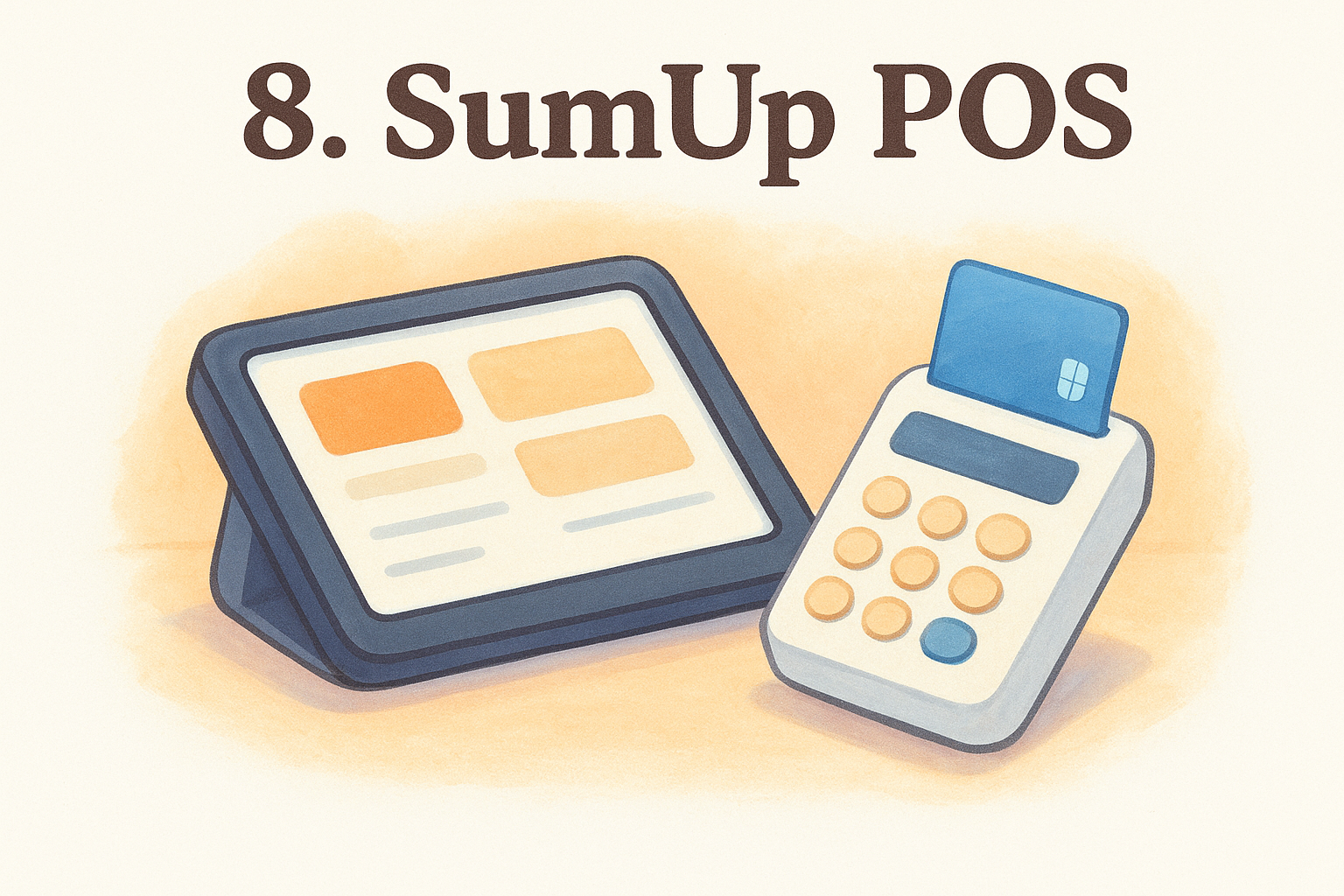
SumUp POS is a lightweight point-of-sale platform built around simplicity and low upfront cost. It started as a card reader company and has expanded into a broader POS offering, but its roots as a micro-business payment tool are still very much visible in how the system is structured. For restaurant owners evaluating the best POS system for small restaurants on a tight budget, SumUp represents the most stripped-back option on this list.
Best for
SumUp fits best for food trucks, market stalls, and pop-up dining concepts where low overhead and mobility matter more than deep restaurant-specific features. It also suits very small cafes or kiosks that process a limited number of transactions daily and do not need table management or kitchen display routing.
Key features small restaurants care about
The platform gives you a simple sales interface that most staff can learn in minutes, paired with basic inventory tracking and sales reporting. The SumUp card reader connects directly to the app via Bluetooth, keeping your hardware footprint minimal.
Key features include:
- Free POS app with no monthly software fee on the basic plan
- Bluetooth card reader with no proprietary hardware lock-in
- Basic inventory management and sales reports
- Digital receipts via email or SMS
- Simple item catalog with photo support and category organization
Pricing and fees to expect
SumUp charges no monthly fee for its base POS plan. Card readers start at around $19, and transaction fees sit at 2.75% per tap, dip, or swipe. There are no contracts and no setup costs, which makes entry straightforward.
SumUp's low transaction fees only stay competitive at low sales volumes. Once your monthly revenue grows, a flat-fee subscription platform typically costs you less per month.
Trade-offs
SumUp lacks kitchen display system support, floor plan management, and tableside ordering tools, which makes it a poor fit for any restaurant doing table service. Reporting is also basic compared to every other platform on this list, so scaling beyond a single-operator setup quickly exposes its limitations.
9. Epos Now
Epos Now is a cloud-based POS platform that targets small business owners across retail and hospitality. Its restaurant offering is broader than SumUp but less specialized than Toast or TouchBistro, making it a middle-ground option for owners who want cloud access, basic reporting, and hardware flexibility without committing to a premium-tier system. If you are searching for the best POS system for small restaurants and want something deployable across both a physical counter and an online channel, Epos Now warrants consideration.
Best for
Epos Now fits best for small cafes, quick-service restaurants, and food businesses that want a straightforward cloud-based setup with no proprietary hardware lock-in. It also suits owners managing a mix of retail and food service, since the platform handles both without requiring separate systems for each.
Key features small restaurants care about
The platform gives you real-time sales reporting and inventory tracking accessible from any device, which keeps you informed whether you are on the floor or off-site. Epos Now connects to a wide range of third-party apps through its marketplace, covering accounting, online ordering, and staff management.
Key features include:
- Cloud-based dashboard accessible from any browser or device
- App marketplace with integrations for accounting and delivery platforms
- Inventory tracking with low-stock alerts
- Customer management and basic loyalty tools
- Multi-location support across a single account
Pricing and fees to expect
Epos Now starts at $39 per month for a single terminal, with hardware bundles available starting around $349. Add-on apps from the marketplace carry separate costs, and processing fees depend on your chosen payment provider.
Epos Now's entry price looks attractive, but your real monthly cost rises quickly once you add the integrations needed to run a functional restaurant operation.
Trade-offs
The platform's restaurant-specific features are shallower than dedicated systems like Toast or TouchBistro. Table management, kitchen display routing, and course management require third-party integrations rather than native tools, which adds both cost and complexity to an otherwise simple setup.
10. Lavu
Lavu is an iPad-based POS platform built exclusively for restaurants and food service businesses. Unlike general-purpose systems that adapt retail software for food service, Lavu was designed from the start around restaurant-specific workflows, which shows in how the platform handles menu building, order routing, and table management.
Best for
Lavu fits best for small to mid-sized restaurants that want a dedicated food service POS running on familiar iPad hardware. It suits counter-service and casual dining owners who want solid offline functionality without being locked into proprietary terminals.
Key features small restaurants care about
When evaluating the best POS system for small restaurants, Lavu stands out for the depth of menu customization and kitchen routing features built natively into the platform. You get tableside ordering, floor plan management, and kitchen display system support without needing separate add-on licenses for each.
Key features include:
- Tableside ordering with full offline mode
- Kitchen display system integration with station routing
- Menu management with modifiers, combos, and item variants
- Real-time reporting with sales and labor data
- Loyalty program and gift card support built in
Pricing and fees to expect
Lavu starts at $59 per month for a single terminal on their entry plan. Higher tiers unlock additional features and multi-location support, with pricing scaling based on the number of terminals you activate. Hardware is iPad-based, which you source and purchase independently from any retailer.
Lavu's terminal-based pricing means your monthly cost grows with each device you add, so map out your full hardware needs before finalizing a plan.
Trade-offs
Lavu's customer support quality has drawn mixed feedback from users, with some reporting slower response times outside of standard business hours. The platform also lacks the brand recognition and integration depth of larger competitors like Toast or Square, which limits native connections to tools you may already rely on in your daily operation.
11. Revel Systems
Revel Systems is an iPad-based POS platform that targets restaurants needing enterprise-level features without enterprise-level infrastructure. It handles high transaction volumes and complex operational requirements, making it one of the more feature-dense options on this list of the best POS system for small restaurants.
Best for
Revel fits best for growing fast-casual and quick-service restaurants that expect to scale beyond a single location and need a system capable of handling that expansion without a full platform replacement. It also suits multi-concept operators who want consolidated reporting across different brands or service formats under one account.
Key features small restaurants care about
The platform gives you tableside ordering, kitchen display routing, and detailed inventory management built natively into the core software. Revel also includes a built-in customer-facing display, which keeps transactions transparent and reduces disputes at the counter.
Key features include:
- Offline mode that processes orders and payments without an internet connection
- Kitchen display system with configurable station routing
- Built-in loyalty program and gift card tools
- Real-time reporting with sales, labor, and inventory data
- Multi-location management from a single dashboard
Revel's offline functionality is one of its most reliable strengths, keeping your operation running during connectivity issues that would shut down a cloud-only system.
Pricing and fees to expect
Revel starts at $99 per month per terminal, billed annually. Implementation fees apply on top of the subscription, which can add several hundred dollars to your startup cost depending on your configuration. Hardware is iPad-based and sourced independently.
Trade-offs
The annual contract requirement is the most common friction point for small restaurant owners evaluating Revel. Exiting early carries fees, so committing requires confidence in the platform upfront. Setup is also more complex than simpler competitors, and most new users need dedicated onboarding support to get fully operational.
12. NCR Aloha
NCR Aloha is one of the oldest and most established restaurant POS platforms in the industry, with a track record spanning decades across full-service dining rooms, hotel restaurants, and large chain operations. If you are building a list of the best POS system for small restaurants options and want to understand the full range of what is available, Aloha represents the enterprise end of the spectrum.
Best for
NCR Aloha fits best for established full-service restaurants and multi-location operations that need a proven, deeply configurable system with a long support history behind it. It suits owners who prioritize platform stability and wide third-party integrations over simplicity or low startup costs.
Key features small restaurants care about
The platform gives you comprehensive table management, kitchen display routing, and back-office reporting built into a system designed to handle high-volume, complex service environments. Aloha also integrates with a wide range of enterprise tools covering payroll, inventory, and loyalty programs.
Key features include:
- Table management and floor plan tools for full-service dining
- Kitchen display system with multi-station routing
- Back-office reporting with sales, labor, and inventory data
- Loyalty and gift card program support
- Enterprise-grade integrations across payroll and accounting platforms
Aloha's depth of integration makes it a natural fit for restaurants that are already running enterprise-level back-office software and need their POS to connect without friction.
Pricing and fees to expect
NCR Aloha does not publish pricing publicly. Cost is determined through a direct sales engagement and varies based on hardware configuration, number of terminals, and the service tier you select. Expect significant upfront hardware and installation costs alongside ongoing software fees.
Trade-offs
The biggest barrier for small independent restaurants is cost and complexity. Aloha requires professional installation, and the onboarding process is far more involved than any other platform on this list. For a single-location independent restaurant, the investment rarely justifies the feature depth the system provides.
Next steps
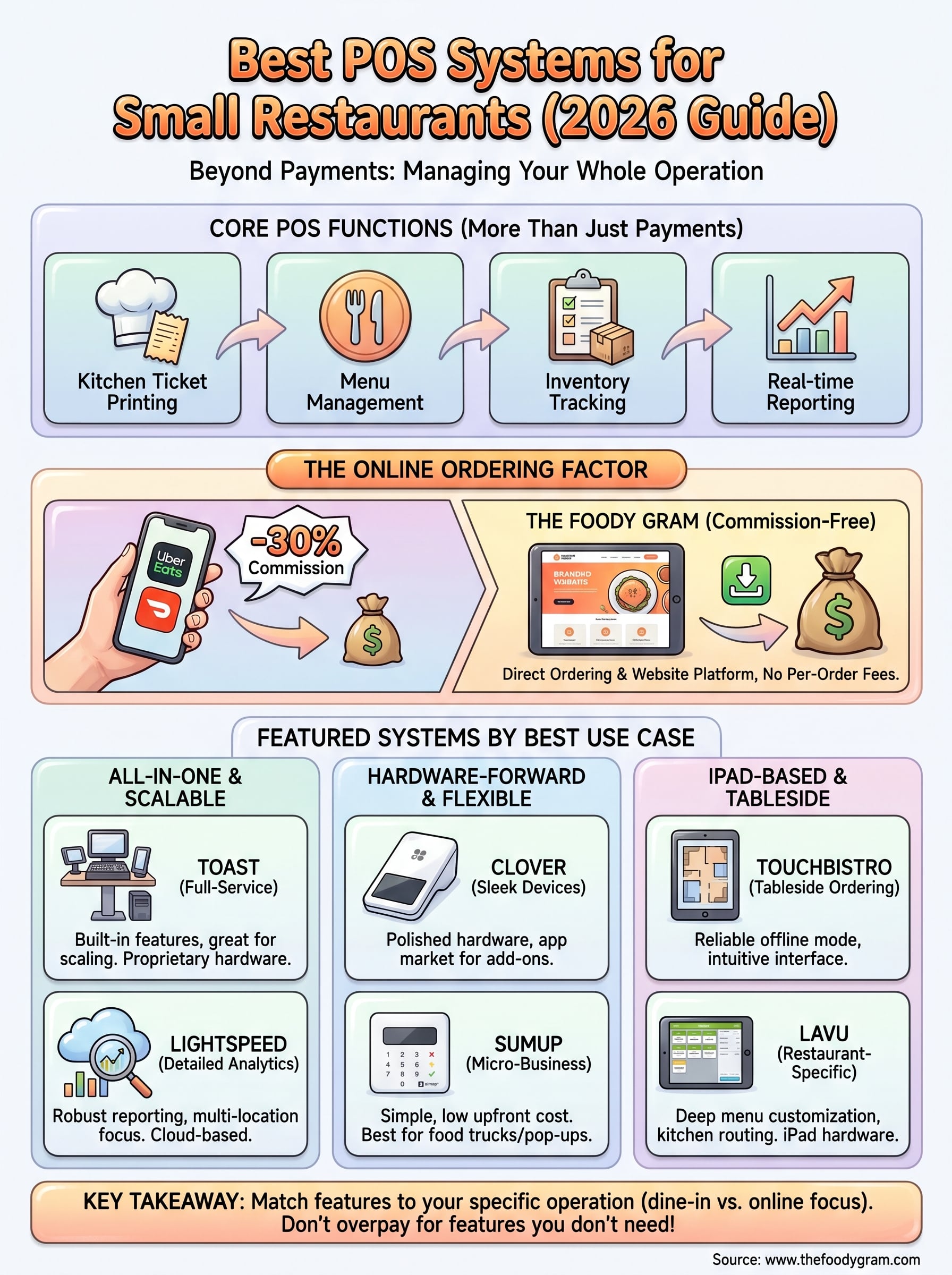
Finding the best POS system for small restaurants comes down to matching features to how your specific operation actually runs, not chasing the most popular name on the list. If you run a full-service dining room, prioritize table management and kitchen routing. If most of your revenue comes from pickup and delivery orders, your online ordering setup deserves just as much attention as your in-house terminal.
Every system on this list handles in-restaurant transactions, but most of them still route your online customers through third-party apps that take a cut of every order. That is a cost worth eliminating. The Foody Gram gives you a commission-free online ordering platform with a branded website, direct payments, and managed setup, starting with no contracts or setup fees. Check out our pricing plans to see what it costs to stop paying commissions and start keeping more of what you earn.