


5 Restaurant Menu Templates You Can Customize and Print
You need a menu that looks professional without hiring a designer or waiting two weeks for proofs. Searching for restaurant menu templates usually means you have a printer ready, a deadline coming up, and zero patience for clunky software that fights you at every click. Whether you run a pizzeria updating prices or a new fast-casual spot building your first menu, the right template saves hours and still looks like you paid someone real money for it.
This roundup gives you five templates you can actually edit yourself, print at home or send to a shop, and adapt to almost any cuisine or layout. Each one covers different needs, from single-page diner menus to multi-section formats for restaurants with breakfast, lunch, and dinner offerings.
But a printed menu only gets you so far. Once customers are in the door, your online ordering experience matters just as much, and that's where a lot of restaurants lose money to third-party apps and their commission fees. We'll point out where a well-designed physical menu should connect to your digital presence, so your branding stays consistent from the table to the checkout screen.
1. The Foody Gram's branded menu and ordering site
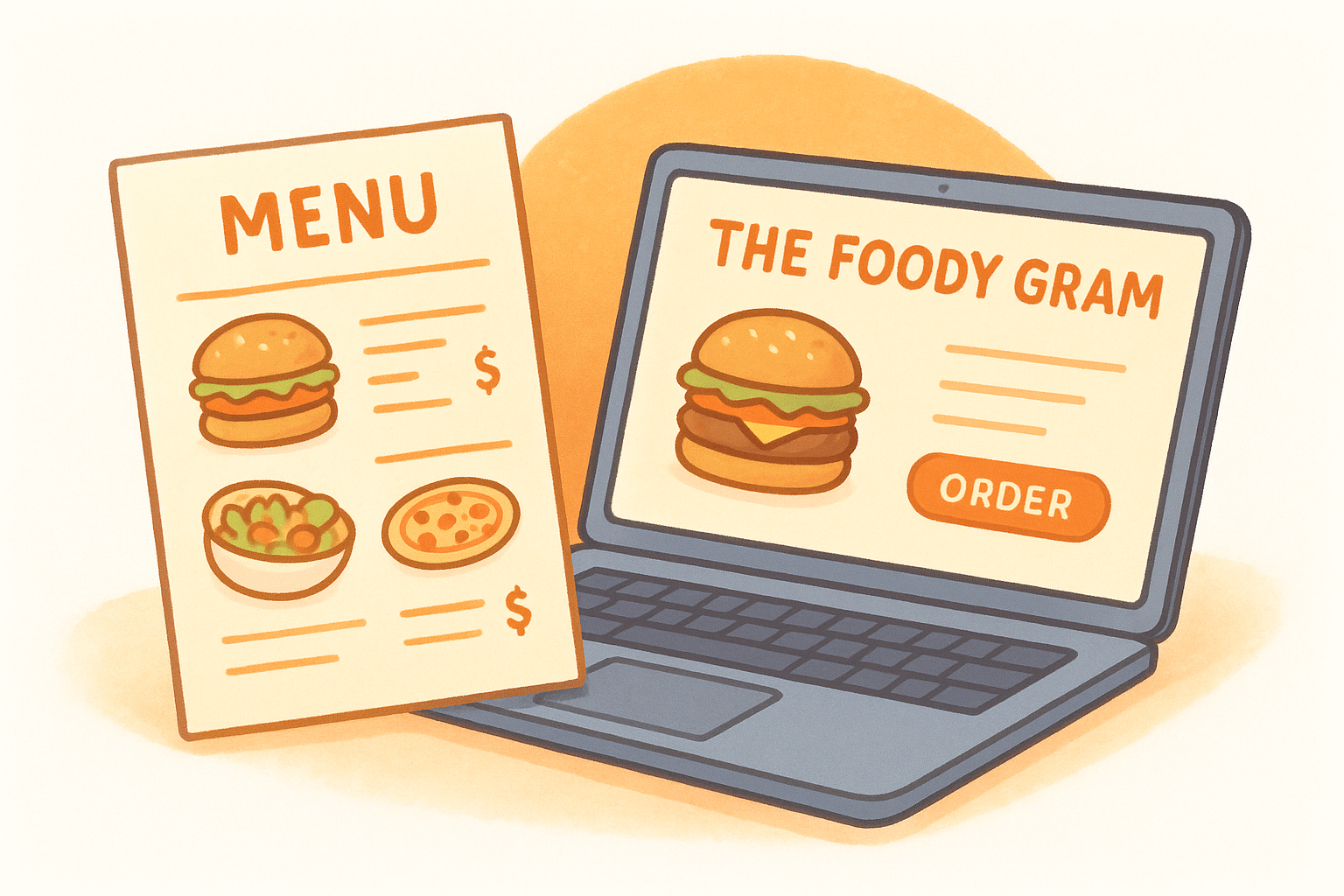
Most restaurant menu templates are static files. You edit them, print them, and hope nothing changes until the next reprint. The Foody Gram takes a different approach: your menu lives on a branded ordering website built specifically for your restaurant, so the same menu customers see on a printed page also drives your online orders, with no per-order commission cut into your margins.
How it works
You send over your dishes, prices, and photos, and The Foody Gram's team builds a custom website around your existing brand, typically within 48 to 72 hours. The menu structure doubles as your online ordering system, so a price change or a new seasonal item updates everywhere at once instead of requiring you to edit a print file and a website separately.
A menu template that only prints is half the job; one that also takes orders pays for itself.
Best for
This option suits restaurant owners who want their printed menu and their online ordering to match exactly, and who'd rather hand off the design work than fight with template software. It works well for pizzerias and multi-location groups already frustrated by delivery app fees eating into every ticket.
Pricing
| Plan | Monthly Cost | Best For |
|---|---|---|
| Standard | $159 | Single-location restaurants |
| Growth | $199 | Multi-location management |
| Enterprise | Custom | Larger restaurant groups |
Every plan includes a 45-day money-back guarantee, no contracts, and no setup fees.
Customization and printing
Unlike a downloadable file, changes go through The Foody Gram's support team rather than your own layout software. You still get a print-ready version of your menu for in-house use, but the bigger win is a consistent brand across your physical menu, your website, and your order dashboard.
2. Canva's customizable menu templates
Canva sits at the other end of the spectrum from a managed platform: it's a drag-and-drop design tool with thousands of pre-built menu layouts you edit yourself, no design skills required. If you want full control over fonts, colors, and layout without waiting on anyone else, this is where most restaurant owners start.
How it works
You pick a template, swap in your dish names and prices, and drag your own photos into the placeholders. Canva's grid system keeps everything aligned automatically, so a beginner-friendly editor handles the spacing and typography decisions you'd otherwise agonize over.
Best for
Owners who want to design and update their own menu on a laptop between shifts, without emailing a designer every time a price changes. It also suits restaurants that need quick seasonal specials or one-off event menus alongside their regular one.
Pricing
Canva's free tier covers most menu templates and exports. Canva Pro runs about $120 per year and unlocks premium templates, brand kits, and background removal for photos.
Customization and printing
Export your finished menu as a print-ready PDF or high-resolution PNG, then take it to any print shop or your own printer. Canva doesn't connect to an ordering system, so you'll still need a separate way to sync printed prices with whatever you charge online.
3. MustHaveMenus print-ready designs
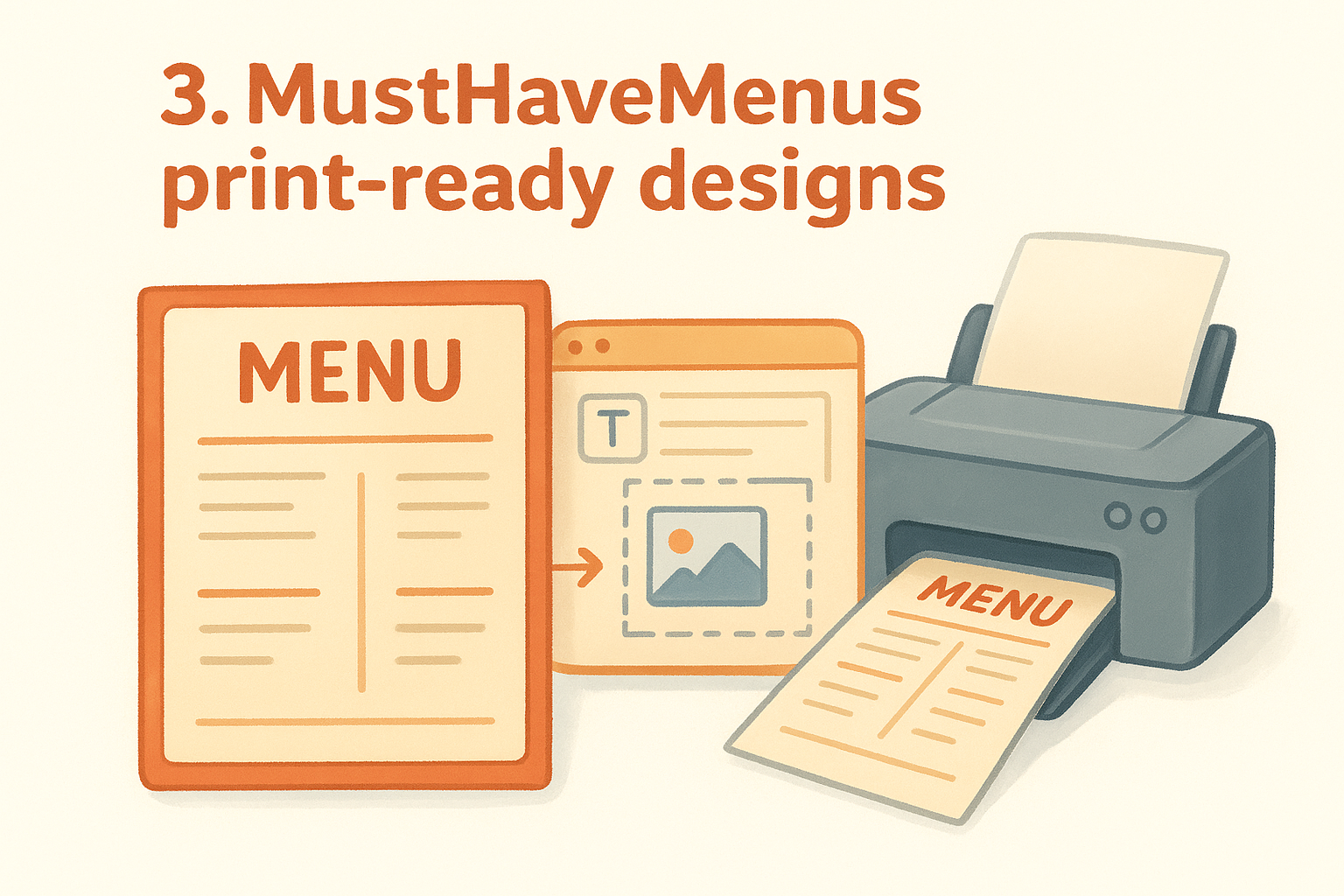
MustHaveMenus built its entire business around one thing: print-ready menu design, with thousands of templates organized by cuisine and occasion. If Canva feels like a general design tool that happens to have menus, MustHaveMenus feels like it was built by people who actually print menus for a living.
How it works
You browse templates filtered by restaurant type, pick one, then edit text and swap images inside their online editor. The platform flags print specifications like bleed and trim automatically, so you don't accidentally submit a file that gets rejected by a print shop.
A template built specifically for printing catches mistakes a general design tool never will.
Best for
Restaurants that print menus often, whether that's daily specials boards, seasonal inserts, or table tents alongside the main menu. It also suits owners who order printing directly through the platform and want matching print runs without hunting for a separate vendor.
Pricing
Free accounts get limited templates and lower-resolution downloads. Paid plans start around $10 per month and unlock the full template library plus high-resolution exports.
Customization and printing
You can download a print-ready PDF for your own printer or order directly through MustHaveMenus's in-house printing service, which ships finished menus to your restaurant.
4. Microsoft Word's free menu templates
Microsoft Word has quietly built one of the largest libraries of free restaurant menu templates, tucked inside a program most restaurant owners already own. You won't find flashy animations or drag-and-drop photo editing, but you will find clean, professional layouts you can open right now without creating a new account.
How it works
Open Word, search "menu" in the built-in template gallery, and pick from dozens of layouts ranging from simple single-page diner menus to multi-column formats for breakfast, lunch, and dinner sections. Everything is a standard Word document, so editing text, swapping fonts, or moving a section around works exactly like editing any other file.
If you already know how to type in Word, you already know how to build this menu.
Best for
Owners who want a no-frills option with zero learning curve, especially if you're already comfortable typing and formatting in Word for other parts of the business. It also suits restaurants that need a quick internal menu, like a staff cheat sheet, rather than a polished customer-facing design.
Pricing
The templates themselves are free with any Microsoft 365 subscription, which starts around $70 per year, or through the free web version of Word.
Customization and printing
Save your finished menu as a PDF directly from Word, then print it at home or send the file to a local print shop, no extra software required.
5. Square's free restaurant menu templates
Square offers a set of free restaurant menu templates built for owners already using Square for point of sale or payments. The templates come in a handful of layouts, from single-page cafe menus to folded formats for full-service dinner menus, and they're designed to look clean without much design work on your end.
How it works
You pick a template from Square's library, download it, and edit the text in whatever design software you have, since the files come as editable PDFs or image files rather than a built-in online editor. It's a straightforward download with no account setup beyond grabbing the file.
A free template still needs your own editing tool, so factor that into your timeline.
Best for
Restaurants already running Square for payments who want a menu that matches their existing branding without paying for another design subscription. It also suits owners who just need a basic layout to customize once and reuse for months.
Pricing
The templates themselves are completely free, no Square account required to download them.
Customization and printing
Since Square doesn't include an editor, you'll need Canva, Word, or similar software to make changes, then export a print-ready file for your printer or local shop.
Picking the right menu template for your restaurant
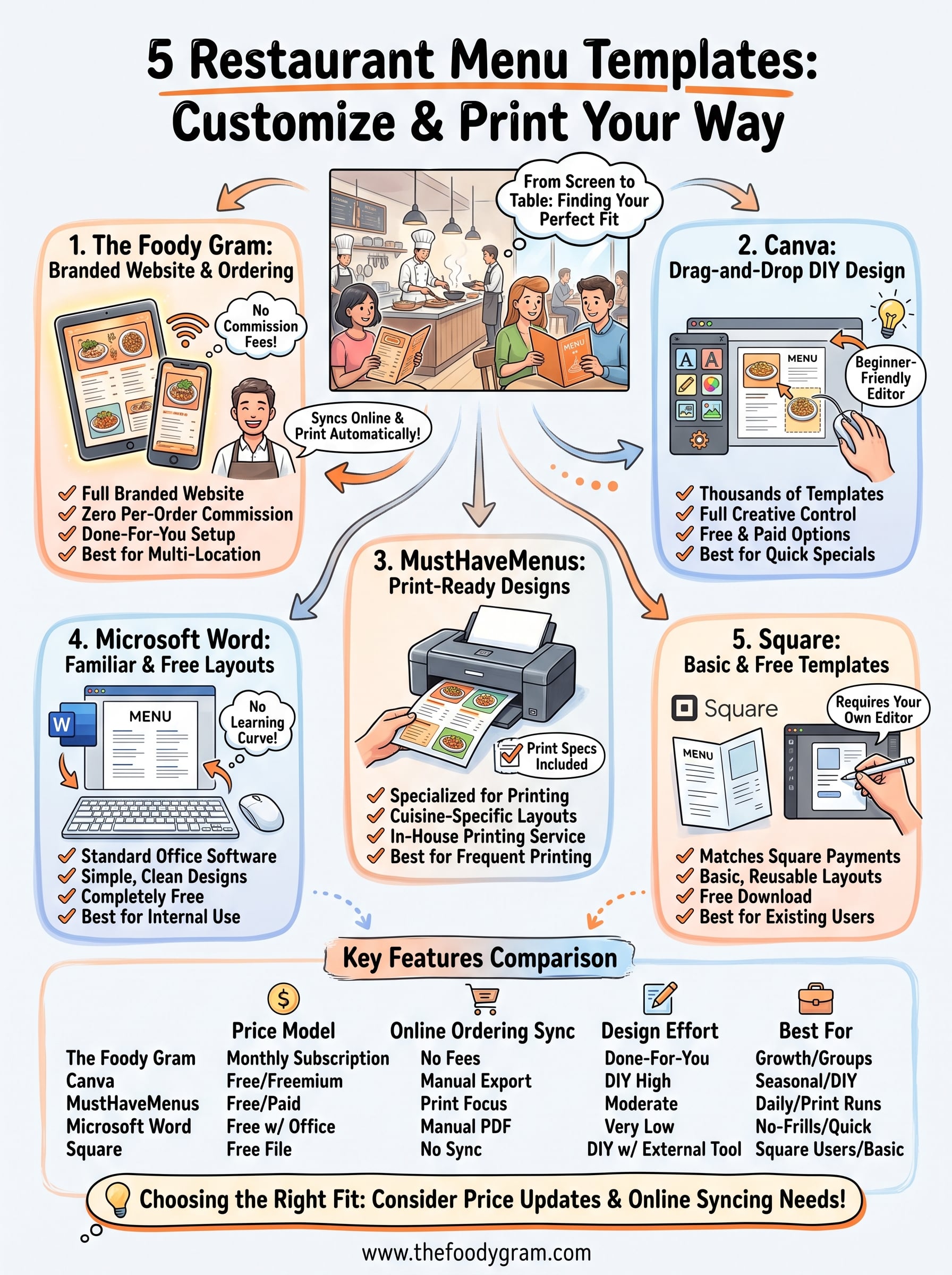
Every template on this list can get you a menu you're proud to hand a customer, but the right pick depends on how often you update prices and whether your printed menu needs to match your online ordering. Free tools like Word and Square work fine for a restaurant that prints once and rarely touches the file again. Design-focused platforms like Canva and MustHaveMenus make sense if you update seasonally and don't mind doing the layout work yourself.
If your printed menu and your online ordering keep drifting out of sync, or you're tired of watching commission fees eat your margins, that's a sign you need more than a static file. A branded website that handles both jobs at once saves you from managing two separate systems. Check out our pricing plans to see which option fits your restaurant.