


14 Best Ways To Buy Restaurant POS System And Save Money
A restaurant POS system is one of the biggest technology investments you'll make as a restaurant owner. Get it right, and you streamline operations, speed up service, and track every dollar. Get it wrong, and you're stuck in a contract with hardware that doesn't fit your workflow and fees that chip away at your margins. Before you buy restaurant POS system hardware or software, you need a clear picture of what's actually worth your money, and what's not.
Here's the reality: most POS providers bundle features you don't need while charging premium prices for the ones you do. Between upfront hardware costs, monthly software fees, payment processing markups, and add-on charges for online ordering, the total cost of ownership can be thousands more per year than the sticker price suggests. That online ordering add-on alone is where many restaurants get hit hardest, which is exactly why we built The Foody Gram as a commission-free alternative that works alongside your POS without the per-order fees third-party platforms charge.
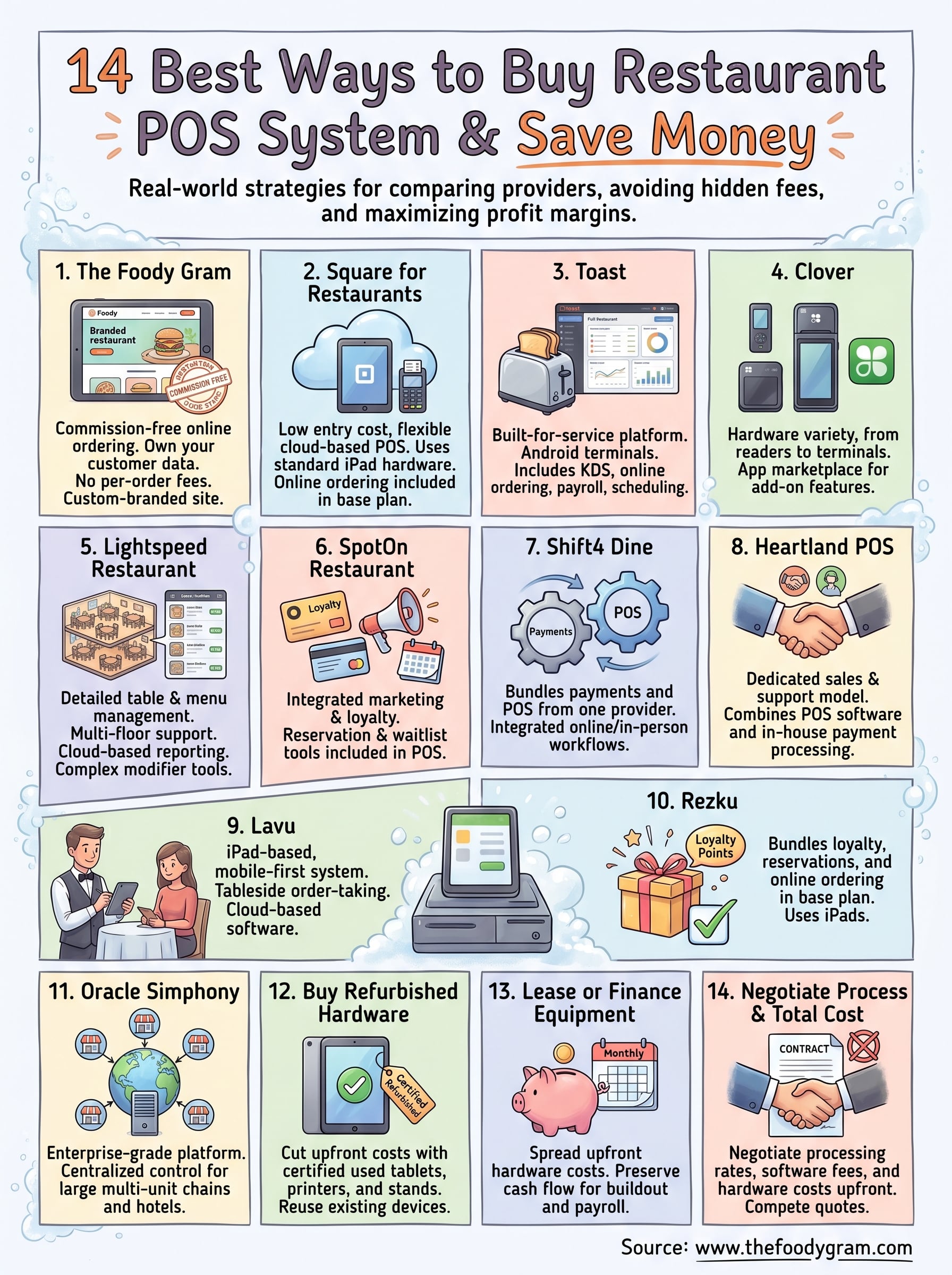
This guide breaks down 14 proven ways to buy a restaurant POS system while keeping costs under control. You'll find specific strategies for comparing providers, negotiating better deals, avoiding hidden fees, and pairing your POS with tools that actually increase your profit margins. Whether you're opening your first location or replacing an outdated system across multiple sites, every recommendation here comes from real restaurant operations, not a spec sheet.
1. The Foody Gram
The Foody Gram takes a different approach than a traditional POS provider. Rather than selling you hardware and software to manage in-house, The Foody Gram gives you a commission-free online ordering system built into your own branded restaurant website. If you want to buy restaurant POS system tools that pair with a direct online sales channel, this platform fills the gap most POS providers leave open: getting customers to order directly from you instead of through third-party apps that take 15 to 30 percent per order.
What you buy
When you sign up with The Foody Gram, you get a custom-branded restaurant website designed and launched within 48 to 72 hours, complete with a built-in ordering system that handles both pickup and delivery. The platform includes menu management with a support team handling updates for you, a real-time order dashboard, kitchen ticket printing, pre-order and reservation functionality, and direct deposit payment processing. You keep full ownership of your customer data and brand, which third-party delivery apps never give you.
How it helps you spend less on POS and delivery
Third-party delivery platforms charge a commission on every single order, and that adds up fast. A restaurant doing $10,000 per month in delivery orders through a platform charging 25 percent loses $2,500 every month in commission fees alone. The Foody Gram replaces that recurring loss with a flat monthly subscription, so your cost stays the same whether you process 50 orders or 500.
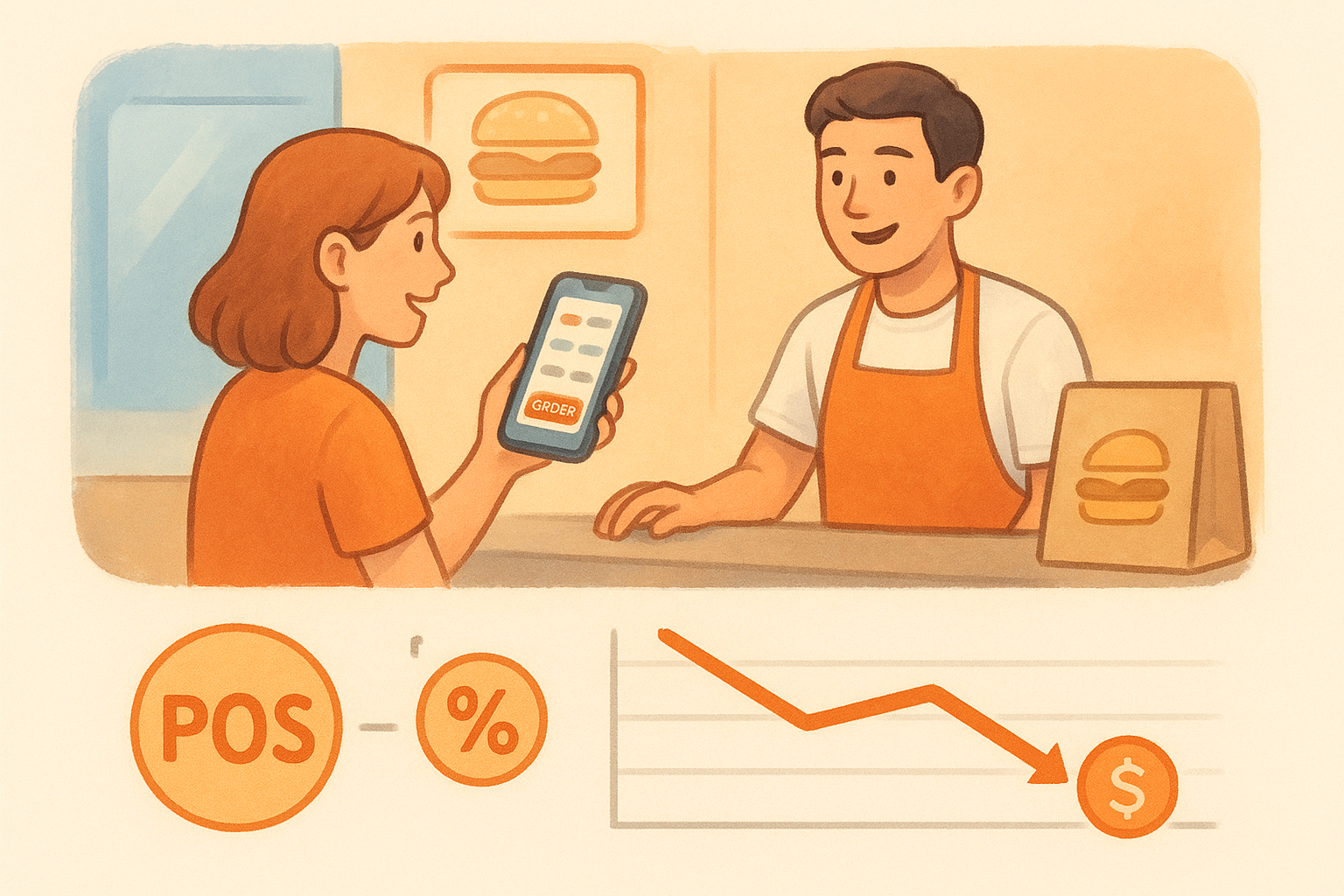
Shifting even half your delivery volume from a commission-based app to a direct ordering channel can recover thousands of dollars per month in pure margin.
Best fit
The Foody Gram works best for independent restaurants, pizzerias, and casual dining spots that have an existing customer base they can redirect to a branded website. It also suits restaurants that rely heavily on pickup orders and want to stop paying per-order fees to outside platforms. Multi-location operators on the Growth and Enterprise plans can manage all their locations from one dashboard.
Costs to plan for
Pricing runs from $159 to $199 per month depending on your plan, with no setup fees, no contracts, and no per-order commissions. The platform includes a 45-day money-back guarantee, which removes most of the risk involved in running it alongside your existing setup.
Money-saving tips
- Direct your current customers to your branded site using a simple card insert or table tent at checkout.
- Use the pre-order feature to smooth out labor spikes during busy periods.
- Pair The Foody Gram with a lean in-house POS for tableside and counter orders, and your total monthly tech cost will stay well below what most full-service POS bundles charge once delivery add-ons are factored in.
2. Square for Restaurants
Square for Restaurants gives you a cloud-based POS platform built specifically for food service, and it comes with one of the lowest entry points in the market. If you want to buy restaurant POS system software without committing to a long-term contract or a large upfront hardware expense, Square is worth a close look.
What you buy
You get a full-featured restaurant POS with table management, coursing, menu building, and integrated payment processing. The software runs on iPads, which keeps hardware costs flexible. Square also includes online ordering, reporting dashboards, and team management tools built into the core product rather than sold as separate add-ons at the lower tiers.
Where to buy it
You can sign up and purchase hardware directly through Square's official website. Hardware ships from Square's storefront, and you can get started with software access the same day you create an account.
Best fit
Square for Restaurants fits counter-service spots, cafes, and quick-service restaurants that need a reliable system without heavy table management complexity. It also works well for restaurant owners who already use Square for other parts of their business and want to consolidate tools.
If you run a high-volume full-service dining room with complex floor plans and large party management, you may outgrow the lower tiers quickly.
Costs to plan for
The Free plan covers basic POS features, while the Plus plan runs $60 per month per location. Payment processing fees sit at 2.6 percent plus 10 cents per in-person transaction, which adds up at higher order volumes.
Money-saving tips
- Start on the Free plan to test the system before upgrading.
- Buy Square hardware refurbished through Square's website to cut upfront costs.
- Bundle your payment processing and POS under one account to avoid redundant monthly fees.
3. Toast
Toast is one of the most widely adopted restaurant-specific POS platforms in the United States. If you want to buy restaurant POS system software built from the ground up for food service, Toast covers more restaurant workflows out of the box than almost any competitor at its price range.
What you buy
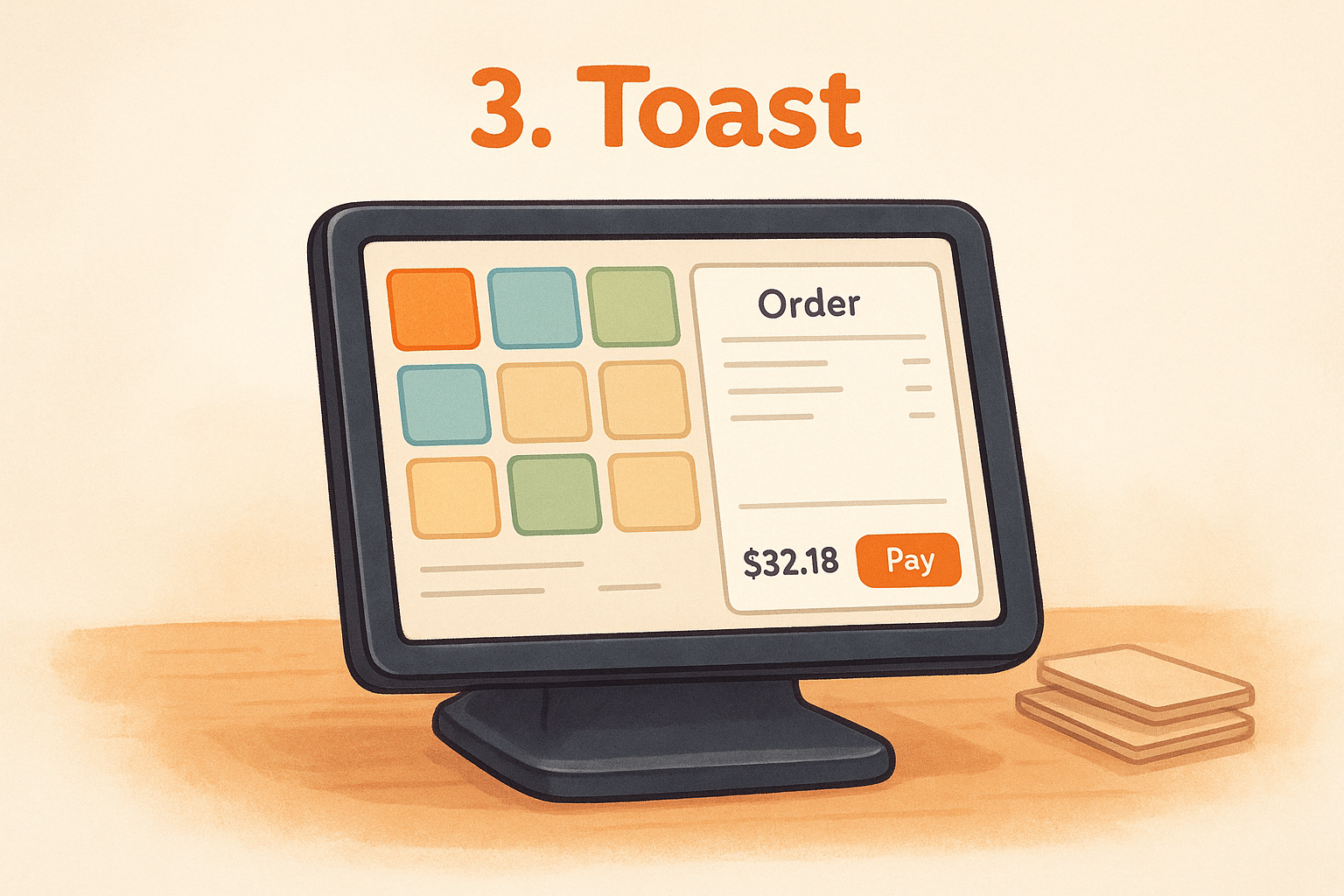
Toast gives you a full restaurant management platform that combines POS software, kitchen display systems, online ordering, payroll, and scheduling under one roof. The hardware runs on Toast's own Android-based terminals, which are built to handle spills, heat, and heavy daily use better than standard tablets.
Where to buy it
You purchase Toast hardware and software directly through Toast's official website. A sales representative will walk you through hardware configuration based on your restaurant size before you commit to anything.
Best fit
Toast fits full-service restaurants, fast-casual concepts, and multi-location operators that need a single platform managing everything from the front of house to payroll. The depth of its feature set makes it a strong choice if you want to consolidate multiple tools into one system.
Restaurants that need tight kitchen coordination between the front of house and back of house will find Toast's kitchen display system integration particularly useful.
Costs to plan for
The Point of Sale plan starts at $0 per month, but hardware costs, payment processing fees, and add-ons for payroll or scheduling raise your actual monthly spend significantly. Processing fees vary by plan, and hardware kits can run $500 to $1,000 or more depending on your setup.
Money-saving tips
- Start with the Starter Kit plan and add modules only as your volume justifies the cost.
- Negotiate hardware pricing directly with a Toast sales rep, especially if you're outfitting multiple stations.
- Compare Toast's built-in online ordering fees against a commission-free platform before defaulting to their solution.
4. Clover
Clover is a flexible POS platform that stands out for its hardware variety and the range of business types it serves. When you want to buy restaurant POS system hardware with multiple form factors, Clover gives you options from compact card readers to full countertop terminals, so you can match the hardware to your actual floor setup.
What you buy
Clover sells both hardware and software as a bundled package, giving you terminals, card readers, and receipt printers alongside restaurant-specific software. You get order management, employee tracking, and an app marketplace that lets you layer on specific features without paying for a full software upgrade.
Where to buy it
You can purchase Clover hardware and software through your bank or merchant services provider, since Clover distributes heavily through financial institutions and resellers. Many banks that handle merchant processing accounts also bundle Clover hardware directly into their merchant services agreements, which can simplify your setup process.
Best fit
Clover works well for quick-service and counter-service restaurants that want hardware flexibility without needing deep kitchen display or complex table management tools right out of the box.
If your bank already offers Clover as part of a merchant services package, bundling can simplify billing and reduce your setup friction significantly.
Costs to plan for
Hardware ranges from $49 for a basic card reader to over $1,000 for a full terminal setup. Monthly software fees start around $14.95 and climb to $84.95 per month for the full restaurant tier. Processing rates vary depending on your acquiring bank or reseller.
Money-saving tips
- Compare rates from multiple Clover resellers before committing, since pricing varies significantly by provider.
- Purchase only the hardware stations your floor plan actually requires to keep upfront costs manageable.
- Audit your app marketplace subscriptions quarterly and remove any tools you no longer use to prevent bill creep.
5. Lightspeed Restaurant
Lightspeed Restaurant is a cloud-based POS platform that gives full-service restaurants detailed control over their menus, floor plans, and reporting without requiring on-site servers or complex local hardware setups. When you want to buy restaurant POS system software that handles high-volume table service while keeping your data accessible from anywhere, Lightspeed is a practical option to consider.
What you buy
You get a full-service restaurant POS with multi-floor table management, detailed menu modifiers, coursing controls, and an integrated kitchen display connection. Lightspeed also includes built-in reporting tools that track covers, revenue per table, and staff performance across service periods, giving you real numbers to make staffing and menu decisions.
Where to buy it
You purchase Lightspeed directly through their official website at lightspeedhq.com. A sales team will match you to a hardware kit based on your floor plan, and software access starts the same day you finalize your account setup.
Best fit
Lightspeed fits full-service restaurants and multi-concept operators that need detailed floor management and the ability to split, merge, or transfer tables mid-service. Restaurants running complex menus with frequent modifier combinations will find the menu-building tools genuinely useful.
If your operation runs multiple revenue centers like a bar, patio, and dining room simultaneously, Lightspeed's multi-floor layout tools reduce the coordination errors that cost you covers during busy shifts.
Costs to plan for
Monthly plans start around $189 per month for the Essential tier, with higher tiers adding advanced reporting and integrations. Hardware costs depend on your terminal and printer configuration and can add several hundred dollars upfront.
Money-saving tips
- Run Lightspeed on existing iPads before buying new terminals to reduce your hardware spend.
- Audit your active integrations quarterly and drop any connected tools you no longer use to keep monthly costs predictable.
6. SpotOn Restaurant
SpotOn Restaurant is a full-featured POS platform that combines in-house ordering tools with marketing and loyalty features built directly into the system. When you want to buy restaurant POS system software that does more than just process payments, SpotOn bundles customer-facing tools into the same platform your staff uses at the counter.
What you buy
SpotOn gives you a restaurant POS with integrated loyalty programs, online ordering, and marketing automation alongside standard table management, menu building, and reporting. The platform also includes a reservation and waitlist tool, which removes the need to pay separately for a standalone table management solution.
Where to buy it
You purchase SpotOn directly through the SpotOn sales team via their official website. A representative handles hardware configuration and pricing based on your restaurant size and feature requirements before you sign anything.
Best fit
SpotOn works well for full-service and fast-casual restaurants that want to run loyalty and marketing campaigns without adding a separate third-party tool. Independent operators who want to build a returning customer base through rewards programs without paying for additional software will get the most value here.
If your restaurant already invests in a separate email marketing or loyalty tool, SpotOn's built-in versions may let you consolidate and cut that recurring cost.
Costs to plan for
SpotOn does not publish flat pricing publicly, so your monthly cost depends on your hardware configuration and selected features. Expect software fees, payment processing rates, and potential hardware costs to be negotiated directly with a sales rep rather than pulled from a pricing page.
Money-saving tips
- Ask your sales rep to bundle loyalty and online ordering features into your base contract rather than adding them as separate line items later.
- Evaluate whether SpotOn's built-in reservation tool replaces a platform you currently pay for separately, which can offset your monthly POS cost.
7. Shift4 Dine
Shift4 Dine is a restaurant-focused POS platform built by Shift4 Payments, a large payment processing company that integrates software directly with its own payment infrastructure. When you want to buy restaurant POS system software that reduces the number of vendors you deal with for payments and operations, Shift4 Dine bundles both under one provider.
What you buy
Shift4 Dine gives you a full-service restaurant POS with table management, menu building, kitchen display system support, and detailed reporting. The platform handles both in-person and online ordering workflows within the same system, so your front-of-house staff and kitchen see every order in one place regardless of where it originates.
Where to buy it
You purchase Shift4 Dine directly through the Shift4 sales team at shift4.com. A representative will walk you through hardware options and pricing before you sign, since costs are customized based on restaurant size and configuration rather than listed on a public pricing page.
Best fit
Shift4 Dine works well for full-service and independent restaurants that want to consolidate payment processing and POS software under one monthly relationship instead of managing separate vendor contracts.
If you currently pay separate vendors for payment processing and POS software, combining them through Shift4 can simplify your billing and give you a single point of contact for support.
Costs to plan for
Shift4 does not publish a standard monthly fee. Your total cost depends on your hardware setup, processing volume, and selected features, all of which get negotiated directly with a sales representative.
Money-saving tips
- Ask Shift4 to provide a full cost breakdown that separates software fees, hardware costs, and processing rates before signing anything.
- Compare their processing rate structure against your current payment processor to confirm you're actually saving money by switching.
8. Heartland POS
Heartland POS is a restaurant-specific point-of-sale platform backed by Heartland Payment Systems, a payment processing company with a long track record in the restaurant and hospitality industry. When you want to buy restaurant POS system software from a provider that combines in-house payment processing with dedicated food service tools, Heartland gives you both under one relationship.
What you buy
Heartland POS gives you a full-service restaurant management system that covers table management, menu building, reporting, and kitchen display integration. The platform also supports online ordering and loyalty programs, which reduces the number of separate tools you need to manage across your operation.
Where to buy it
You purchase Heartland POS directly through a Heartland sales representative by contacting the company through their official website at heartland.us. Pricing and hardware configuration are discussed with a rep before you commit, since Heartland customizes packages based on your restaurant size and operational needs.
Best fit
Heartland works well for independent full-service and casual dining restaurants that want a single provider handling both POS software and payment processing. Operators who prefer working with a dedicated account representative rather than self-managing an online platform will find Heartland's sales and support model a better fit.
If you've had trouble getting reliable support from larger POS vendors, Heartland's dedicated rep model gives you a consistent point of contact for issues and account questions.
Costs to plan for
Heartland does not list standard pricing publicly. Your monthly software fee, hardware costs, and processing rates are all negotiated through a sales conversation, so actual costs vary by location and configuration.
Money-saving tips
- Request a written comparison of your current processing rates against Heartland's quoted rates before signing.
- Ask whether bundling payment processing with your POS software qualifies you for reduced monthly software fees.
9. Lavu
Lavu is an iPad-based restaurant POS built specifically for food service operations, with a strong focus on staff mobility and ease of use during service. When you want to buy restaurant POS system software that runs on hardware you likely already own or can buy cheaply, Lavu gives you a restaurant-specific platform without locking you into proprietary terminals.
What you buy
Lavu gives you cloud-based POS software built for restaurant workflows, including table management, menu building, kitchen display system support, and detailed reporting. The platform handles both in-person and online orders within the same system, and your staff can take orders tableside from an iPad rather than returning to a fixed counter terminal between tables.
Where to buy it
You purchase Lavu directly through Lavu's official website at lavu.com. A sales representative will walk you through available plan options and hardware recommendations before you finalize your configuration and sign anything.
Best fit
Lavu works well for full-service restaurants, bars, and quick-service operations that want a mobile-first system without paying for proprietary hardware. It suits restaurants where tableside order-taking directly affects how quickly you turn tables and how accurately the kitchen receives orders.
If your current POS ties staff to a fixed terminal during busy shifts, moving to a tablet-based system can reduce wait times and increase covers per service period.
Costs to plan for
Pricing starts around $59 per month for a single terminal, with higher tiers adding more terminals and advanced reporting features. You also need to account for payment processing fees and the cost of any iPads, stands, or receipt printers your location still needs.
Money-saving tips
- Use iPads you already own to avoid new hardware purchases and cut your upfront investment significantly.
- Start on the base plan and add terminals only as your order volume grows to keep monthly costs predictable.
10. Rezku
Rezku is a restaurant-specific POS platform developed by Guest Innovations, designed to give independent restaurants enterprise-level features without the enterprise price tag. When you want to buy restaurant POS system software that bundles loyalty, reservations, and online ordering into one base plan rather than charging separately for each, Rezku is worth evaluating alongside larger providers.
What you buy
Rezku gives you a cloud-based restaurant POS that includes table management, menu building, loyalty programs, online ordering, and a built-in waitlist and reservation tool. The system runs on iPad hardware, which keeps your setup flexible and your hardware costs lower than platforms that require proprietary terminals.
Where to buy it
You purchase Rezku directly through their official website at rezku.com. The company offers a free demo before you commit, and a sales representative will configure a plan based on your location count and specific feature requirements.
Best fit
Rezku works well for independent full-service and casual dining restaurants that want a comprehensive feature set without layering multiple third-party tools on top of a base POS subscription. The built-in loyalty and reservation tools make it particularly useful for restaurants focused on increasing how often existing customers return.
If you currently pay separate monthly fees for a standalone loyalty platform and a reservation system, Rezku's all-in-one structure can eliminate both costs and simplify your vendor relationships.
Costs to plan for
Rezku does not publicly list standard pricing, so your monthly software fee and hardware configuration costs get determined through a direct conversation with their sales team. Payment processing rates also vary depending on your order volume and account setup.
Money-saving tips
- Use iPads you already own to avoid new hardware purchases entirely.
- Ask your sales rep to confirm which features are included in your base plan versus which ones add separate monthly charges before you sign.
11. Oracle Simphony
Oracle Simphony is an enterprise-grade cloud POS platform designed for large restaurant operations, hotel food and beverage programs, and multi-unit chains that need centralized control across dozens or hundreds of locations. When you want to buy restaurant POS system software built to scale well beyond what most independent restaurant platforms can handle, Simphony is one of the few systems designed for that level of complexity from the ground up.
What you buy
Oracle Simphony gives you a cloud-based restaurant management platform that covers point-of-sale, kitchen display systems, online ordering, loyalty, inventory, and labor management within one unified system. The platform is built to handle high transaction volumes across multiple locations simultaneously, with real-time data flowing from every terminal back to a central management console.
Where to buy it
You purchase Oracle Simphony directly through Oracle's official website at oracle.com. An enterprise sales representative manages your account from initial configuration through deployment, since Simphony implementations are customized to your specific restaurant size, location count, and hardware requirements.
Best fit
Simphony fits hotel food and beverage operations, large multi-unit chains, and stadium or arena dining programs that need centralized reporting and management across a large number of simultaneous locations. Independent single-location restaurants will find the platform overbuilt and overpriced for their actual needs.
If your operation runs more than 10 locations and relies on consolidated reporting across all of them, Simphony's central management tools can replace several disconnected systems your team currently manages separately.
Costs to plan for
Oracle Simphony pricing is customized per deployment and not listed publicly. Expect significant monthly software fees, hardware costs, and implementation expenses that reflect the enterprise scale of the platform.
Money-saving tips
- Request an itemized contract that separates software, hardware, and implementation fees so you can negotiate each component individually.
- Confirm which reporting and analytics modules are included in your base license versus which ones carry additional charges.
12. Buy refurbished POS hardware and reuse tablets
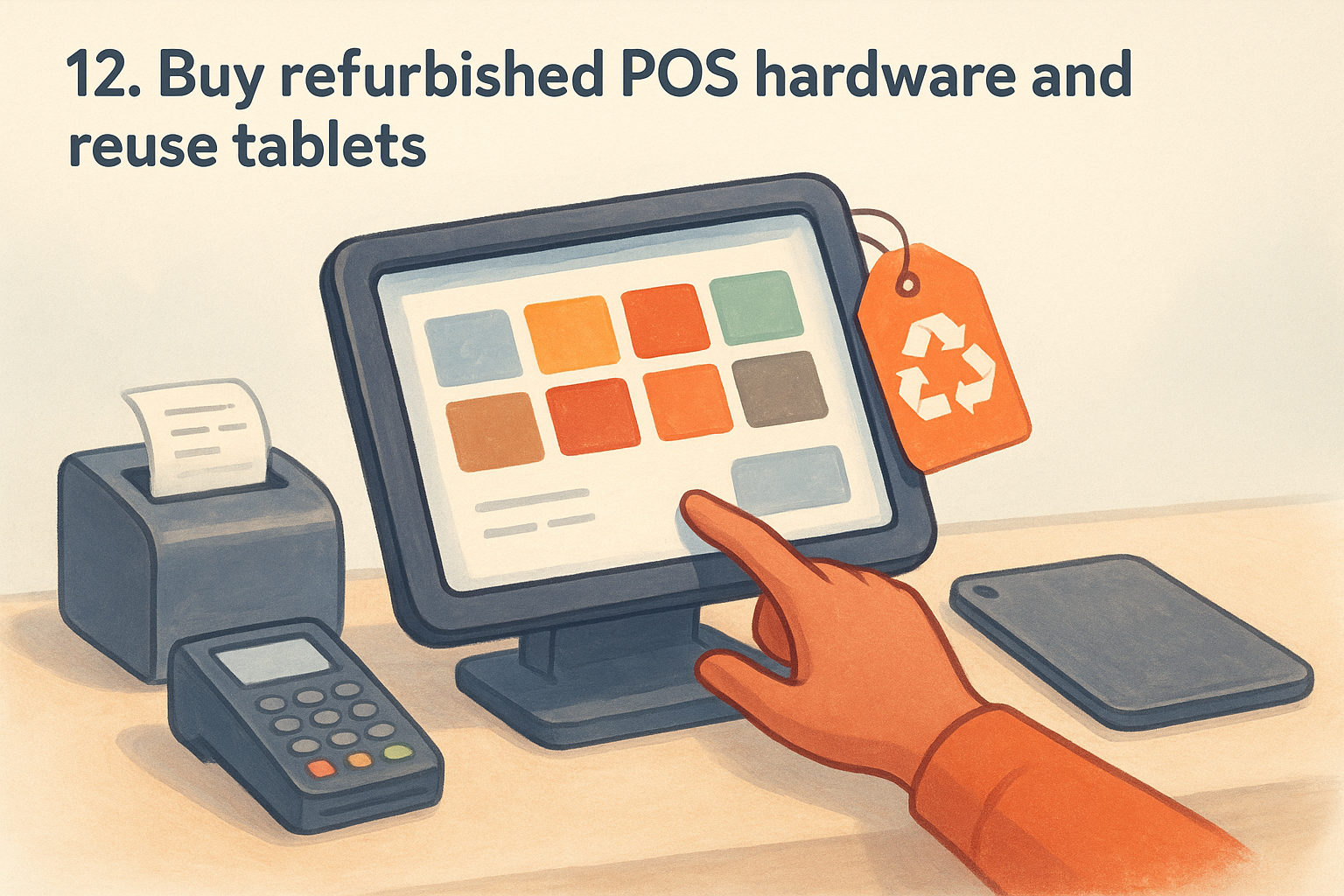
One of the fastest ways to cut your startup costs when you buy restaurant POS system hardware is to skip new equipment entirely and source refurbished terminals, tablets, and printers instead. Most cloud-based POS platforms today run on standard hardware, which means a certified refurbished iPad or Android tablet from a reputable seller works just as well as a brand-new one for a fraction of the price.
What you buy
You buy used or manufacturer-refurbished POS hardware including tablets, stands, receipt printers, cash drawers, and card readers that are tested and certified before resale. Many refurbished units come with 90-day to one-year warranties, so you're not taking on the full risk of buying used equipment with no recourse if something fails.
Where to buy it
Amazon Renewed and Apple's own certified refurbished store are two of the most reliable sources for tested hardware with verified return policies. Both platforms grade devices and disclose condition clearly, so you know exactly what you're getting before it ships.
Buying directly from Apple's refurbished store gives you the same one-year warranty coverage as a new device at a meaningfully lower price.
Best fit
This approach works best for restaurants adopting a tablet-based POS like Lavu, Square for Restaurants, or Rezku, where the platform runs on standard consumer hardware rather than proprietary terminals. It also suits restaurant owners replacing a single broken station who don't want to pay full retail for one unit.
Costs to plan for
Refurbished iPads typically run $200 to $400 per unit depending on storage and generation, compared to $500 or more for new models. Add $50 to $150 for a stand and receipt printer if you don't already own compatible peripherals.
Money-saving tips
- Check return policies before purchasing to confirm you can exchange a unit that arrives with undisclosed hardware issues.
- Reuse tablets already in your restaurant before buying anything new, since most current POS apps run on devices that are two to three generations old without performance issues.
13. Lease hardware or finance equipment
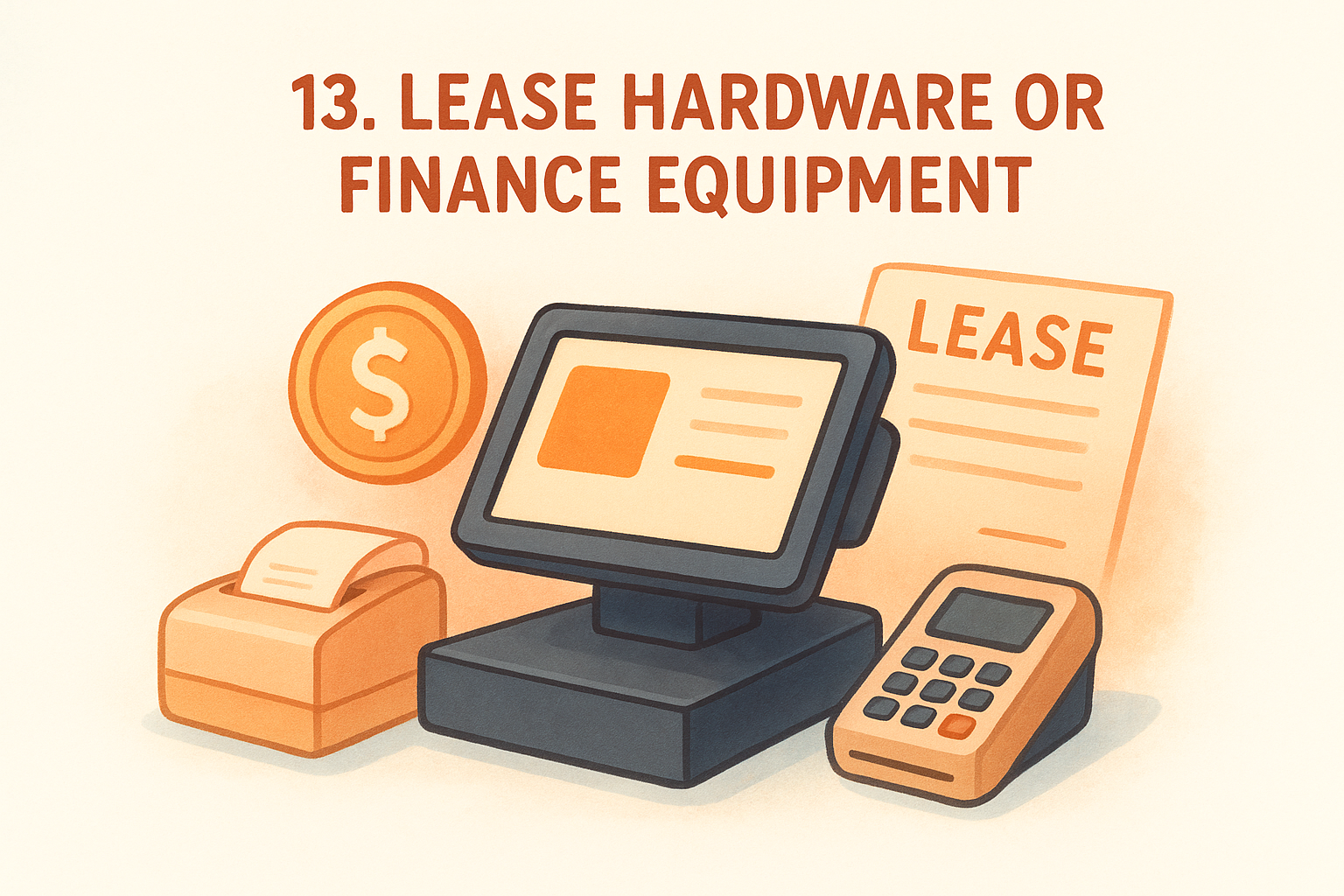
Paying for POS hardware upfront can put a serious strain on your cash flow, especially when you're outfitting multiple stations at once. Leasing or financing your equipment spreads that cost across monthly payments, which makes it easier to buy restaurant POS system hardware without draining your operating budget at launch.
What you buy
With leasing or financing, you get the same commercial-grade POS terminals, printers, card readers, and kitchen display screens you'd purchase outright, but you pay for them incrementally instead of all at once. Some agreements let you upgrade hardware mid-lease when newer models release, which keeps your technology current without a lump-sum replacement cost.
Where to buy it
Your POS vendor is the most direct source, since most major providers offer built-in financing options through their checkout process or sales team. You can also finance hardware independently through a small business lender or your existing bank, which gives you more flexibility if your vendor's financing terms aren't competitive.
Separating your hardware financing from your POS software contract gives you the freedom to switch software providers later without being locked into a hardware agreement tied to one platform.
Best fit
Leasing works best for new restaurant openings and operators replacing a full system across multiple stations at once. If your cash reserves are committed to buildout costs, payroll, or inventory, financing hardware preserves that liquidity for expenses that directly affect your first weeks of service.
Costs to plan for
Financing adds interest charges on top of your hardware's retail price, so your total cost over the lease term will exceed what you'd pay upfront. Lease terms typically run 24 to 48 months, and some agreements include early termination penalties.
Money-saving tips
- Compare financing rates from at least two sources before accepting your POS vendor's default offer.
- Calculate your total cost over the full lease term and compare it against the outright purchase price before signing.
14. Negotiate processing and total cost upfront
Most restaurants accept the first pricing quote a POS vendor offers, but nearly every major provider has room to negotiate on processing rates, software fees, and hardware costs before you sign. When you decide to buy restaurant POS system software from any vendor, the negotiation conversation happens before you commit, not after the contract is signed and live.
What you buy
You buy the same POS software and hardware package at a lower total cost of ownership by pushing back on the default rate sheet before your agreement is finalized. This includes negotiating lower monthly software fees, reduced payment processing rates, and waived setup or installation charges that vendors routinely fold into their standard quotes.
Where to buy it
This strategy applies to any POS vendor you're already evaluating. The negotiation happens directly with their sales representative during the quoting process, not through a self-serve checkout page.
Getting competing quotes from two or three vendors gives you concrete leverage when asking any single provider to reduce their rates.
Best fit
Negotiating works best for restaurants with higher monthly transaction volumes, since processing rate reductions have a bigger dollar impact the more orders you run. Multi-location operators also have stronger leverage because vendors want the recurring revenue from multiple sites.
Costs to plan for
Your starting point is always the vendor's published rate sheet, which is designed to be reduced for engaged buyers. Processing fees, monthly software charges, and hardware markups are all negotiable line items.
- Software fees: often discounted for annual commitments
- Processing rates: negotiable based on your monthly volume
- Hardware: frequently bundled or discounted when paired with a software plan
Money-saving tips
- Ask every vendor to provide a full cost breakdown in writing before your first negotiation conversation.
- Request that setup fees and first-month software charges be waived entirely as a condition of signing.
Next Steps
You now have a clear picture of what it takes to buy restaurant POS system software and hardware without overpaying. The right move is to narrow your list to two or three providers, request itemized quotes from each, and compare the total 12-month cost rather than just the monthly software fee. That number tells you what you'll actually spend once processing rates, hardware, and add-ons are factored in.
Before you finalize any POS decision, look closely at how you're handling online orders. Third-party delivery commissions quietly drain more margin than most restaurant owners realize until they run the numbers. If you're ready to stop paying per-order fees and start owning your customer relationships directly, The Foody Gram gives you a commission-free ordering channel built around your brand. Check out our pricing plans to see exactly what you get for a flat monthly rate with no hidden fees.