


5 Best QR Code Menu for Restaurants (2026 Comparison)
QR code menus went from a pandemic workaround to a permanent fixture at restaurants across the country. Customers expect to scan, browse, and order without waiting, and if your menu isn't digital yet, you're creating friction you don't need. But finding the best QR code menu for restaurants isn't as simple as picking the first option on Google. Some platforms charge per scan, others lock you into contracts, and a few bundle QR menus with full online ordering systems that actually drive revenue.
We built The Foody Gram to help restaurants own their online presence, from branded websites to commission-free online ordering, so we know what restaurant owners actually need from their tech stack. That perspective shaped how we evaluated each platform on this list: by looking at real costs, features, and ease of use rather than flashy marketing pages.
Below, we break down five QR code menu platforms worth considering in 2026, comparing their pricing, standout features, and limitations so you can pick the right fit for your restaurant. Whether you run a single location or manage multiple spots, this guide covers options at every price point and complexity level.
1. The Foody Gram
The Foody Gram is more than a static QR menu. It's a full commission-free ordering platform that bundles a branded restaurant website, digital menu, and QR-based ordering into one flat monthly subscription. Instead of just showing guests your menu, the platform lets customers scan and place a real order directly from their phone, with payments deposited straight to your account with no middleman taking a cut.
What it is and how it works as a QR menu
Your restaurant gets a custom-branded website with a built-in ordering system, and you receive a unique QR code that points directly to your live menu and checkout page. Guests scan, browse, add items, and pay without touching a third-party app. Every order routes through your dashboard in real time.
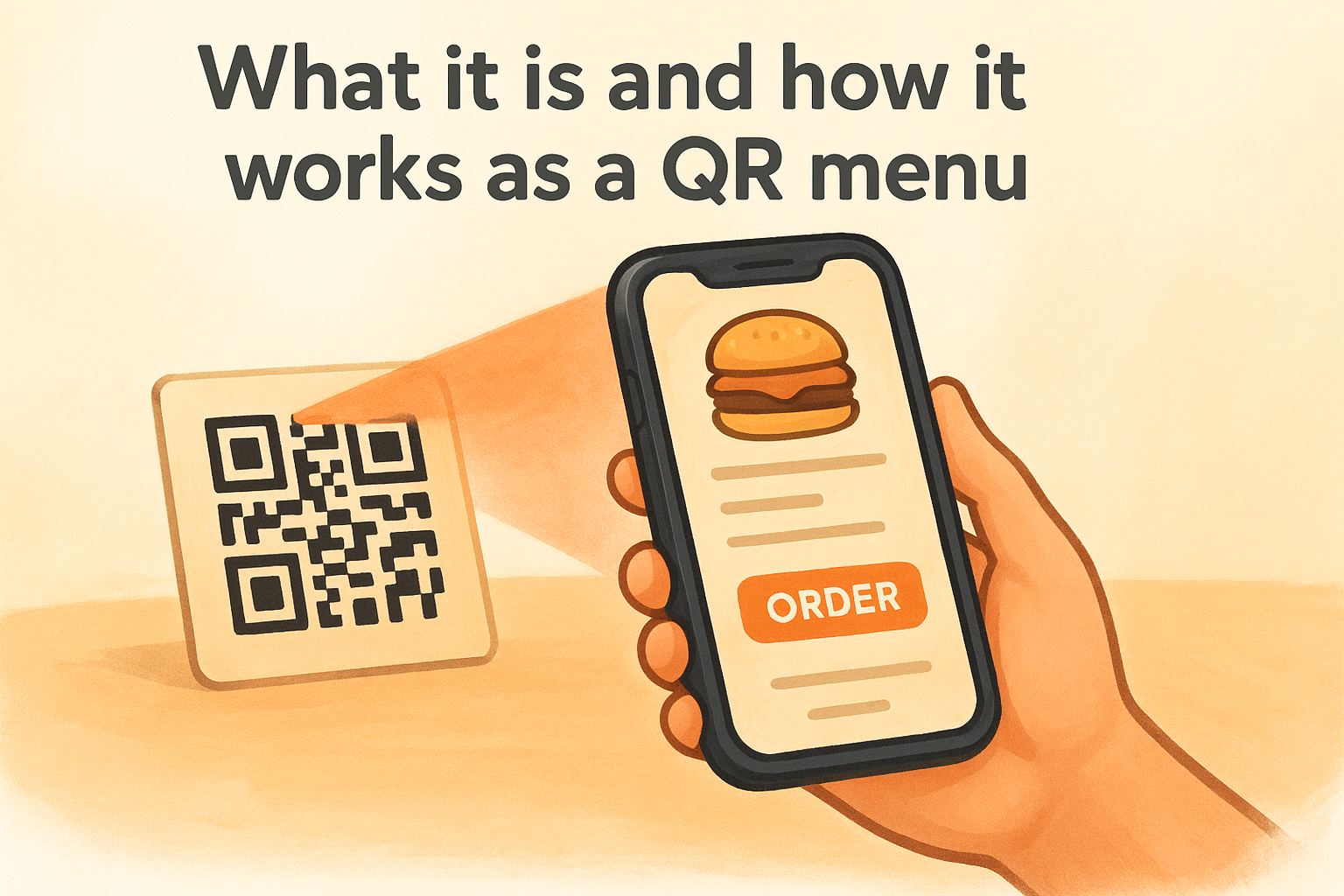
If you want the best QR code menu for restaurants that turns table scans into direct revenue, this platform handles both in one place.
Best fit restaurants and use cases
This platform suits restaurants that want orders, not just menu views. Pizzerias, fast-casual spots, and independent restaurants focused on takeout and delivery get the most value here. It's less useful if you only need a read-only digital menu with no ordering or payment functionality.
Ordering and payments options
Customers order for pickup or delivery, and all payments go directly to you via direct deposit with zero per-order commissions. The platform also supports pre-orders, reservations, and unlimited order capacity regardless of your plan tier.
Setup, menu updates, and support
The Foody Gram team builds your website and menu within 48-72 hours of signing up. Their support team handles ongoing menu updates for you, so no technical skills are required on your end. 24/7 customer support is included across all plans, which is useful if something breaks during a dinner rush.
Pricing and key limits
Plans run $159-$199 per month with no contracts, no setup fees, and a 45-day money-back guarantee. Multi-location management is available on Growth and Enterprise tiers, while single-location plans cover unlimited orders at a fixed cost.
2. iMenuPro
iMenuPro is a dedicated digital menu platform built for restaurants that want a mobile-friendly menu guests access by scanning a QR code, with no app download required.
What it is and how it works as a QR menu
The platform creates a hosted menu tied to a unique URL and QR code you place on tables or receipts. Guests scan and browse directly in their mobile browser with no account creation needed on their end.
Best fit restaurants and use cases
iMenuPro suits dine-in restaurants, cafes, and bars where staff still handle the ordering process. It works best when your primary goal is replacing printed menus rather than processing digital transactions.
Menu design, photos, and updates
You control fonts, colors, layout, and item photos inside the platform, and changes publish instantly. Adding food photography per item gives guests more context and helps them decide faster without extra technical work on your end.
For the best qr code menu for restaurants focused on presentation rather than ordering, iMenuPro delivers a clean, polished result.
Accessibility and privacy considerations
Menus load in a standard browser, so screen readers and existing accessibility tools work without any additional setup. Guests do not need an account to view your menu, which keeps the experience lightweight and private.
Pricing and key limits
Plans start around $25 per month, with a free tier for basic menu creation. Paid plans unlock unlimited items, custom branding, and photo uploads, but the platform includes no built-in ordering or payment processing.
3. MustHaveMenus
MustHaveMenus is a menu design and digital publishing platform that started as a print menu tool and added QR code functionality on top. It centers on visual presentation, giving restaurants a way to create polished menus from pre-built templates without needing a designer.
What it is and how it works as a QR menu
You build your menu from thousands of design templates, then publish it to a hosted digital page tied to a unique QR code. Guests scan the code and view your menu in a mobile browser with no app download required.
Best fit restaurants and use cases
MustHaveMenus works best for dine-in restaurants and cafes that want professional-looking menus on a budget. It suits restaurants that already print physical menus and want a matching digital version alongside their printed materials.
QR code management and where to display it
Your QR code stays connected to your live menu, so you never need to reprint codes after an update. MustHaveMenus provides print-ready templates for table tents, signage, and receipts, making it straightforward to display codes consistently throughout your space.
If the best qr code menu for restaurants you need focuses on design consistency rather than digital ordering, MustHaveMenus covers that well.
Menu editing workflow and branding options
You update menus inside a drag-and-drop editor with full control over fonts, colors, and images. Changes go live instantly to your digital menu while keeping your print and digital designs visually aligned.
Pricing and key limits
Plans start around $9.99 per month, with higher tiers unlocking more templates and advanced digital features. No built-in ordering or payment processing is available on any plan.
4. My Menu by MyDigiMenu
My Menu by MyDigiMenu is a QR menu platform built around dine-in guest experiences, combining digital menu browsing with pay-at-table functionality in one system.
What it is and how it works as a QR menu
Guests scan a table-specific QR code that loads your menu in their mobile browser without downloading an app. Each table gets its own unique code, so orders and payments stay linked to the correct table automatically.
Best fit restaurants and use cases
This platform fits full-service dine-in restaurants that want to reduce server workload at the ordering and payment stage. If you run a busy sit-down establishment, the table-linked QR system keeps service moving without requiring extra staff at every table.
Ordering, pay-at-table, and guest features
Guests can browse, order, and pay directly from their QR scan, making this one of the more complete self-service options for dine-in settings. The platform supports:
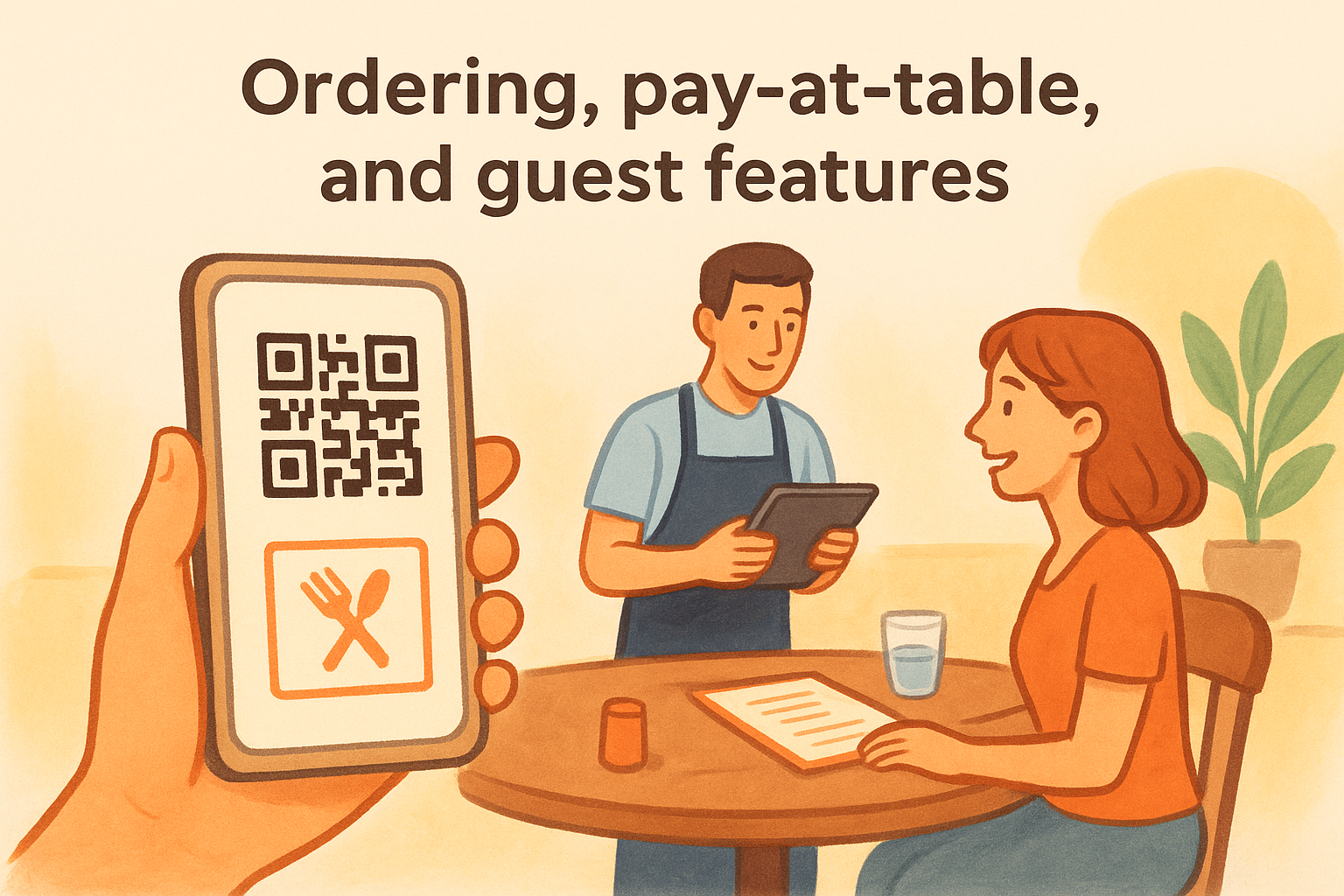
- Split payments across multiple guests at the same table
- Digital receipts sent directly to guests
- No app download required for any guest feature
For restaurants focused on improving table turnover, combining ordering and payment into one QR scan cuts down friction at the end of the meal.
Integrations and operational considerations
My Menu connects with select POS systems, though the integration list is narrower than larger platforms. Confirm compatibility with your current setup before committing to avoid operational gaps.
Pricing and key limits
Plans start around $29 per month, with no built-in commission-free delivery ordering for off-premise sales. This is not the best qr code menu for restaurants that need a full takeout or delivery order management solution.
5. Menu Tiger
Menu Tiger is a QR code ordering and menu management platform that handles digital menus and direct table ordering in one system. Guests scan a QR code and access your full menu in a mobile browser without downloading any app, with the option to order and pay from the same screen.
What it is and how it works as a QR menu
Menu Tiger generates unique QR codes linked to your live menu, which you attach to each table or entry point. When a guest scans, your branded menu loads instantly in their browser, and they can browse, customize items, and submit orders directly to your kitchen.
Best fit restaurants and use cases
This platform suits fast-casual and full-service restaurants that want one tool covering both dine-in QR ordering and menu display. It works well for any restaurant searching for the best qr code menu for restaurants that includes table ordering without building out a full delivery infrastructure.
QR ordering flow and menu management
You update your menu inside a centralized dashboard, and changes push live immediately across all active QR codes. The platform supports item modifiers, combo options, and category organization, giving you detailed control over how your menu appears to guests.
Admin controls and multi-location support
Menu Tiger includes multi-location management tools that let you control menus across different branches from one account. You can set location-specific pricing and availability, which reduces manual work when running promotions across multiple spots.
Multi-location admin controls in a single dashboard are worth prioritizing if you manage more than one restaurant.
Pricing and key limits
Plans start at $0 for a basic free tier, with paid tiers beginning around $18 per month that unlock ordering features, branding controls, and multi-location access. Transaction fees may apply on lower tiers, so review the pricing structure carefully before selecting a plan.
Next Steps
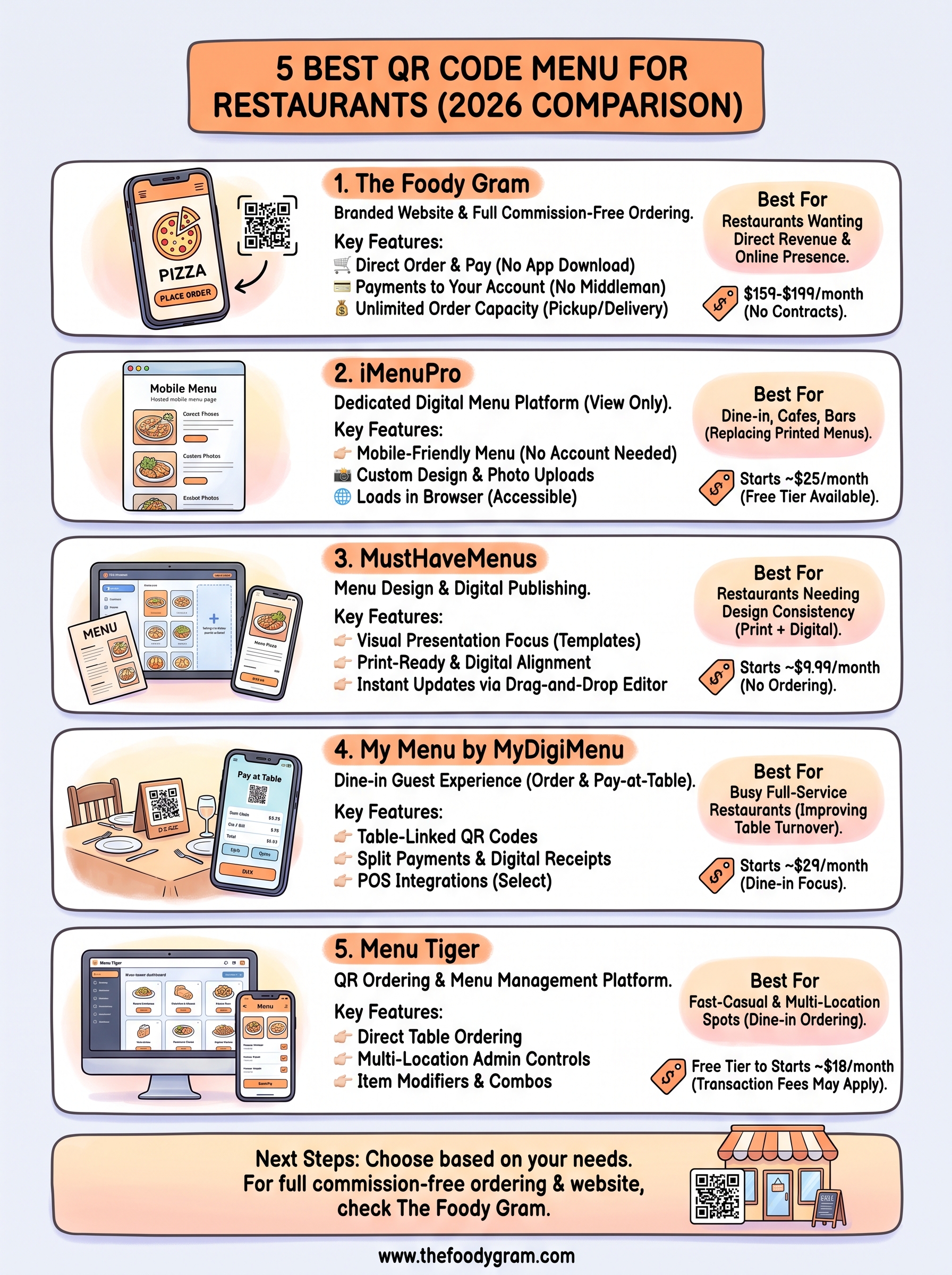
Each platform on this list solves a different problem. If you only need guests to view your menu from their phone, iMenuPro, MustHaveMenus, or Menu Tiger cover that well at a low monthly cost. If you run a busy dine-in restaurant and want to cut server workload at the table, My Menu by MyDigiMenu handles that specific use case. But if you want the best QR code menu for restaurants that goes beyond display and actually turns every scan into a direct sale, The Foody Gram gives you ordering, payments, and a branded website in one flat monthly fee with no commissions taken from your revenue.
Your margin matters more than your menu software. Before you commit to any platform, run the numbers on what you currently pay in commission fees versus a flat subscription, and pick the tool that protects your profits. When you're ready to see what The Foody Gram costs, check out the restaurant online ordering pricing plans.