


How To Manage Restaurant Reservations Like A Pro In 2026
Empty tables cost you money. Overbooked nights cost you customers. Knowing how to manage restaurant reservations effectively sits right at the center of running a profitable operation, and most restaurant owners still rely on methods that create more problems than they solve. Between no-shows, double bookings, and the chaos of peak-hour phone calls, a broken reservation process drains revenue you can't afford to lose.
The fix isn't complicated, but it does require the right approach. From choosing reservation software that actually fits your workflow to setting no-show policies that protect your bottom line, there are proven strategies that top-performing restaurants already use. You just need a clear playbook to put them into action.
That's exactly what this guide covers. Below, you'll find step-by-step methods for organizing, automating, and optimizing your table booking process, built specifically for independent restaurant owners. And because reservations are just one piece of your direct ordering ecosystem, we'll also show how platforms like The Foody Gram help you manage pre-orders and reservations alongside your online ordering, all through your own branded website, no third-party commissions involved.
What pro reservation management looks like in 2026
In 2026, the gap between restaurants that struggle with reservations and those that run tight, profitable shifts comes down to systems and data. The best-run restaurants don't rely on a hostess notebook or a single phone line. They use integrated platforms that sync bookings in real time, send automated reminders, and give managers a clear picture of the night before it even starts. Knowing how to manage restaurant reservations at this level means treating your booking process as a core business function, not an afterthought.
Automation handles the routine work
Automated confirmation texts and emails have become standard, and for good reason. When a guest books a table, they expect an immediate confirmation. When the reservation is 24 hours out, they expect a reminder. Without automation, your staff spends time on calls and follow-ups that should go toward service. Modern reservation tools connect directly to your website, your Google Business Profile, and your social channels so guests can book anytime without picking up the phone. That means fewer no-shows and fewer gaps in your seating chart.
Restaurants that eliminate manual reservation tasks free up their front-of-house staff to focus on the guest standing in front of them, which directly improves the dining experience.
Real-time visibility replaces guesswork
Knowing your floor at a glance changes how you run a shift. A live dashboard shows you which tables are seated, which are turning soon, and where gaps exist in the next two hours. Your host can make smarter decisions about walk-ins, and your kitchen gets consistent pacing instead of an unpredictable wave of tickets. When every booking channel feeds into one system, you stop relying on memory and start running on facts.
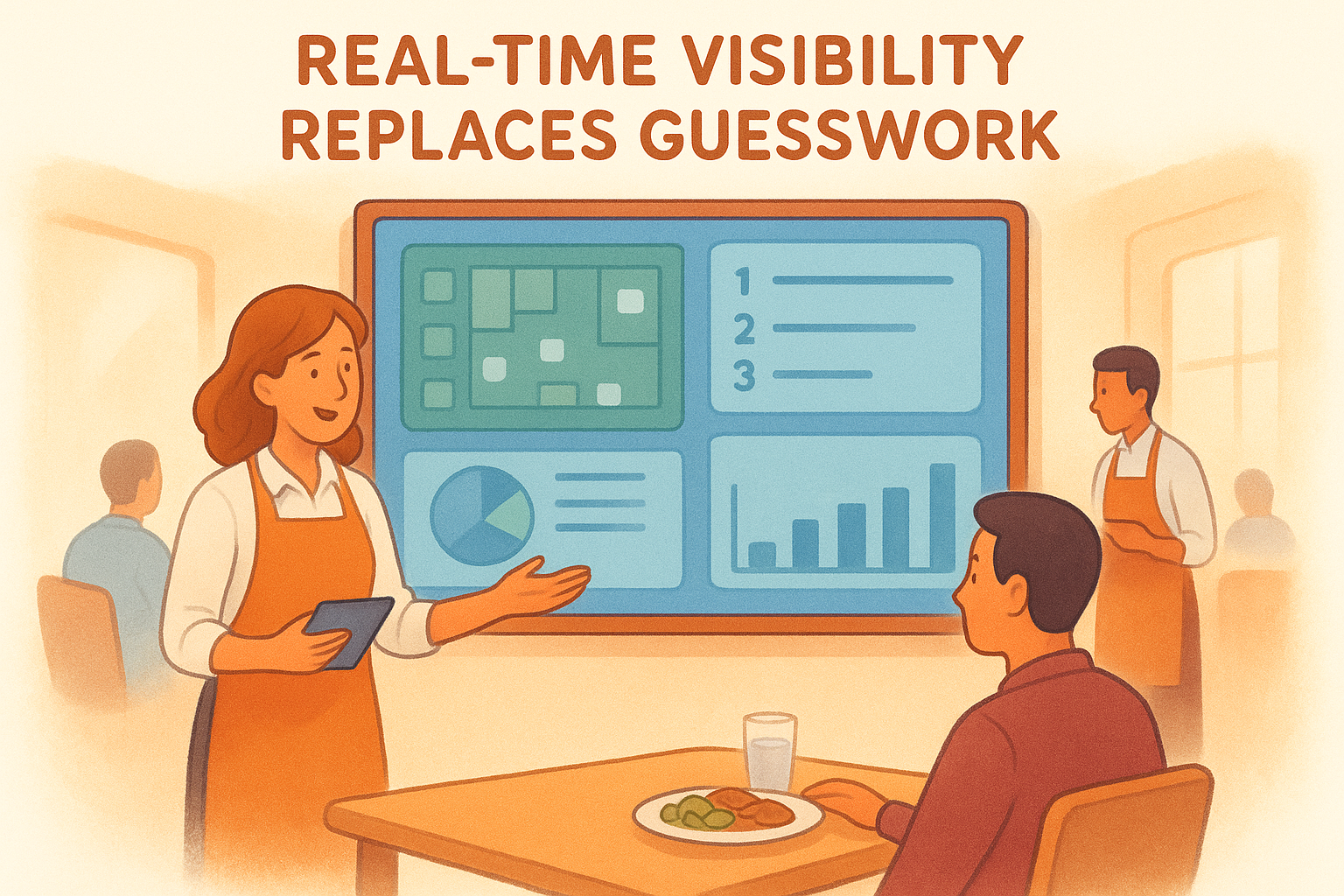
Your system should also capture guest preferences and visit history so your team can personalize service from the moment someone walks in the door. That kind of detail turns a one-time diner into a regular, and that's where the real long-term revenue lives.
Step 1. Define capacity, pacing, and table times
Before you touch any reservation software, you need accurate numbers. Your real capacity is not the number printed on your fire code certificate. It is the number of covers you can serve well during a shift without your kitchen or your floor team breaking down. Start by counting usable table configurations for your space, accounting for party sizes you actually serve, not theoretical maximums.
Calculate your real seating capacity
Most restaurants undercount or overcount capacity because they ignore table combinations and floor flow. Walk your dining room during a busy shift and note which arrangements actually work. A four-top against the wall might only function as a two-top on crowded nights. Build your booking limits around what you can execute cleanly, not what looks good on paper.
Setting your reservation maximum 10-15% below your physical capacity gives your team the breathing room to deliver consistent service without chaos at the pass.
Set table turn times by party size
Turn time is how long each party occupies a table from seating to clear. Use your own data instead of industry averages. Track actual times over two weeks, then build a reference table like this:
| Party Size | Average Turn Time |
|---|---|
| 1-2 guests | 45-60 minutes |
| 3-4 guests | 60-75 minutes |
| 5-6 guests | 75-90 minutes |
Accurate turn times allow your reservation system to block the correct window per booking, which prevents double-booking and keeps your pacing steady throughout the entire shift. This single step is foundational to knowing how to manage restaurant reservations without overloading your team.
Step 2. Set policies for holds, deposits, and cancels
No-shows and last-minute cancellations are direct hits to your revenue. A party of six that ghosts you on a Saturday night leaves a gap you cannot fill. The way you manage restaurant reservations needs to include written policies that protect your tables before a problem ever shows up at your door.
Hold times and deposit amounts
A hold time tells guests how long you will keep their table before releasing it. Set this at 15 minutes maximum for most party sizes, and communicate it at the time of booking. For large parties of six or more, require a credit card deposit to secure the reservation. A common deposit structure looks like this:
| Party Size | Deposit Amount | Refund Window |
|---|---|---|
| 1-5 guests | No deposit | Cancel 24 hrs out |
| 6-9 guests | $10 per person | Cancel 48 hrs out |
| 10+ guests | $15 per person | Cancel 72 hrs out |
Collecting a deposit does not drive away serious guests. It filters out low-intent bookings that would have cost you real revenue anyway.
Cancellation policy wording
Your cancellation policy needs to be short, specific, and visible at the point of booking. Vague language creates disputes. Use a template like this one in your booking confirmation:
"Reservations cancelled less than [X] hours before the booking time will forfeit the deposit. No-shows forfeit the full deposit amount."
Place this in your confirmation email and on your booking page so guests cannot claim they missed it.
Step 3. Centralize bookings from web, phone, and Google
Running reservations across multiple disconnected channels creates the exact problems you are trying to avoid: double bookings, missed reservations, and a front-of-house team that constantly plays catch-up. Knowing how to manage restaurant reservations at a professional level means every booking source feeds into a single system, whether a guest books online, calls in, or taps "Reserve a Table" on your Google Business Profile.
Connect your website and Google Profile
Your restaurant website should have a live booking widget that writes reservations directly into your central calendar. If you use a platform like The Foody Gram, your pre-orders and reservations flow through your own branded site, not a third-party app that takes a cut of your revenue. For Google, enable the Reserve with Google feature through your Business Profile settings so guests can book without leaving search results.
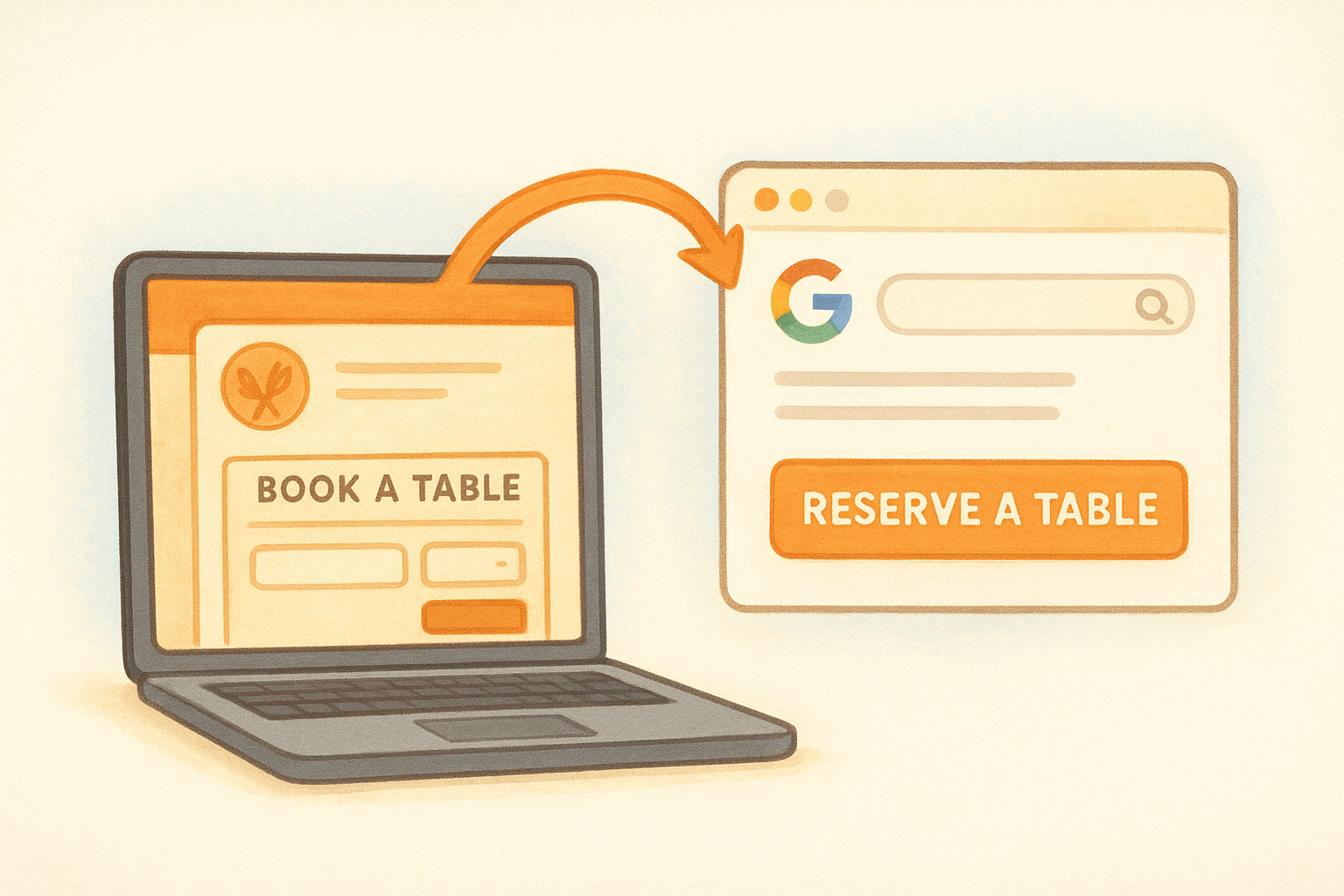
The fewer steps between a guest's decision to book and a confirmed reservation on your calendar, the higher your conversion rate will be.
Log phone bookings in real time
Phone calls still happen, and every call-in reservation must enter your system immediately. Train your host staff to open the reservation dashboard before picking up the phone, not after the call ends. Use a simple script to capture the essentials every time:
- Guest name and callback number
- Party size and requested date or time
- Special requests or dietary notes
Step 4. Run the shift with waitlists and notes
Reservations get you to the start of service. How you manage the floor from that point forward determines whether the night runs smoothly or falls apart. Knowing how to manage restaurant reservations during a live shift means using your waitlist and guest notes as active tools, not passive records you glance at between seating.
Use a live waitlist to fill gaps
Cancellations and early departures happen on every shift, and a live waitlist turns those gaps into revenue instead of wasted covers. When a walk-in arrives and no table is immediately available, add them to your waitlist with an estimated wait time. The moment a table clears, you seat the next party rather than leaving the table dark while your host tries to figure out the floor.
Accurate wait time quotes keep guests from walking out. Overquoting by five minutes and seating guests early leaves a better impression than underquoting and making them wait longer than expected.
Capture guest notes before service starts
Your pre-shift meeting should include a review of every reservation note for the night: birthdays, allergies, seating preferences, and VIP guests. Build a simple notes standard your team uses consistently for every booking:
- Occasion: birthday, anniversary, business dinner
- Dietary needs: allergies, vegetarian, gluten-free
- Seating preference: booth, window, quiet area
- Visit history: first time, regular, high-value guest
Briefing your floor team on these details before doors open means guests receive personalized service from the first moment, not after a scramble mid-shift.
Next steps for smoother service
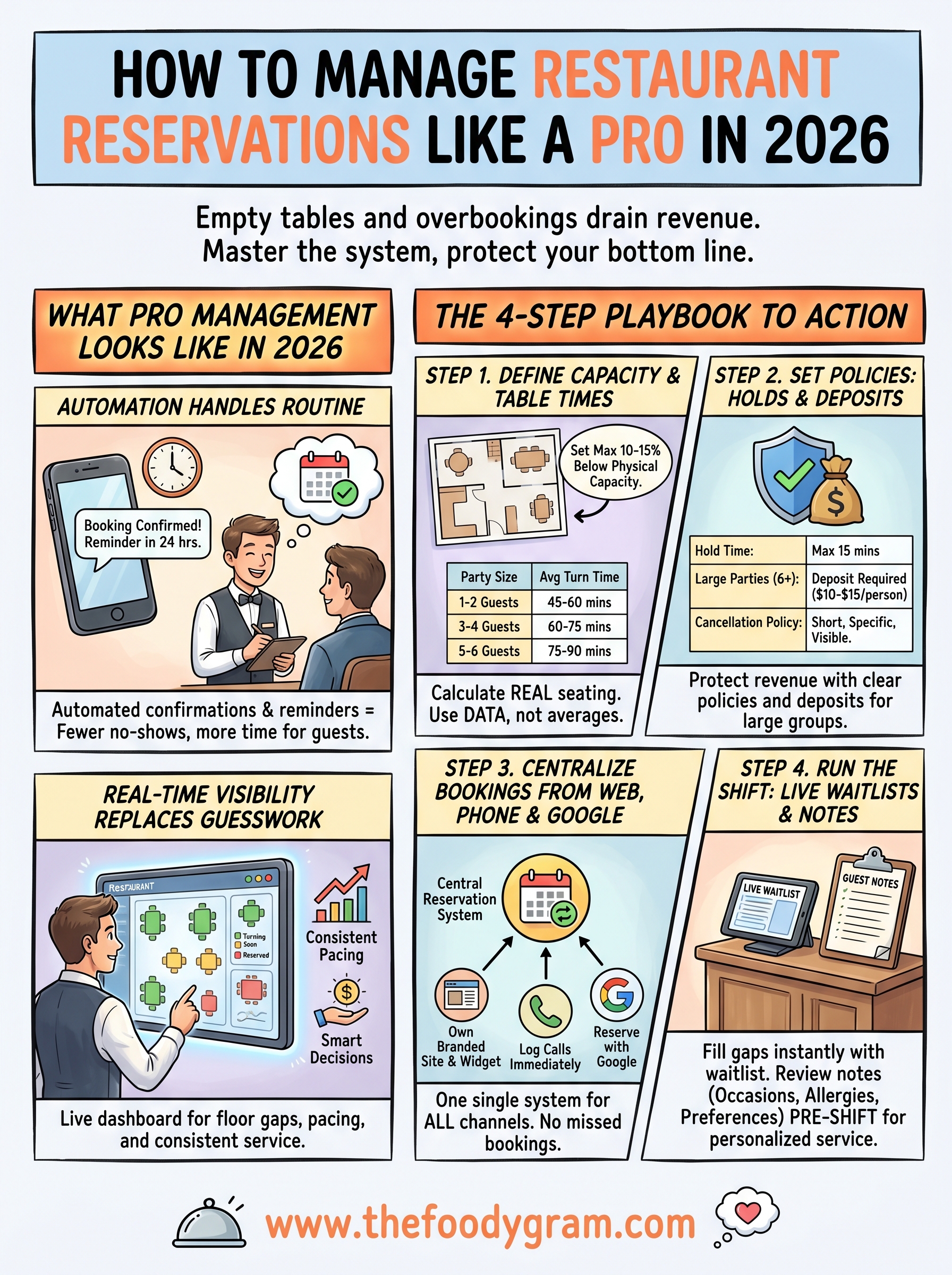
You now have a complete framework for how to manage restaurant reservations from the ground up: setting real capacity limits, writing deposit policies, centralizing your booking channels, and running your floor with live waitlists and guest notes. Each step builds on the last, so implement them in order rather than jumping to the pieces that seem easiest first.
Start this week by pulling your actual turn times from the last two weeks of service. That single number unlocks accurate booking blocks, which fixes most double-booking and pacing problems before they happen.
Your reservation system works best when it connects directly to your online ordering and pre-order process. The Foody Gram brings all of that together through your own branded website, with no commissions taken from your revenue. If you want to see exactly what that looks like for your restaurant, check out The Foody Gram's pricing and features and pick the plan that fits your volume.