


Restaurant Reputation Management Software: How To Choose One
A single one-star review can cost a restaurant up to 30 customers. Multiply that across Google, Yelp, TripAdvisor, and every other platform where diners leave feedback, and you're looking at real revenue loss, often without even knowing about it. That's exactly why restaurant reputation management software has become a critical tool for independent restaurant owners who want to stay ahead of what people are saying about their business online.
The problem isn't just bad reviews. It's the volume of platforms you need to monitor, the speed at which you need to respond, and the lack of a centralized system to handle it all. Most restaurant owners are already stretched thin managing operations, staff, and orders. Adding "check every review site daily" to that list isn't realistic. The right software does that heavy lifting for you, tracking mentions, flagging negative feedback, and even helping you respond faster with AI-assisted tools.
At The Foody Gram, we help restaurants own their online presence through branded websites and commission-free ordering systems. But we also know that a great website means nothing if your online reputation is driving customers away before they ever place an order. That's why we put this guide together. Below, you'll find a clear breakdown of what to look for in reputation management software, how the top platforms compare, and how to pick the one that actually fits your restaurant's needs and budget.
What restaurant reputation management software does
Restaurant reputation management software pulls every online review, rating, and mention of your business into one place. Instead of checking Google, Yelp, TripAdvisor, and Facebook separately every morning, you get a single dashboard that shows everything in real time. The moment a customer leaves a one-star review on Google or a glowing recommendation on Facebook, you see it immediately and can act on it before it gains traction.
The speed of your response matters more than the content. Diners reading reviews notice when owners engage, and they factor that into their decision to visit.
Review monitoring across platforms
The foundation of any reputation platform is automated monitoring. The software connects directly to each review site and sends you instant alerts filtered by rating, platform, or location. A one-star review triggers a high-priority notification, while a five-star review gets logged quietly in the background. You decide which thresholds matter to your operation.
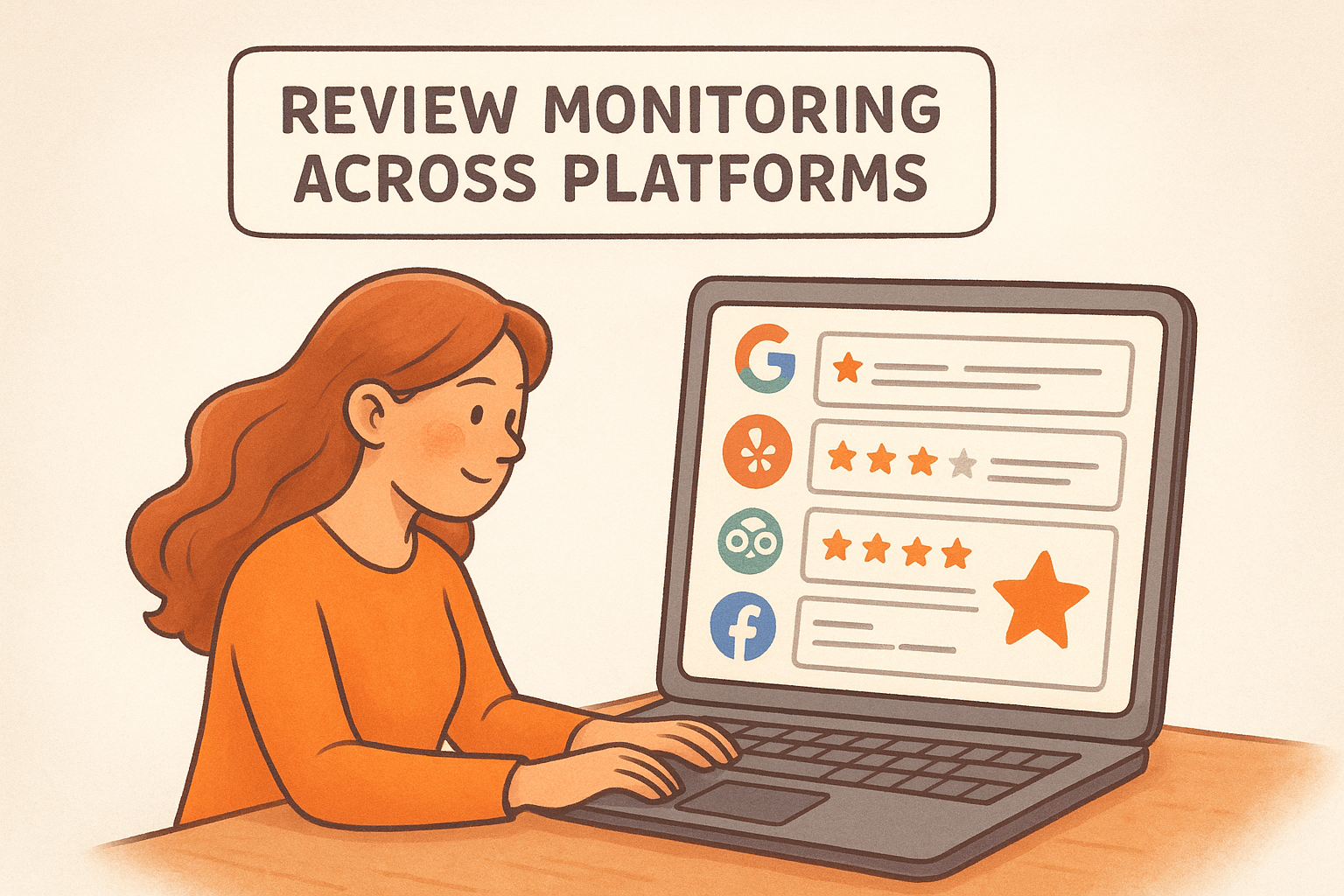
Most platforms cover the following channels out of the box:
- Google Business Profile (reviews, Q&A, and rating changes)
- Yelp (business reviews and owner responses)
- TripAdvisor (ratings and written feedback)
- Facebook (page recommendations and comments)
- Delivery apps like DoorDash and Uber Eats (available on select platforms)
For restaurants managing multiple locations, this centralized view is especially valuable. You can spot patterns tied to a specific branch, assign response responsibilities to location managers, and track each location's performance without switching between accounts.
AI-assisted review responses
Writing a thoughtful reply to every review manually takes time most restaurant owners don't have. AI response tools built into reputation platforms generate draft replies based on the review's rating, content, and tone. You review the draft, adjust the wording to match your voice, and post it directly from the dashboard without opening a separate browser tab.
A draft response for a negative review typically looks something like this:
"Thank you for sharing your experience. We're sorry your visit didn't go as expected and we'd like the chance to make it right. Please reach out to us directly at [contact] so we can take care of you personally."
You can also set up custom response templates by review type, platform, or location. Some tools support auto-responses for five-star reviews, so your best feedback always gets acknowledged without adding another task to your daily list.
Reputation analytics and trend tracking
Reputation analytics show you more than just your current star rating. You get a breakdown of your average score by platform, review volume trends by week or month, and sentiment analysis that flags whether customer language is shifting in a positive or negative direction over time.
These reports also surface operational patterns you might otherwise miss. If multiple reviews in a single month mention slow service on weekends, or if a specific menu item keeps coming up in complaints, that data gives you something concrete to act on. Some platforms go further and benchmark your ratings against nearby competitors, so you can see exactly where you stand in your local market rather than guessing.
Step 1. List your channels and goals
Before you evaluate any software, you need a clear picture of where your restaurant currently lives online and what you actually want the tool to fix. Skipping this step leads to overpaying for features you don't need or picking a platform that misses the review channels your customers actually use. Take 20 minutes and run this audit before you open a single product demo.
Map out where your reviews live
Start by writing down every platform where your customers leave feedback. Don't guess, go check. Open an incognito browser, search your restaurant name, and note every site that shows up with a rating or review section. Most independent restaurants find they have an active presence on at least four to six platforms, even ones they never set up themselves.
Work through this list as your starting point:
- Google Business Profile
- Yelp
- TripAdvisor
- Facebook (recommendations and page reviews)
- DoorDash, Uber Eats, or Grubhub (if you use those platforms)
- OpenTable or Resy (if you take reservations)
- Apple Maps (customers leave ratings here too)
If you find review profiles you never claimed, claim them before setting up any software. Unclaimed profiles block your ability to respond and look unprofessional to potential customers.
Once you have your full list, note how many reviews each platform holds and when the last one was posted. This tells you which channels are most active and where the software needs to focus its monitoring first.
Define what success looks like
After mapping your channels, write down two or three specific goals you want the software to help you reach. Vague objectives like "improve our reputation" make it impossible to evaluate whether a tool is actually working. Concrete targets give you a real benchmark to measure against.
Use this template to define your goals before your first product demo:
| Goal | Current State | Target |
|---|---|---|
| Google average rating | 3.8 stars | 4.3 stars in 6 months |
| Review response rate | 10% | 80% within 24 hours |
| Monthly review volume | 5 reviews | 20 reviews |
Filling in this table takes ten minutes and immediately tells you which features matter most when you evaluate restaurant reputation management software. If response rate is your biggest gap, AI reply tools move to the top of your checklist. If review volume is low, you'll prioritize platforms that include automated review request campaigns sent after each visit or order.
Step 2. Check review features and AI tools
Once you know which platforms matter most to your restaurant, you can evaluate whether a tool's review features actually match your needs. This is where most restaurant owners make a costly mistake: they pick software based on the dashboard design instead of testing the specific features that will drive results for their operation. Pull up your goals from Step 1 and use them as your filter for every feature you review here.
Review request automation
If your monthly review volume is low, automated review request campaigns are the feature that will move the needle fastest. The best platforms trigger a request message automatically after a customer places an order or completes a visit, sent via text or email within a few hours while the experience is still fresh.
The timing of a review request matters as much as the message itself. Requests sent within two hours of a visit consistently generate higher response rates than those sent the next day.
When you test this feature during a demo, ask the vendor to walk you through the exact trigger logic and message templates. A strong platform lets you customize the timing, the sender name, and the message content by location. Use this template to evaluate any platform's review request tool:
| Feature | What to ask |
|---|---|
| Trigger event | Does it fire after order completion or table checkout? |
| Delivery channel | Does it support both SMS and email? |
| Timing control | Can you set a custom delay window? |
| Platform targeting | Does it route happy customers toward Google specifically? |
| Opt-out compliance | Does it handle unsubscribes automatically? |
AI response quality and control
AI-generated responses save real time, but the quality gap between platforms is significant. Before you commit to any restaurant reputation management software, ask the vendor for a live demo where you paste in a real negative review and watch the tool generate a reply. Pay close attention to whether the response sounds like a real person or a form letter.
The best AI tools let you train the tone and vocabulary to match your brand before you deploy any response. You should be able to define whether your restaurant speaks formally or casually, add phrases you always use, and block language that doesn't fit your voice. If a platform only offers fixed templates with no customization, the responses will feel generic to every customer who reads them.
Step 3. Vet integrations and team workflows
The best reputation management platform is useless if it doesn't connect to the tools your team already uses. Before you move forward with any vendor, spend time mapping out your existing tech stack and your internal process for handling reviews. A platform that requires your staff to log into a separate system every time they want to respond will get ignored within two weeks.
POS and ordering system integrations
Your point-of-sale system and online ordering platform are where customer data originates. When your reputation tool connects directly to those systems, it can trigger review requests automatically at the right moment without any manual input from your team. That connection also allows the platform to match feedback to specific orders, which helps you identify whether a complaint is tied to a particular item, shift, or delivery window.
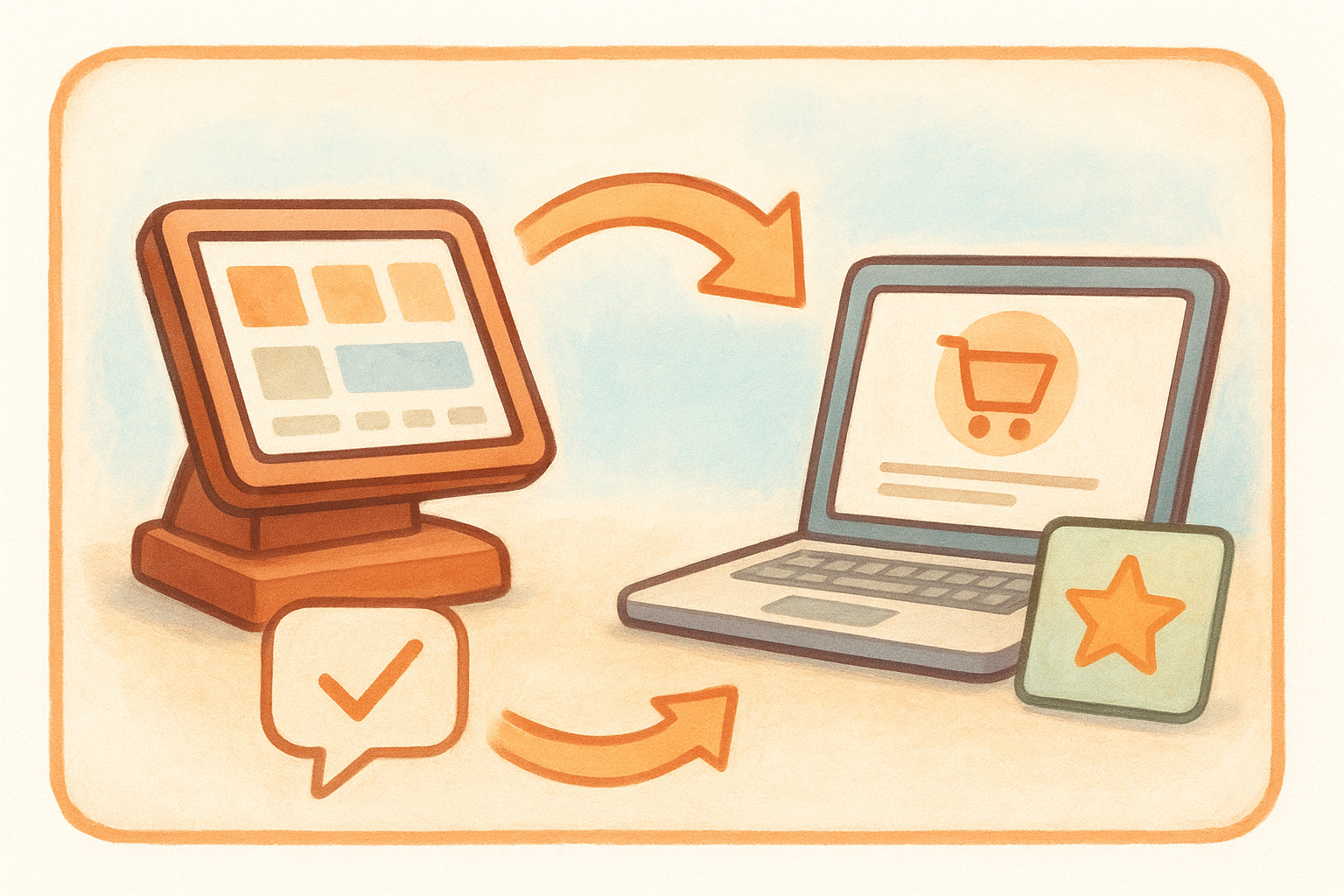
A platform that integrates with your POS gives you clean data. A platform that doesn't means your team is manually importing customer lists, which most teams simply won't do consistently.
When you evaluate integrations, use this checklist to avoid gaps:
| System Type | What to confirm |
|---|---|
| POS (Toast, Square, Clover) | Does it sync order data automatically? |
| Online ordering platform | Does it trigger review requests post-order? |
| Google Business Profile | Does it pull and post reviews directly? |
| CRM or email tool | Can it export customer lists for follow-up? |
| Slack or team messaging | Does it push review alerts to your team channel? |
Assign roles and response ownership
Multi-user access and role-based permissions separate professional platforms from basic ones. Your general manager should not have the same level of access as a front-of-house employee, and your corporate team should be able to see everything without overriding location-level responses. Before you finalize any restaurant reputation management software, confirm exactly what the permission structure looks like and whether you can assign specific review channels to specific staff members.
Run through this workflow test during your demo: create a test user with limited permissions, generate a mock negative review, and verify that the right person receives the alert and can respond without accessing unrelated account settings. If that flow breaks anywhere during the demo, it will break in real operations too. Ask the vendor how teams typically structure their review response workflow and request a customer example from a restaurant similar in size to yours.
Step 4. Compare pricing, support, and compliance
Pricing pages for restaurant reputation management software rarely tell the full story. Most vendors list a base monthly fee but bury the costs that actually matter: per-location add-ons, SMS review request credits, and API access fees. Before you request a quote from any vendor, build a total cost model based on your actual usage so you can compare platforms on equal terms.
Understand what you're actually paying for
Subscription tiers for reputation platforms typically fall into three pricing models: flat monthly fees, per-location fees, or usage-based pricing tied to review requests sent. A flat monthly fee works best for single-location restaurants. Per-location pricing scales predictably if you run multiple sites. Usage-based models can get expensive fast if you have high order volume and run automated review request campaigns at scale.
Use this cost comparison template before you enter any sales call:
| Cost Category | Vendor A | Vendor B | Vendor C |
|---|---|---|---|
| Base monthly fee | |||
| Per-location add-on | |||
| SMS credits included | |||
| Overage rate per SMS | |||
| API or integration fee | |||
| Annual contract discount |
Fill in the numbers during each demo rather than waiting for a written quote. Vendors will answer these questions directly if you ask them upfront, and it prevents the back-and-forth of a formal proposal process.
Evaluate support quality before you sign
Your review response workflow can break on a Sunday afternoon when your team is slammed. Find out exactly what support channels the vendor offers and during which hours before you commit. A platform that only provides email support with a 48-hour response window is a liability when a negative review is going viral on a weekend.
Ask every vendor you evaluate for their average first-response time and whether live chat or phone support is available on evenings and weekends.
Strong platforms offer live chat and dedicated onboarding assistance during your first 30 days, not just a knowledge base and a ticketing system. Request a reference from a restaurant customer who needed urgent support and ask what that experience was like firsthand.
Check data privacy and compliance requirements
Customer contact data collected through review request campaigns falls under privacy regulations including CAN-SPAM and, depending on your state, additional consumer protection rules. Confirm that the platform handles opt-out requests automatically and maintains compliant unsubscribe records on your behalf. If you operate in California, ask specifically whether the platform's data handling practices align with CCPA requirements before you share any customer data with them.
Step 5. Run a short pilot and decide
Picking restaurant reputation management software based on a demo alone gives you an incomplete picture. You need to see the tool perform under real conditions before you commit to a monthly subscription. Most vendors offer a free trial between 14 and 30 days, and you should use every day of it running live operations, not just clicking through features.
Set up a 14-day test with real conditions
Ask the vendor to connect all of your active review platforms during onboarding, not just Google. If the setup process takes more than one business day or requires your IT team to intervene, that's a signal the platform will create friction for your staff going forward. Once everything is connected, run at least 50 actual review requests through the system using real customer contact data from recent orders.
A pilot that uses fake data tells you nothing. The only way to evaluate a tool accurately is to push real customer interactions through it from day one.
Use this checklist to track what you test during the pilot period:
- Did review request messages send on time after each order?
- Did the dashboard capture every new review across all platforms?
- Did AI-generated responses match your restaurant's tone without heavy editing?
- Did alerts reach the right team member within 15 minutes of a new review posting?
- Did the system handle an opt-out request correctly without manual intervention?
Score each vendor before you decide
At the end of your pilot, fill in a simple scorecard rather than relying on memory or gut feel. Rate each platform across the five categories that affect your daily workflow the most. This approach keeps the decision objective and gives you something concrete to present to a business partner or manager if you need to justify the investment.
| Category | Score (1-5) | Notes |
|---|---|---|
| Review request delivery rate | ||
| Dashboard accuracy | ||
| AI response quality | ||
| Alert speed | ||
| Support responsiveness |
Add up the totals and compare scores side by side if you piloted more than one tool. The vendor with the highest combined score across all five categories almost always turns out to be the right operational fit, regardless of which platform had the slickest sales presentation.
Next steps
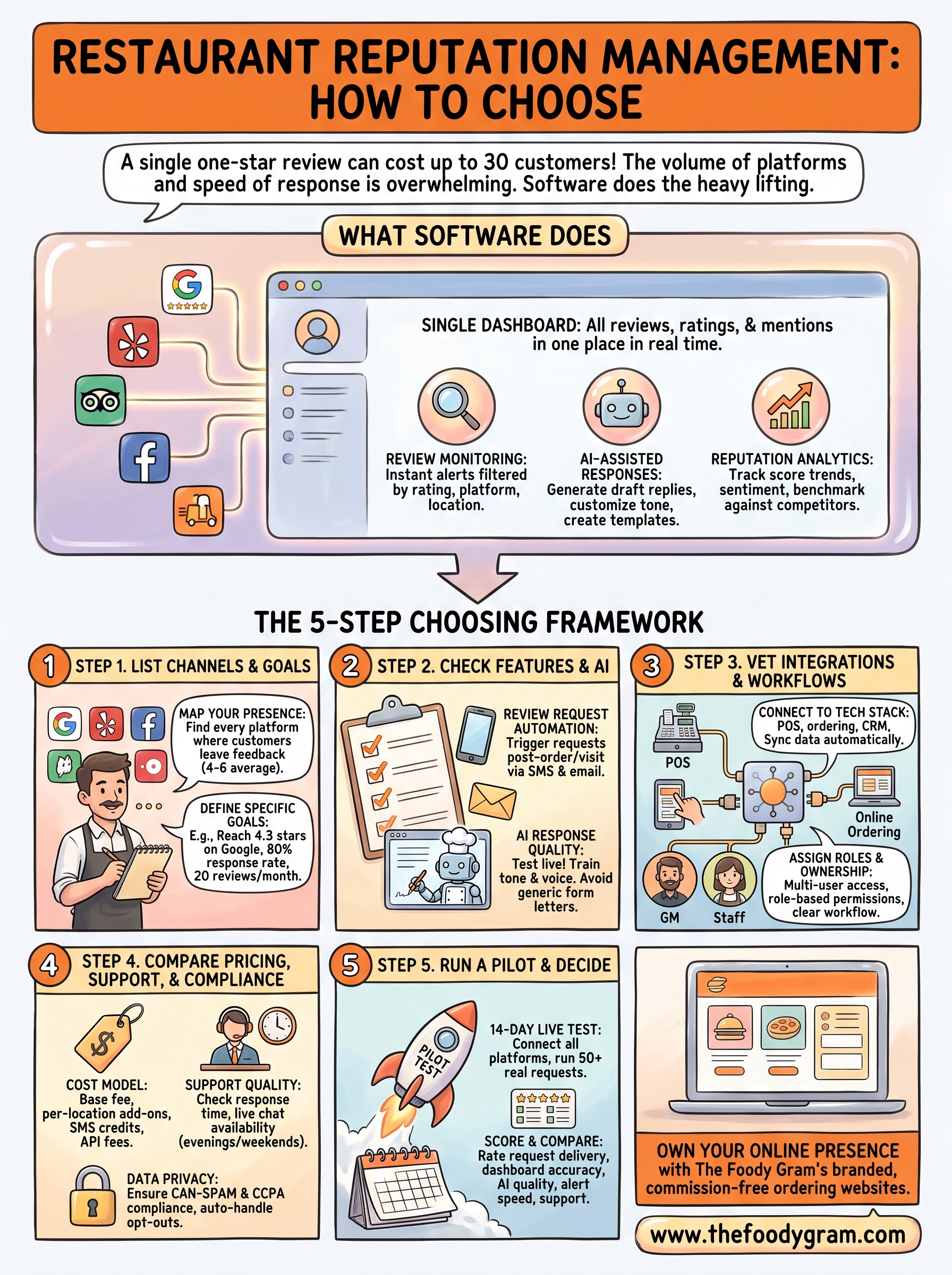
You now have a complete framework for choosing restaurant reputation management software that fits your operation. Start with the channel audit from Step 1, define your two or three concrete goals, and only then begin requesting demos. Running a real pilot with live customer data is the single most important action you can take before signing any contract.
Your online reputation directly affects how many new customers walk through your door or place an order online. Fixing your review process is a strong move, but it works best when your ordering experience matches the reputation you're building. If customers read great reviews and land on a slow, outdated ordering page, you lose them at the last step.
That's where The Foody Gram comes in. A branded, commission-free ordering website gives you full control over that experience. Check out our restaurant website and ordering plans to see what fits your budget.